> ## Documentation Index
> Fetch the complete documentation index at: https://docs.bfl.ml/llms.txt
> Use this file to discover all available pages before exploring further.

# Video Generation with FLUX

> Learn how to prompt FLUX 3 for text-to-video, image-to-video, clip extension, and video editing workflows

export const MutedVideo = ({src, poster, alt = "", aspectRatio = "16 / 9", borderRadius = "0.75rem"}) => {
  const videoRef = useRef(null);
  const [muted, setMuted] = useState(true);
  const start = event => {
    const v = event.currentTarget;
    v.muted = muted;
    const p = v.play?.();
    if (p && typeof p.catch === "function") p.catch(() => {});
  };
  const toggleMute = () => {
    const v = videoRef.current;
    const next = !muted;
    setMuted(next);
    if (v) v.muted = next;
  };
  const iconBtn = {
    position: "absolute",
    top: "0.9rem",
    right: "0.9rem",
    zIndex: 3,
    display: "inline-flex",
    alignItems: "center",
    justifyContent: "center",
    width: "2.4rem",
    height: "2.4rem",
    padding: 0,
    borderRadius: "999px",
    border: "none",
    background: "rgba(12, 14, 18, 0.62)",
    backdropFilter: "blur(6px)",
    color: "#fff",
    cursor: "pointer",
    transition: "background 160ms ease"
  };
  return <div className="not-prose" style={{
    position: "relative",
    width: "100%",
    aspectRatio,
    borderRadius,
    overflow: "hidden",
    background: "#0c0e12"
  }}>
      <video ref={videoRef} src={src} poster={poster} autoPlay loop muted={muted} playsInline preload="metadata" onCanPlay={start} onLoadedData={start} aria-label={alt} style={{
    position: "absolute",
    inset: 0,
    width: "100%",
    height: "100%",
    objectFit: "cover",
    display: "block"
  }} />
      <button type="button" onClick={toggleMute} aria-label={muted ? "Unmute" : "Mute"} style={iconBtn}>
        {muted ? <svg width="18" height="18" viewBox="0 0 24 24" fill="none" stroke="currentColor" strokeWidth="2" strokeLinecap="round" strokeLinejoin="round" aria-hidden="true">
            <polygon points="11 5 6 9 2 9 2 15 6 15 11 19 11 5" />
            <line x1="23" y1="9" x2="17" y2="15" />
            <line x1="17" y1="9" x2="23" y2="15" />
          </svg> : <svg width="18" height="18" viewBox="0 0 24 24" fill="none" stroke="currentColor" strokeWidth="2" strokeLinecap="round" strokeLinejoin="round" aria-hidden="true">
            <polygon points="11 5 6 9 2 9 2 15 6 15 11 19 11 5" />
            <path d="M15.54 8.46a5 5 0 0 1 0 7.07" />
            <path d="M19.07 4.93a10 10 0 0 1 0 14.14" />
          </svg>}
      </button>
    </div>;
};

export const VideoExtension = ({src, poster, originalDuration = 5, aspectRatio = "16 / 9", accent = "#3ecf8e", alt = ""}) => {
  const videoRef = useRef(null);
  const [playing, setPlaying] = useState(true);
  const [muted, setMuted] = useState(true);
  const [dur, setDur] = useState(0);
  const [t, setT] = useState(0);
  const orig = dur ? Math.min(originalDuration, dur) : originalDuration;
  const split = dur ? Math.min(Math.max(orig / dur, 0.06), 0.94) : 0.5;
  const progress = dur ? Math.min(t / dur, 1) : 0;
  const inExt = dur > 0 && t >= orig - 0.05;
  const fmt = s => {
    s = Math.max(0, Math.round(s || 0));
    const m = Math.floor(s / 60);
    return `${m}:${String(s % 60).padStart(2, "0")}`;
  };
  const onMeta = e => setDur(e.currentTarget.duration || 0);
  const onTime = e => setT(e.currentTarget.currentTime || 0);
  const onPlay = () => setPlaying(true);
  const onPause = () => setPlaying(false);
  const togglePlay = () => {
    const v = videoRef.current;
    if (!v) return;
    if (v.paused) {
      const p = v.play?.();
      if (p && typeof p.catch === "function") p.catch(() => {});
    } else {
      v.pause();
    }
  };
  const toggleMute = () => {
    const v = videoRef.current;
    const next = !muted;
    setMuted(next);
    if (v) v.muted = next;
  };
  const seek = e => {
    const v = videoRef.current;
    if (!v || !dur) return;
    const r = e.currentTarget.getBoundingClientRect();
    const x = (e.clientX - r.left) / r.width;
    v.currentTime = Math.min(Math.max(x, 0), 1) * dur;
    setT(v.currentTime);
  };
  const neutral = a => `color-mix(in srgb, currentColor ${a}%, transparent)`;
  const iconBtn = {
    position: "absolute",
    top: "0.9rem",
    right: "0.9rem",
    zIndex: 4,
    display: "inline-flex",
    alignItems: "center",
    justifyContent: "center",
    width: "2.4rem",
    height: "2.4rem",
    padding: 0,
    borderRadius: "999px",
    border: "none",
    background: "rgba(12, 14, 18, 0.62)",
    backdropFilter: "blur(6px)",
    color: "#fff",
    cursor: "pointer",
    transition: "background 160ms ease"
  };
  return <div className="not-prose" style={{
    margin: "0.5rem 0 0.25rem"
  }}>
      {}
      <div onClick={togglePlay} style={{
    position: "relative",
    width: "100%",
    aspectRatio,
    borderRadius: "0.9rem",
    overflow: "hidden",
    background: "#0c0e12",
    cursor: "pointer",
    boxShadow: `0 0 0 1px ${neutral(10)}`
  }}>
        <video ref={videoRef} src={src} poster={poster} autoPlay loop muted={muted} playsInline preload="metadata" aria-label={alt} onLoadedMetadata={onMeta} onTimeUpdate={onTime} onPlay={onPlay} onPause={onPause} style={{
    position: "absolute",
    inset: 0,
    width: "100%",
    height: "100%",
    objectFit: "cover",
    display: "block"
  }} />

        {}
        <div style={{
    position: "absolute",
    top: "0.9rem",
    left: "0.9rem",
    zIndex: 4,
    display: "inline-flex",
    alignItems: "center",
    gap: "0.45rem",
    padding: "0.32rem 0.7rem 0.32rem 0.6rem",
    borderRadius: "999px",
    fontSize: "0.72rem",
    fontWeight: 600,
    letterSpacing: "0.01em",
    color: "#fff",
    background: inExt ? `color-mix(in srgb, ${accent} 82%, #0c0e12)` : "rgba(12, 14, 18, 0.62)",
    backdropFilter: "blur(6px)",
    boxShadow: inExt ? `0 0 0 1px ${accent}, 0 6px 20px -6px ${accent}` : `0 0 0 1px ${neutral(14)}`,
    transition: "background 320ms ease, box-shadow 320ms ease"
  }}>
          <span style={{
    width: "0.5rem",
    height: "0.5rem",
    borderRadius: "999px",
    background: inExt ? "#fff" : accent,
    boxShadow: inExt ? "0 0 8px #fff" : `0 0 8px ${accent}`,
    transition: "background 320ms ease"
  }} />
          {inExt ? "FLUX 3 continuation" : "Original clip"}
        </div>

        {}
        <button type="button" onClick={e => {
    e.stopPropagation();
    toggleMute();
  }} aria-label={muted ? "Unmute" : "Mute"} style={iconBtn}>
          {muted ? <svg width="18" height="18" viewBox="0 0 24 24" fill="none" stroke="currentColor" strokeWidth="2" strokeLinecap="round" strokeLinejoin="round" aria-hidden="true">
              <polygon points="11 5 6 9 2 9 2 15 6 15 11 19 11 5" />
              <line x1="23" y1="9" x2="17" y2="15" />
              <line x1="17" y1="9" x2="23" y2="15" />
            </svg> : <svg width="18" height="18" viewBox="0 0 24 24" fill="none" stroke="currentColor" strokeWidth="2" strokeLinecap="round" strokeLinejoin="round" aria-hidden="true">
              <polygon points="11 5 6 9 2 9 2 15 6 15 11 19 11 5" />
              <path d="M15.54 8.46a5 5 0 0 1 0 7.07" />
              <path d="M19.07 4.93a10 10 0 0 1 0 14.14" />
            </svg>}
        </button>

        {}
        <div style={{
    position: "absolute",
    inset: 0,
    display: "flex",
    alignItems: "center",
    justifyContent: "center",
    zIndex: 3,
    pointerEvents: "none",
    opacity: playing ? 0 : 1,
    transition: "opacity 200ms ease",
    background: playing ? "transparent" : "rgba(0,0,0,0.18)"
  }}>
          <span style={{
    display: "inline-flex",
    alignItems: "center",
    justifyContent: "center",
    width: "3.4rem",
    height: "3.4rem",
    borderRadius: "999px",
    background: "rgba(12, 14, 18, 0.66)",
    backdropFilter: "blur(6px)",
    boxShadow: `0 0 0 1px ${neutral(16)}`,
    color: "#fff"
  }}>
            <svg width="20" height="20" viewBox="0 0 24 24" fill="currentColor" aria-hidden="true">
              <path d="M8 5v14l11-7z" />
            </svg>
          </span>
        </div>
      </div>

      {}
      <div style={{
    marginTop: "0.85rem"
  }}>
        <div role="slider" aria-label="Scrub — original clip then FLUX 3 continuation" aria-valuemin={0} aria-valuemax={Math.round(dur)} aria-valuenow={Math.round(t)} onClick={seek} style={{
    position: "relative",
    height: "1.5rem",
    cursor: "pointer",
    display: "flex",
    alignItems: "center"
  }}>
          {}
          <div style={{
    position: "relative",
    width: "100%",
    height: "0.55rem",
    borderRadius: "999px",
    background: neutral(8),
    overflow: "visible"
  }}>
            {}
            <div style={{
    position: "absolute",
    left: 0,
    top: 0,
    bottom: 0,
    width: `${split * 100}%`,
    borderRadius: "999px 0 0 999px",
    background: neutral(16)
  }} />
            {}
            <div style={{
    position: "absolute",
    right: 0,
    top: 0,
    bottom: 0,
    width: `${(1 - split) * 100}%`,
    borderRadius: "0 999px 999px 0",
    background: `linear-gradient(90deg, color-mix(in srgb, ${accent} 42%, transparent), color-mix(in srgb, ${accent} 22%, transparent))`
  }} />
            {}
            <div style={{
    position: "absolute",
    left: 0,
    top: 0,
    bottom: 0,
    width: `${progress * 100}%`,
    borderRadius: "999px",
    background: neutral(24),
    transition: "width 120ms linear",
    pointerEvents: "none"
  }} />
            {}
            <div style={{
    position: "absolute",
    left: `${split * 100}%`,
    top: "-0.28rem",
    bottom: "-0.28rem",
    width: "2px",
    transform: "translateX(-1px)",
    background: accent,
    borderRadius: "2px",
    boxShadow: `0 0 8px ${accent}`
  }} />
            {}
            <div style={{
    position: "absolute",
    left: `${progress * 100}%`,
    top: "50%",
    width: "0.85rem",
    height: "0.85rem",
    marginLeft: "-0.425rem",
    marginTop: "-0.425rem",
    borderRadius: "999px",
    background: "#fff",
    boxShadow: `0 1px 6px rgba(0,0,0,0.45)${inExt ? `, 0 0 0 3px color-mix(in srgb, ${accent} 55%, transparent)` : ""}`,
    transition: "left 120ms linear, box-shadow 200ms ease",
    pointerEvents: "none"
  }} />
          </div>
        </div>

        {}
        <div style={{
    display: "flex",
    justifyContent: "space-between",
    alignItems: "center",
    marginTop: "0.55rem",
    fontSize: "0.78rem"
  }}>
          <span style={{
    display: "inline-flex",
    alignItems: "center",
    gap: "0.4rem",
    opacity: 0.75
  }}>
            <span style={{
    width: "0.65rem",
    height: "0.65rem",
    borderRadius: "3px",
    background: neutral(30)
  }} />
            Original {fmt(orig)}
          </span>
          <span style={{
    fontVariantNumeric: "tabular-nums",
    opacity: 0.55,
    fontSize: "0.74rem"
  }}>
            {fmt(t)} / {fmt(dur)}
          </span>
          <span style={{
    display: "inline-flex",
    alignItems: "center",
    gap: "0.4rem",
    color: accent,
    fontWeight: 600
  }}>
            <span style={{
    width: "0.65rem",
    height: "0.65rem",
    borderRadius: "3px",
    background: accent,
    boxShadow: `0 0 8px ${accent}`
  }} />
            FLUX 3 continuation +{fmt(Math.max(dur - orig, 0))}
          </span>
        </div>
      </div>
    </div>;
};

export const LoopClip = ({src, poster, borderRadius = "0.75rem"}) => {
  const videoRef = useRef(null);
  const [muted, setMuted] = useState(true);
  const toggleMute = e => {
    e.stopPropagation();
    const v = videoRef.current;
    const next = !muted;
    setMuted(next);
    if (v) v.muted = next;
  };
  const iconBtn = {
    position: "absolute",
    top: "0.9rem",
    right: "0.9rem",
    zIndex: 3,
    display: "inline-flex",
    alignItems: "center",
    justifyContent: "center",
    width: "2.4rem",
    height: "2.4rem",
    padding: 0,
    borderRadius: "999px",
    border: "none",
    background: "rgba(12, 14, 18, 0.62)",
    backdropFilter: "blur(6px)",
    color: "#fff",
    cursor: "pointer",
    transition: "background 160ms ease"
  };
  return <div className="not-prose" style={{
    position: "relative",
    width: "100%",
    marginBottom: "1rem"
  }}>
      <video ref={videoRef} src={src} poster={poster} autoPlay loop muted={muted} playsInline preload="metadata" style={{
    width: "100%",
    display: "block",
    borderRadius
  }} />

      <button type="button" onClick={toggleMute} aria-label={muted ? "Unmute" : "Mute"} style={iconBtn}>
        {muted ? <svg width="18" height="18" viewBox="0 0 24 24" fill="none" stroke="currentColor" strokeWidth="2" strokeLinecap="round" strokeLinejoin="round" aria-hidden="true">
            <polygon points="11 5 6 9 2 9 2 15 6 15 11 19 11 5" />
            <line x1="23" y1="9" x2="17" y2="15" />
            <line x1="17" y1="9" x2="23" y2="15" />
          </svg> : <svg width="18" height="18" viewBox="0 0 24 24" fill="none" stroke="currentColor" strokeWidth="2" strokeLinecap="round" strokeLinejoin="round" aria-hidden="true">
            <polygon points="11 5 6 9 2 9 2 15 6 15 11 19 11 5" />
            <path d="M15.54 8.46a5 5 0 0 1 0 7.07" />
            <path d="M19.07 4.93a10 10 0 0 1 0 14.14" />
          </svg>}
      </button>
    </div>;
};

export const HoldToAnimate = ({image, video, alt = "", aspectRatio = "16 / 9", borderRadius = "0.75rem", label = "Hold to animate"}) => {
  const videoRef = useRef(null);
  const [playing, setPlaying] = useState(false);
  const [muted, setMuted] = useState(true);
  const [showStill, setShowStill] = useState(true);
  const play = () => {
    const v = videoRef.current;
    if (!v) return;
    setShowStill(false);
    const p = v.play?.();
    if (p && typeof p.catch === "function") p.catch(() => {});
    setPlaying(true);
  };
  const pause = (reset = true) => {
    const v = videoRef.current;
    if (!v) return;
    v.pause?.();
    if (reset) {
      try {
        v.currentTime = 0;
      } catch (e) {}
      setShowStill(true);
    }
    setPlaying(false);
  };
  const onPressStart = () => play();
  const onPressEnd = () => pause(true);
  const toggleMute = e => {
    e.stopPropagation();
    const v = videoRef.current;
    const next = !muted;
    setMuted(next);
    if (v) v.muted = next;
  };
  const iconBtn = {
    position: "absolute",
    top: "0.9rem",
    right: "0.9rem",
    zIndex: 3,
    display: "inline-flex",
    alignItems: "center",
    justifyContent: "center",
    width: "2.4rem",
    height: "2.4rem",
    padding: 0,
    borderRadius: "999px",
    border: "none",
    background: "rgba(12, 14, 18, 0.62)",
    backdropFilter: "blur(6px)",
    color: "#fff",
    cursor: "pointer",
    transition: "background 160ms ease"
  };
  return <div className="not-prose">
      <div role="button" tabIndex={0} aria-label={label} onMouseDown={onPressStart} onMouseUp={onPressEnd} onMouseLeave={onPressEnd} onTouchStart={onPressStart} onTouchEnd={e => {
    e.preventDefault();
    onPressEnd();
  }} onTouchCancel={onPressEnd} onKeyDown={e => {
    if (e.key === "Enter" || e.key === " ") {
      e.preventDefault();
      playing ? pause(true) : play();
    }
  }} style={{
    position: "relative",
    display: "block",
    width: "100%",
    aspectRatio,
    borderRadius,
    overflow: "hidden",
    background: "#0c0e12",
    cursor: "pointer",
    userSelect: "none",
    WebkitTapHighlightColor: "transparent"
  }}>
        <video ref={videoRef} src={video} poster={image} muted={muted} loop playsInline preload="metadata" onEnded={() => setPlaying(false)} style={{
    position: "absolute",
    inset: 0,
    width: "100%",
    height: "100%",
    objectFit: "cover",
    display: "block"
  }} />
        {}
        <img src={image} alt={alt} draggable={false} style={{
    position: "absolute",
    inset: 0,
    width: "100%",
    height: "100%",
    objectFit: "cover",
    display: "block",
    opacity: showStill ? 1 : 0,
    transition: "opacity 240ms ease",
    pointerEvents: "none"
  }} />

        {}
        <span style={{
    position: "absolute",
    top: "0.9rem",
    left: "0.9rem",
    zIndex: 3,
    display: "inline-flex",
    alignItems: "center",
    gap: "0.5rem",
    padding: "0.4rem 0.8rem",
    borderRadius: "999px",
    background: "rgba(12, 14, 18, 0.62)",
    backdropFilter: "blur(6px)",
    color: "#fff",
    fontFamily: '"Instrument Sans", sans-serif',
    fontSize: "0.82rem",
    fontWeight: 600,
    letterSpacing: "-0.01em",
    pointerEvents: "none",
    opacity: playing ? 0 : 1,
    transition: "opacity 200ms ease"
  }}>
          <span style={{
    width: "0.5rem",
    height: "0.5rem",
    borderRadius: "999px",
    background: "#ff4438",
    boxShadow: "0 0 0 4px rgba(255, 68, 56, 0.25)"
  }} />
          {label}
        </span>

        {}
        <button type="button" onClick={toggleMute} aria-label={muted ? "Unmute" : "Mute"} style={iconBtn}>
          {muted ? <svg width="18" height="18" viewBox="0 0 24 24" fill="none" stroke="currentColor" strokeWidth="2" strokeLinecap="round" strokeLinejoin="round" aria-hidden="true">
              <polygon points="11 5 6 9 2 9 2 15 6 15 11 19 11 5" />
              <line x1="23" y1="9" x2="17" y2="15" />
              <line x1="17" y1="9" x2="23" y2="15" />
            </svg> : <svg width="18" height="18" viewBox="0 0 24 24" fill="none" stroke="currentColor" strokeWidth="2" strokeLinecap="round" strokeLinejoin="round" aria-hidden="true">
              <polygon points="11 5 6 9 2 9 2 15 6 15 11 19 11 5" />
              <path d="M15.54 8.46a5 5 0 0 1 0 7.07" />
              <path d="M19.07 4.93a10 10 0 0 1 0 14.14" />
            </svg>}
        </button>
      </div>
    </div>;
};

<Tip>
  FLUX 3 supports different Modes based on your Usecase. This Page will give you an Overview about the different Modes and their Capabilites.
</Tip>

## Choose the right workflow

<div className="not-prose">
  <table className="workflow-table">
    <colgroup>
      <col style={{ width: "28%" }} />

      <col style={{ width: "14%" }} />

      <col style={{ width: "20%" }} />

      <col style={{ width: "38%" }} />
    </colgroup>

    <thead>
      <tr>
        <th>Workflow</th>
        <th>Mode</th>
        <th>Jump</th>
        <th>Best for</th>
      </tr>
    </thead>

    <tbody>
      <tr>
        <td className="workflow-table__name">Text-to-Video</td>
        <td><code className="mode-ref-chip">t2v</code></td>
        <td><a className="jump-btn" href="#text-to-video">Jump to section →</a></td>
        <td className="workflow-table__note">Generating a new scene from scratch</td>
      </tr>

      <tr>
        <td className="workflow-table__name">Image-to-Video</td>
        <td><code className="mode-ref-chip">i2v</code></td>
        <td><a className="jump-btn" href="#image-to-video">Jump to section →</a></td>
        <td className="workflow-table__note">Animating a still image</td>
      </tr>

      <tr>
        <td className="workflow-table__name">Keyframes</td>
        <td><code className="mode-ref-chip">i2v</code></td>
        <td><a className="jump-btn" href="#keyframes">Jump to section →</a></td>
        <td className="workflow-table__note">Choreograph a shot through ordered frames</td>
      </tr>

      <tr>
        <td className="workflow-table__name">Video Continuation</td>
        <td><code className="mode-ref-chip">v2v</code></td>
        <td><a className="jump-btn" href="#video-continuation">Jump to section →</a></td>
        <td className="workflow-table__note">Extend existing Clips</td>
      </tr>

      <tr style={{ opacity: 0.55 }}>
        <td className="workflow-table__name">Video Editing</td>
        <td>—</td>
        <td><span style={{ display: "inline-block", padding: "0.15rem 0.6rem", borderRadius: "999px", border: "1px solid currentColor", fontSize: "0.75rem", fontWeight: 600, letterSpacing: "0.03em" }}>Soon</span></td>

        <td className="workflow-table__note" />
      </tr>

      <tr style={{ opacity: 0.55 }}>
        <td className="workflow-table__name">Omni Reference</td>
        <td>—</td>
        <td><span style={{ display: "inline-block", padding: "0.15rem 0.6rem", borderRadius: "999px", border: "1px solid currentColor", fontSize: "0.75rem", fontWeight: 600, letterSpacing: "0.03em" }}>Soon</span></td>

        <td className="workflow-table__note" />
      </tr>
    </tbody>
  </table>
</div>

## **Text-to-Video**

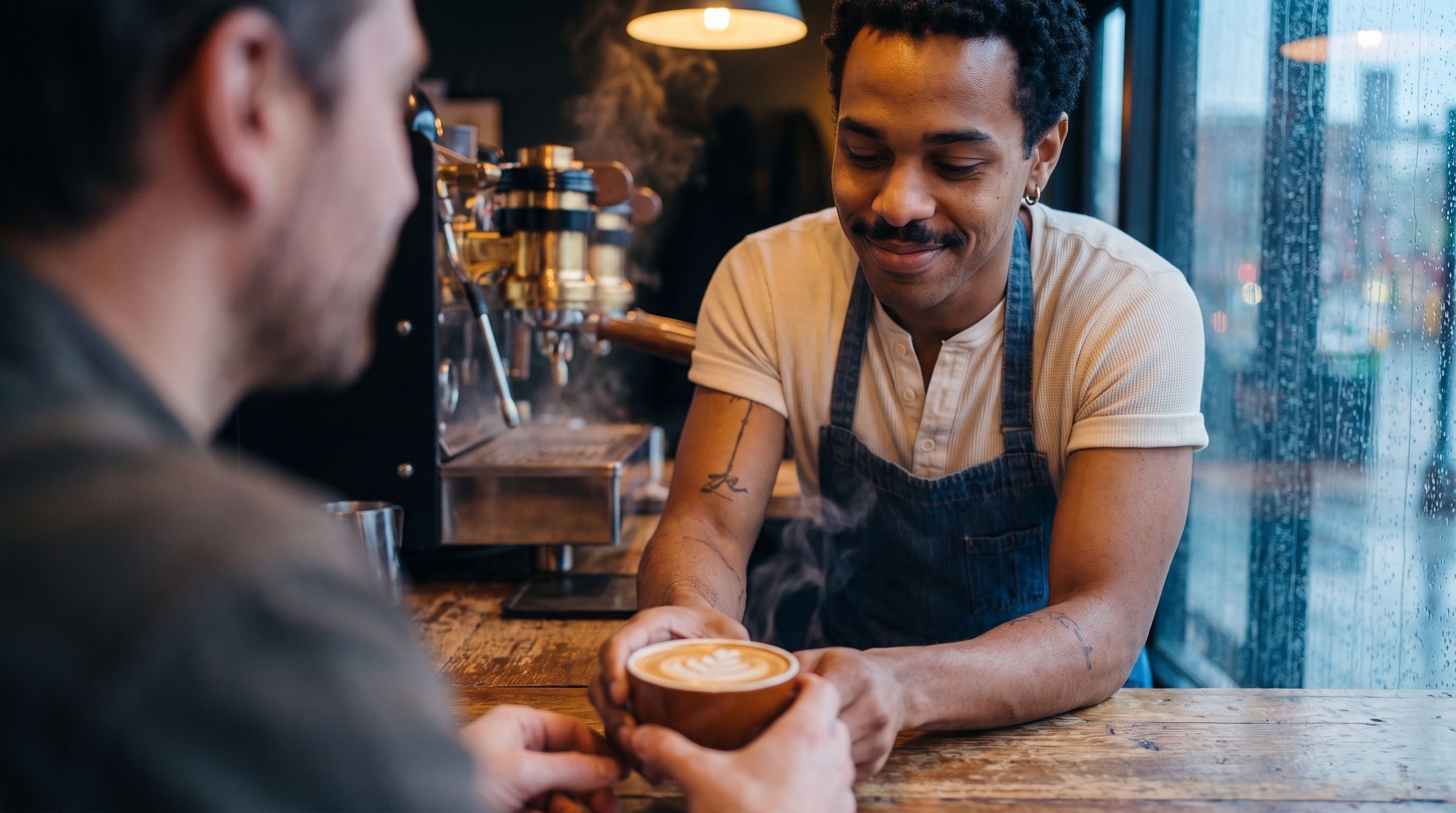
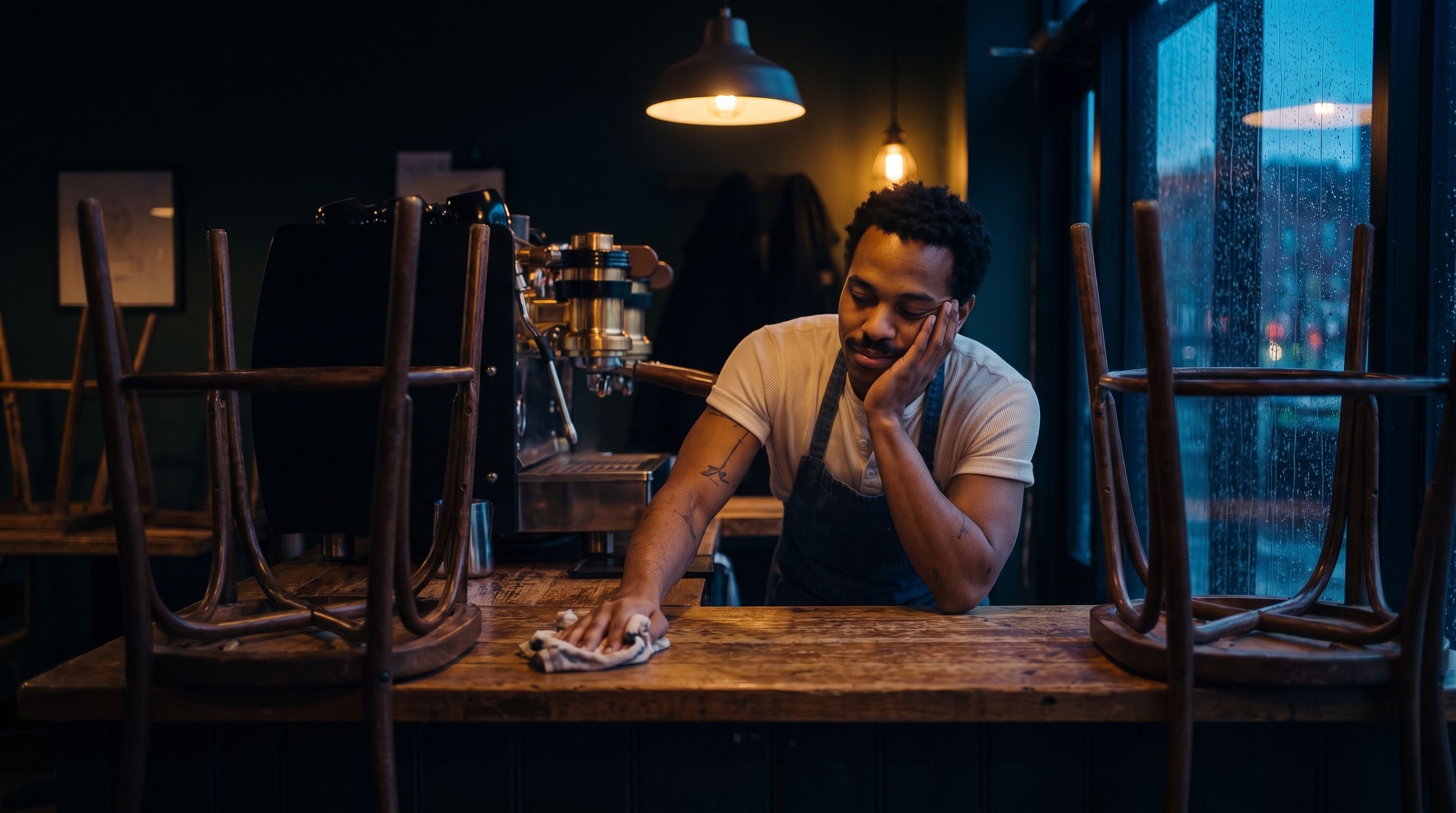
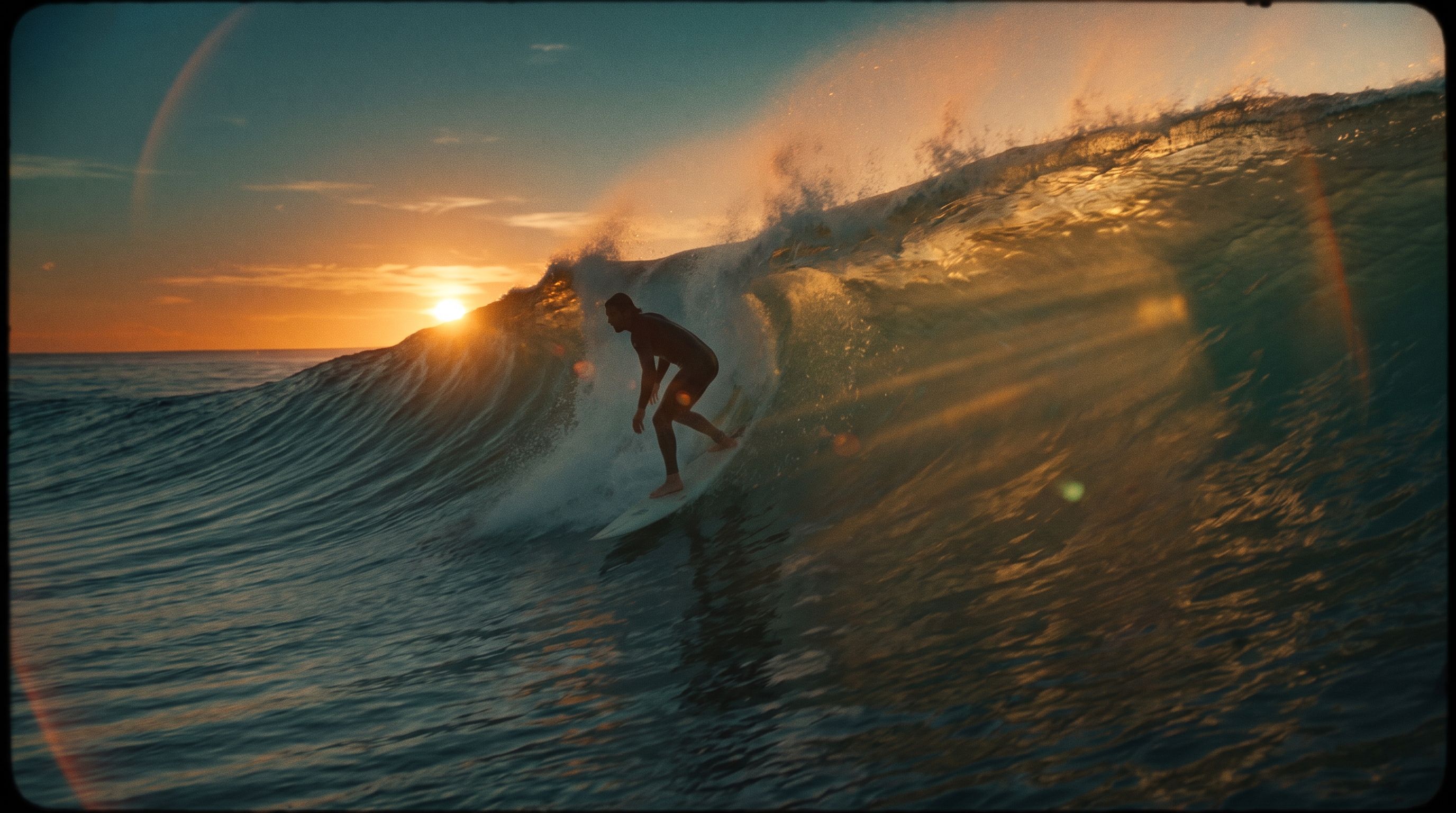
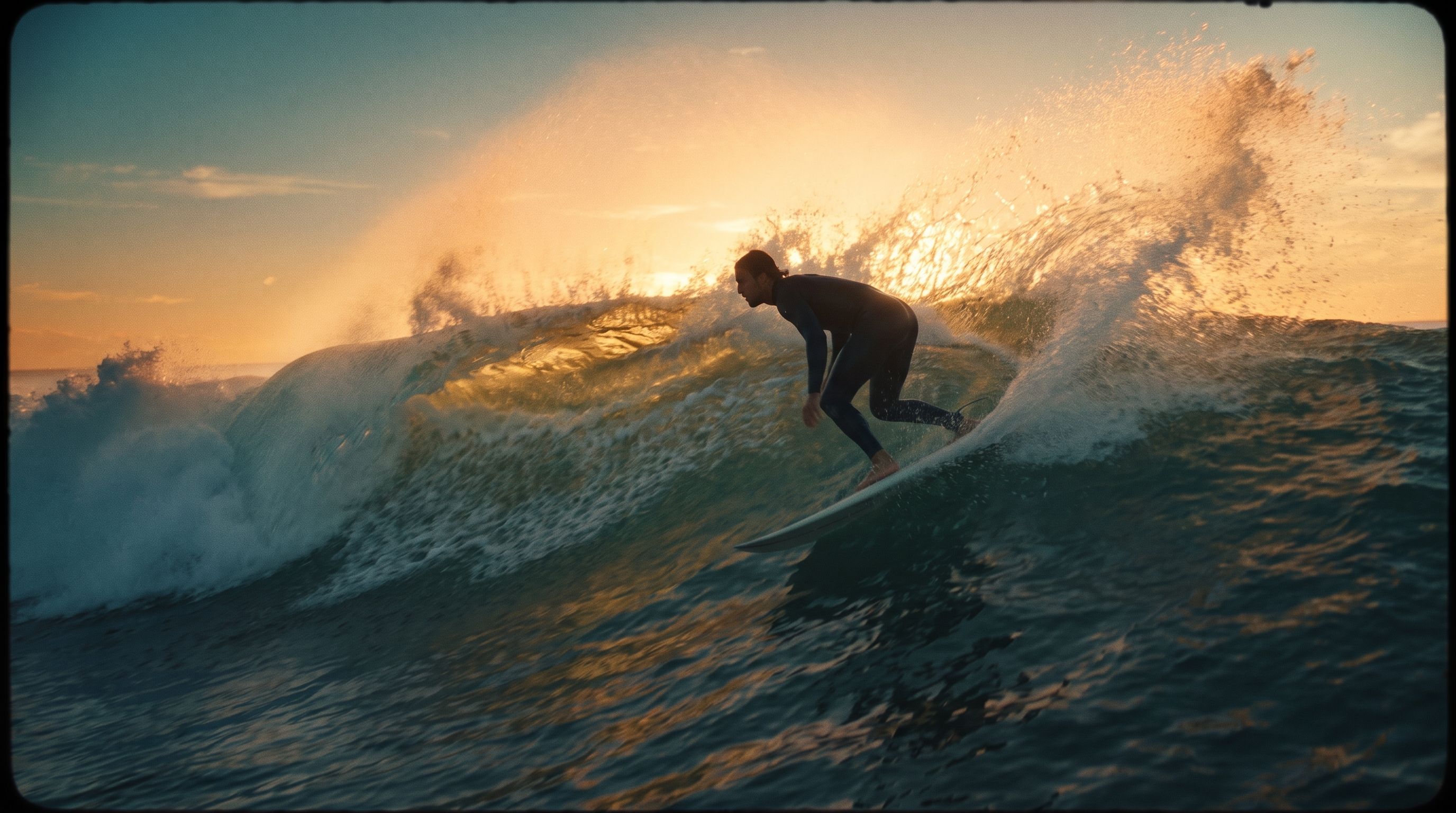
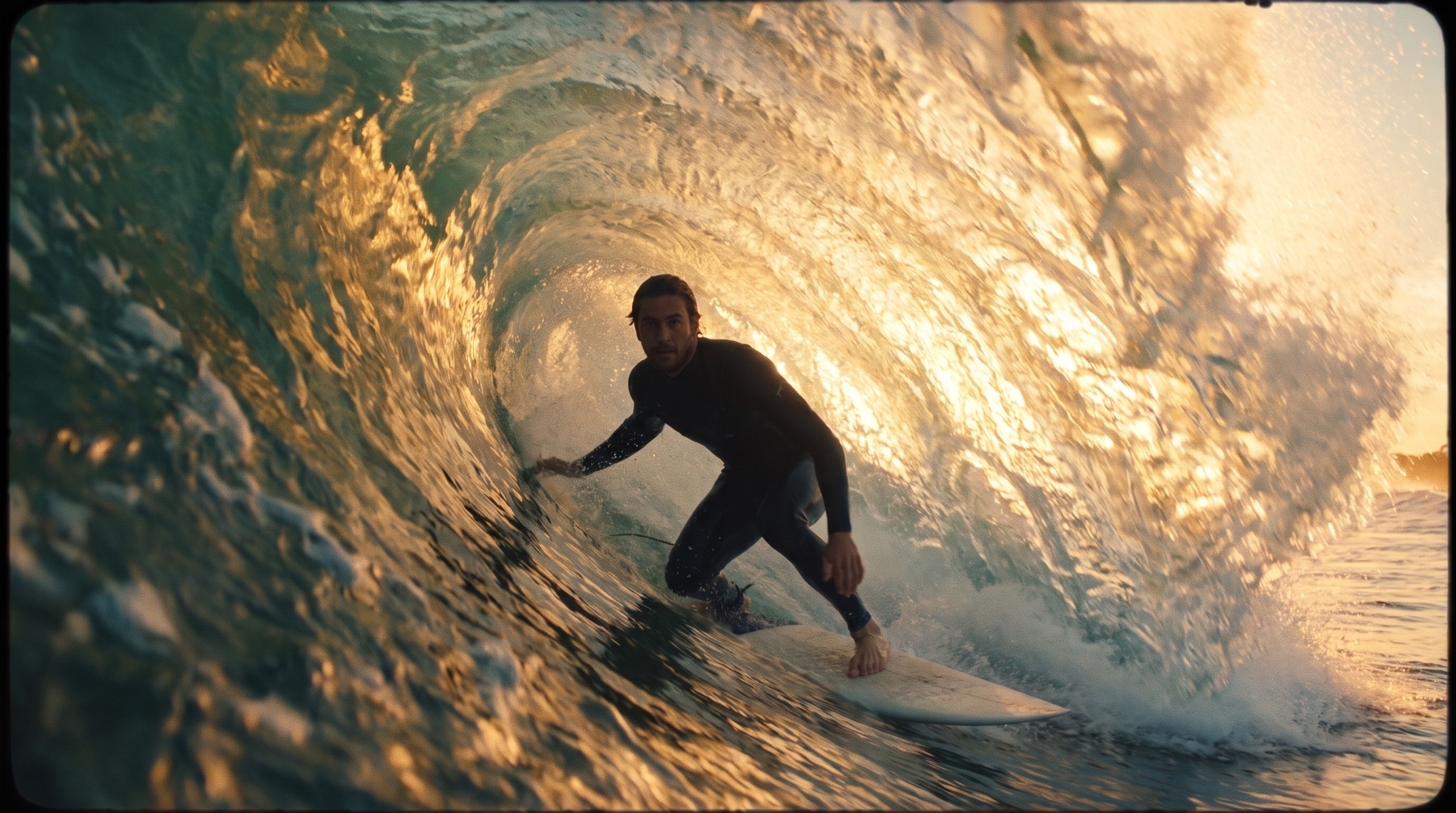
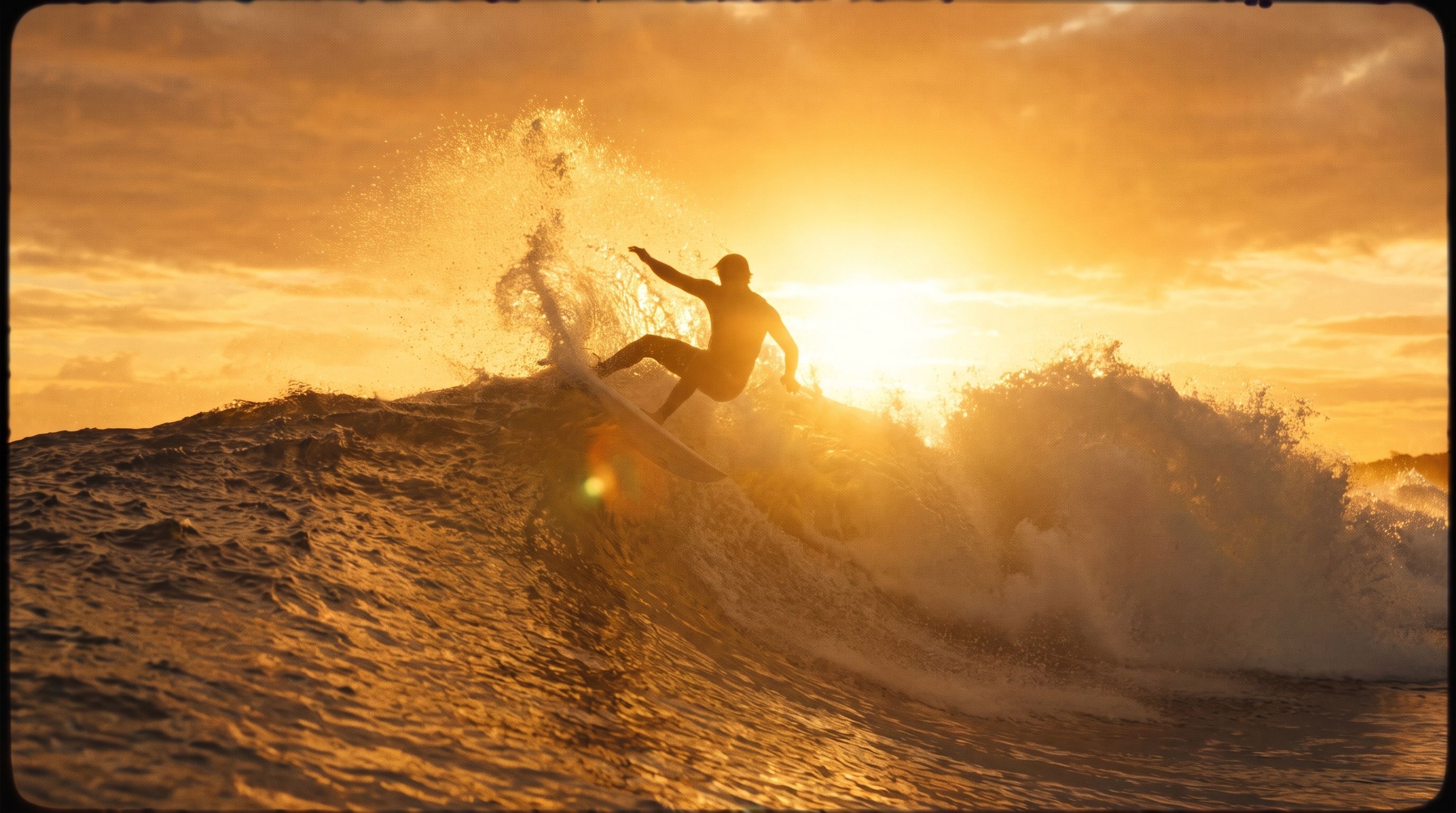
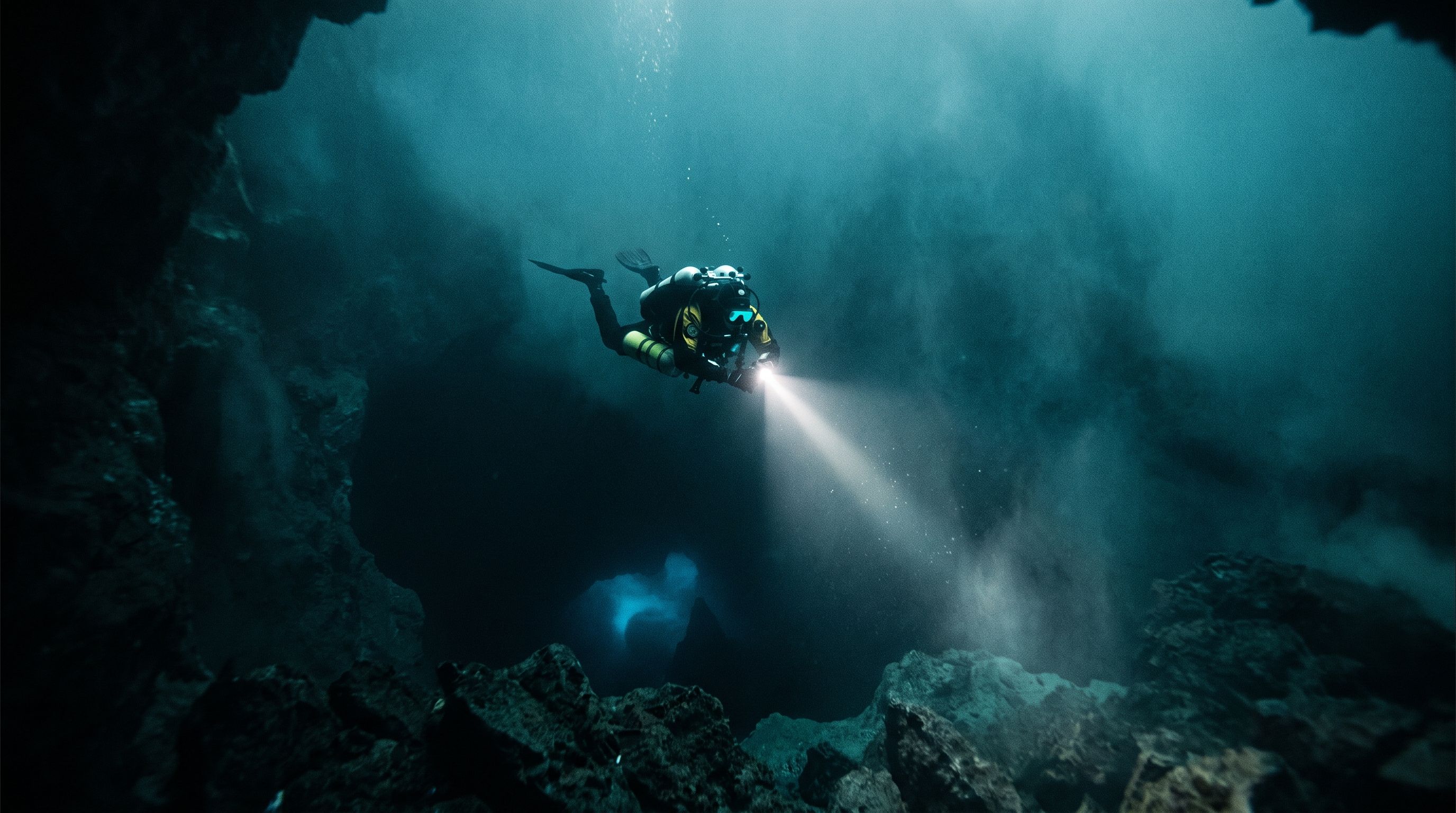
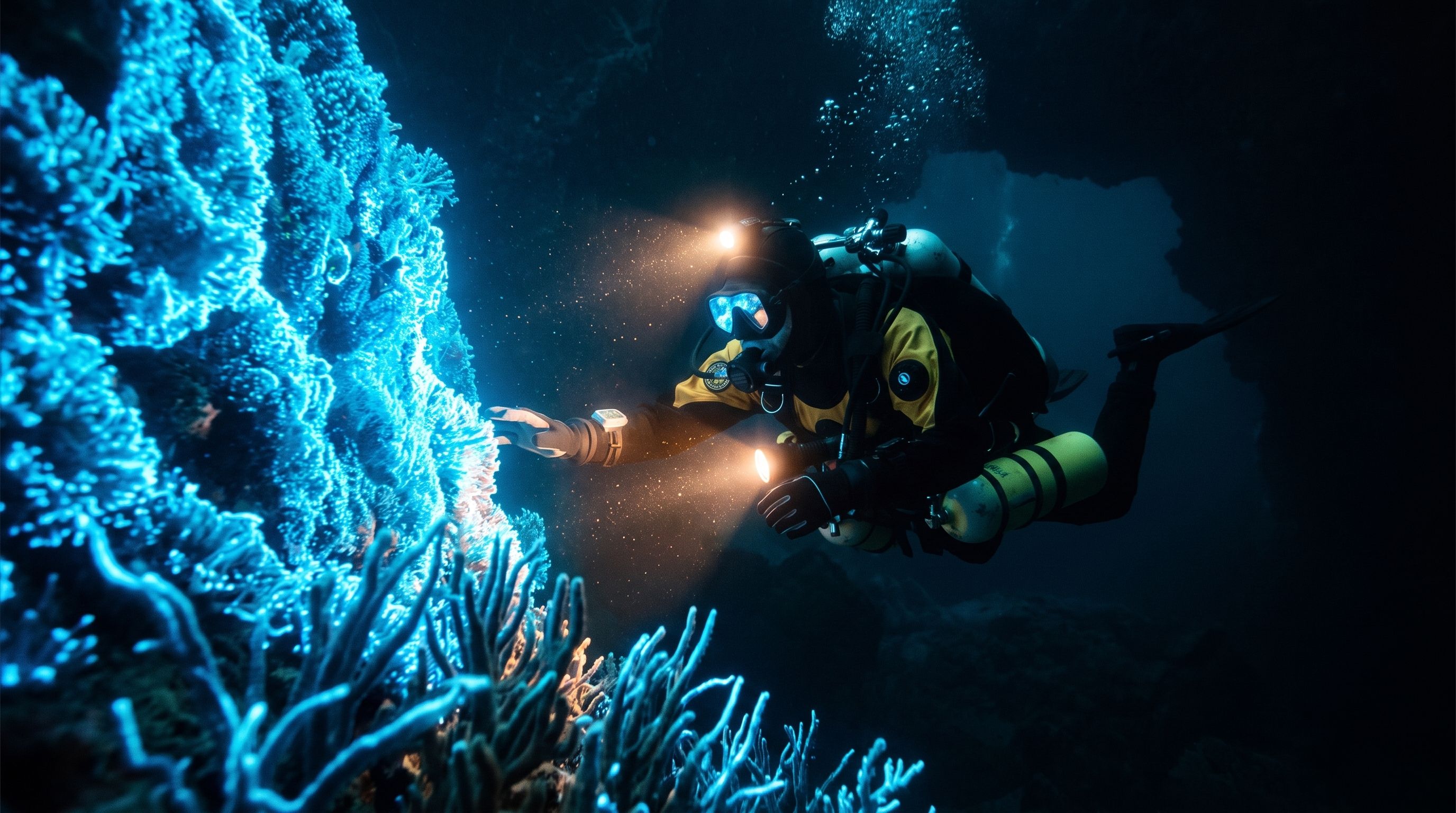
Describe the shot; FLUX 3 turns the prompt into a clip. Examples:

<Tabs>
  <Tab title="Example 1">
    <LoopClip src="https://cdn.sanity.io/files/2gpum2i6/production/fc743c980a0259403ccec6c9a705f9e412e6f81b.mp4" />
  </Tab>

  <Tab title="Example 2">
    <LoopClip src="https://cdn.sanity.io/files/2gpum2i6/production/5e5035fd8ef045c42098369da9318d42af477077.mp4" />
  </Tab>

  <Tab title="Example 3">
    <LoopClip src="https://cdn.sanity.io/files/2gpum2i6/production/54b9d5d4b47ee20eb7650099b2e27f353eb1acc5.mp4" />
  </Tab>

  <Tab title="Example 4">
    <LoopClip src="https://cdn.sanity.io/files/2gpum2i6/production/cbb9548e1a2d9f7b8d8d22644bef6489425aad32.mp4" />
  </Tab>

  <Tab title="Example 5">
    <LoopClip src="https://cdn.sanity.io/files/2gpum2i6/production/77b2fbf640b456ff93b2eca5bf013b7e1145ea5f.mp4" />
  </Tab>

  <Tab title="Example 6">
    <LoopClip src="https://cdn.sanity.io/files/2gpum2i6/production/5543d62e19e4bcc3b23d356a1065ff90f15552dd.mp4" />
  </Tab>

  <Tab title="Example 7">
    <LoopClip src="https://cdn.sanity.io/files/2gpum2i6/production/8d214be331058ca6b63506dfdbe713bde0a58b77.mp4" />
  </Tab>

  <Tab title="Example 8">
    <LoopClip src="https://cdn.sanity.io/files/2gpum2i6/production/21143c68277202cd96809af03e2c536b9424c8e9.mp4" />
  </Tab>

  <Tab title="Example 9">
    <LoopClip src="https://cdn.sanity.io/files/2gpum2i6/production/40e995b48d5af914a99f053d207b91cbf0bd516b.mp4" />
  </Tab>
</Tabs>

## **Image-to-Video**

Start from a still image and describe how it should move. The source image sets the first frame; the prompt drives the motion.

<Tabs>
  <Tab title="Example 1">
    <HoldToAnimate image="https://cdn.sanity.io/images/2gpum2i6/production/074a48975090663d5e0b30cfb64c0577b26a2e3c-1000x1000.jpg" video="https://cdn.sanity.io/files/2gpum2i6/production/6bc0f335c3638949f9df86ca1d3c8b273eac8e25.mp4" alt="Image-to-video example 1" />
  </Tab>

  <Tab title="Example 2">
    <HoldToAnimate image="https://cdn.sanity.io/images/2gpum2i6/production/58430b2254241f059ce59ec01ed4b11ad9fce95e-1280x704.jpg" video="https://cdn.sanity.io/files/2gpum2i6/production/ce0f3c021525c568ad591daf681f3d9c601f21aa.mp4" alt="Image-to-video example 2" />
  </Tab>

  <Tab title="Example 3">
    <HoldToAnimate image="https://cdn.sanity.io/images/2gpum2i6/production/2a418d0b787e96624ade85707bff5100e9742838-1280x736.jpg" video="https://cdn.sanity.io/files/2gpum2i6/production/b993a73e27a11f6ba0e64f25616cb0786685085c.mp4" alt="Image-to-video example 3" />
  </Tab>

  <Tab title="Example 4">
    <HoldToAnimate image="https://cdn.sanity.io/images/2gpum2i6/production/b015fdbe652ebfac7e834067fe9091d670f35cff-1280x736.png" video="https://cdn.sanity.io/files/2gpum2i6/production/3bf3b94bfd068396e9b7b7c73421c5316fbc3048.mp4" alt="Image-to-video example 4" />
  </Tab>

  <Tab title="Example 5">
    <HoldToAnimate image="https://cdn.sanity.io/images/2gpum2i6/production/a121750cb4422945a6d3ff0eed246271750e3c63-1280x704.jpg" video="https://cdn.sanity.io/files/2gpum2i6/production/9b7469e7f349b4f26fe9809b9faa13567504aa84.mp4" alt="Image-to-video example 5" />
  </Tab>
</Tabs>

## **Keyframes**

Pass several stills as ordered keyframes and FLUX 3 interpolates one continuous shot that moves through each in turn. Each example shows the pinned input frames, then the interpolated result.

<Tabs>
  <Tab title="Example 1">
    <Columns cols={4}>
      <div>
        <img src="https://cdn.sanity.io/images/2gpum2i6/production/809c8dc93242314493c4ae613e9ebfba26b7b14f-2752x1536.jpg" alt="Keyframe — Start · 0:00" style={{ width: "100%", display: "block", borderRadius: "0.5rem" }} />

        <p style={{ textAlign: "center", marginTop: "0.4rem", opacity: 0.7, fontSize: "0.85rem" }}>Start · 0:00</p>
      </div>

      <div>
        <img src="https://cdn.sanity.io/images/2gpum2i6/production/716f9cad904a337d7d54cbe3fa69d8cc8fb6fde5-2752x1536.jpg" alt="Keyframe — Key 2 · 0:03" style={{ width: "100%", display: "block", borderRadius: "0.5rem" }} />

        <p style={{ textAlign: "center", marginTop: "0.4rem", opacity: 0.7, fontSize: "0.85rem" }}>Key 2 · 0:03</p>
      </div>

      <div>
        <img src="https://cdn.sanity.io/images/2gpum2i6/production/b4855f2bcf674551255248f4f30a2f213ed34e68-2752x1536.jpg" alt="Keyframe — Key 3 · 0:07" style={{ width: "100%", display: "block", borderRadius: "0.5rem" }} />

        <p style={{ textAlign: "center", marginTop: "0.4rem", opacity: 0.7, fontSize: "0.85rem" }}>Key 3 · 0:07</p>
      </div>

      <div>
        <img src="https://cdn.sanity.io/images/2gpum2i6/production/b591a58d3a4a94472dbb7e69f3f40859cc6d3731-2752x1536.jpg" alt="Keyframe — End · 0:10" style={{ width: "100%", display: "block", borderRadius: "0.5rem" }} />

        <p style={{ textAlign: "center", marginTop: "0.4rem", opacity: 0.7, fontSize: "0.85rem" }}>End · 0:10</p>
      </div>
    </Columns>

    <MutedVideo src="https://cdn.sanity.io/files/2gpum2i6/production/afc86a790f1a835db3cff62e58dd658c3d47fc59.mp4" alt="Keyframes interpolation — example 1" />
  </Tab>

  <Tab title="Example 2">
    <Columns cols={4}>
      <div>
        <img src="https://cdn.sanity.io/images/2gpum2i6/production/358bebb751c3867f0901e30124f3883e76ab7bbb-2752x1536.jpg" alt="Keyframe — Start" style={{ width: "100%", display: "block", borderRadius: "0.5rem" }} />

        <p style={{ textAlign: "center", marginTop: "0.4rem", opacity: 0.7, fontSize: "0.85rem" }}>Start</p>
      </div>

      <div>
        <img src="https://cdn.sanity.io/images/2gpum2i6/production/54cea0c9d4713e182e6efca23af4aaded1692eeb-1280x704.jpg" alt="Keyframe — Key 2" style={{ width: "100%", display: "block", borderRadius: "0.5rem" }} />

        <p style={{ textAlign: "center", marginTop: "0.4rem", opacity: 0.7, fontSize: "0.85rem" }}>Key 2</p>
      </div>

      <div>
        <img src="https://cdn.sanity.io/images/2gpum2i6/production/7bae0d042e4439dc663ef4c9a9e742a0ea7d7ba2-2752x1536.jpg" alt="Keyframe — Key 3" style={{ width: "100%", display: "block", borderRadius: "0.5rem" }} />

        <p style={{ textAlign: "center", marginTop: "0.4rem", opacity: 0.7, fontSize: "0.85rem" }}>Key 3</p>
      </div>

      <div>
        <img src="https://cdn.sanity.io/images/2gpum2i6/production/5e23500b2d474706664f50d049b773881bdf08df-2752x1536.jpg" alt="Keyframe — End" style={{ width: "100%", display: "block", borderRadius: "0.5rem" }} />

        <p style={{ textAlign: "center", marginTop: "0.4rem", opacity: 0.7, fontSize: "0.85rem" }}>End</p>
      </div>
    </Columns>

    <MutedVideo src="https://cdn.sanity.io/files/2gpum2i6/production/3f5235ad7fc4479887c52b832e0b53162443192a.mp4" alt="Keyframes interpolation — example 2" />
  </Tab>

  <Tab title="Example 3">
    <Columns cols={4}>
      <div>
        <img src="https://cdn.sanity.io/images/2gpum2i6/production/8ceb96c14c79c734374de4eca3ee56ba6c122cb9-2752x1536.jpg" alt="Keyframe — Start · 0:00" style={{ width: "100%", display: "block", borderRadius: "0.5rem" }} />

        <p style={{ textAlign: "center", marginTop: "0.4rem", opacity: 0.7, fontSize: "0.85rem" }}>Start · 0:00</p>
      </div>

      <div>
        <img src="https://cdn.sanity.io/images/2gpum2i6/production/46eba9ae12d22d874b38bbdb4912d8b5ce0ae174-2752x1536.jpg" alt="Keyframe — Key 2 · 0:03" style={{ width: "100%", display: "block", borderRadius: "0.5rem" }} />

        <p style={{ textAlign: "center", marginTop: "0.4rem", opacity: 0.7, fontSize: "0.85rem" }}>Key 2 · 0:03</p>
      </div>

      <div>
        <img src="https://cdn.sanity.io/images/2gpum2i6/production/e3dfbe33f753a1ce8b3cae684dd4b6a623a41508-2752x1536.jpg" alt="Keyframe — Key 3 · 0:07" style={{ width: "100%", display: "block", borderRadius: "0.5rem" }} />

        <p style={{ textAlign: "center", marginTop: "0.4rem", opacity: 0.7, fontSize: "0.85rem" }}>Key 3 · 0:07</p>
      </div>

      <div>
        <img src="https://cdn.sanity.io/images/2gpum2i6/production/49e52bc3ba7be3391053bd0a44b65312955acbc6-2752x1536.jpg" alt="Keyframe — End · 0:10" style={{ width: "100%", display: "block", borderRadius: "0.5rem" }} />

        <p style={{ textAlign: "center", marginTop: "0.4rem", opacity: 0.7, fontSize: "0.85rem" }}>End · 0:10</p>
      </div>
    </Columns>

    <MutedVideo src="https://cdn.sanity.io/files/2gpum2i6/production/44b47fe10cbc6e12254a62e551039f6fdbe0344c.mp4" alt="Keyframes interpolation — example 3" />
  </Tab>

  <Tab title="Example 4">
    <Columns cols={4}>
      <div>
        <img src="https://cdn.sanity.io/images/2gpum2i6/production/a0250de4e82156784a473cbc3d80962eec182f67-2752x1536.jpg" alt="Keyframe — Start · 0:00" style={{ width: "100%", display: "block", borderRadius: "0.5rem" }} />

        <p style={{ textAlign: "center", marginTop: "0.4rem", opacity: 0.7, fontSize: "0.85rem" }}>Start · 0:00</p>
      </div>

      <div>
        <img src="https://cdn.sanity.io/images/2gpum2i6/production/0fb824a0f323555e7bf638ba15297560929f5910-2752x1536.jpg" alt="Keyframe — Key 2 · 0:03" style={{ width: "100%", display: "block", borderRadius: "0.5rem" }} />

        <p style={{ textAlign: "center", marginTop: "0.4rem", opacity: 0.7, fontSize: "0.85rem" }}>Key 2 · 0:03</p>
      </div>

      <div>
        <img src="https://cdn.sanity.io/images/2gpum2i6/production/b53d1ad12728e294e24ac379f9911fa6d23394df-2752x1536.jpg" alt="Keyframe — Key 3 · 0:07" style={{ width: "100%", display: "block", borderRadius: "0.5rem" }} />

        <p style={{ textAlign: "center", marginTop: "0.4rem", opacity: 0.7, fontSize: "0.85rem" }}>Key 3 · 0:07</p>
      </div>

      <div>
        <img src="https://cdn.sanity.io/images/2gpum2i6/production/5f041547138189029876ea4e578ab1f563fad5f4-2752x1536.jpg" alt="Keyframe — End · 0:10" style={{ width: "100%", display: "block", borderRadius: "0.5rem" }} />

        <p style={{ textAlign: "center", marginTop: "0.4rem", opacity: 0.7, fontSize: "0.85rem" }}>End · 0:10</p>
      </div>
    </Columns>

    <MutedVideo src="https://cdn.sanity.io/files/2gpum2i6/production/f5b698d51ec802449f9facb5d57ab62b5dd1c68c.mp4" alt="Keyframes interpolation — example 4" />
  </Tab>
</Tabs>

## **Video Continuation**

Feed an existing clip and continue it. The original sets the motion, subjects, and look; the prompt guides how the shot keeps unfolding without a cut.

<Tabs>
  <Tab title="Elephants">
    <VideoExtension src="https://cdn.sanity.io/files/2gpum2i6/production/08c30d095b03c80ebec84e8a547c3ea694c2efca.mp4" originalDuration={5} alt="Elephants walking toward camera at sunset" />

    ```text wrap theme={null}
    A herd of African elephants walks steadily toward the camera across a dry savanna beneath a huge hazy orange sunset, the animals growing larger in frame as the sun sinks lower behind them.
    ```
  </Tab>

  <Tab title="Penguin">
    <VideoExtension src="https://cdn.sanity.io/files/2gpum2i6/production/c3251e7b67573784027544e16752c517eb73f7b7.mp4" originalDuration={5} alt="Penguin waddling across granite boulders" />

    ```text wrap theme={null}
    An African penguin waddles across sun-warmed granite boulders behind swaying fynbos foliage, then hops down a rock shelf and pushes on between the boulders as the handheld camera follows.
    ```
  </Tab>

  <Tab title="Hiking couple">
    <VideoExtension src="https://cdn.sanity.io/files/2gpum2i6/production/3c732c7e2b1e1d42d062b5399a5c92e196207b6e.mp4" originalDuration={5} alt="Hiking boots crossing an alpine ridge" />

    ```text wrap theme={null}
    A low ground-level view of hiking boots and trekking poles stepping across a rocky alpine ridge continues, a second hiker's boots following through the frame as the misty peak looms beyond.
    ```
  </Tab>

  <Tab title="Iguazú Falls">
    <VideoExtension src="https://cdn.sanity.io/files/2gpum2i6/production/69c7cd8f26d64630880b5e330581cb2312f0645c.mp4" originalDuration={5} alt="Waterfall curtains pounding into a plunge pool" />

    ```text wrap theme={null}
    A thundering close view of massive waterfall curtains pounds on continuously, mist billowing from the plunge pool as a faint rainbow arc glimmers in and out of the drifting spray.
    ```
  </Tab>

  <Tab title="Giraffe">
    <VideoExtension src="https://cdn.sanity.io/files/2gpum2i6/production/d1368e9ad2193e8e85b0165b6fa793e4920546f1.mp4" originalDuration={5} alt="Giraffe ambling across dry scrubland" />

    ```text wrap theme={null}
    A giraffe in dry scrubland, framed through soft out-of-focus branches, surveys the plain and then begins an unhurried ambling walk across the frame behind the swaying foliage.
    ```
  </Tab>

  <Tab title="SUV drift">
    <VideoExtension src="https://cdn.sanity.io/files/2gpum2i6/production/8f587923157cc33e6558fdd4d6c0a96ff6a6fdc8.mp4" originalDuration={5} alt="Dark SUV drifting across a dusty flat" />

    ```text wrap theme={null}
    A dark SUV drifting across a dusty construction flat in front of unfinished high-rises swings through another wide slide toward the camera, dust boiling off its tires as it powers past.
    ```
  </Tab>
</Tabs>

## Workflow references

<CardGroup cols={2}>
  <Card title="Text-to-Video" icon="film" href="/guides/prompting_video_text_to_video">
    Learn how to prompt FLUX 3 for action, camera movement, pacing, and cleaner shot logic.
  </Card>

  <Card title="Audio and speech" icon="waveform-lines" href="/guides/prompting_video_audio">
    Direct dialogue, voiceover, ambience, effects, music, and the shape of a voice.
  </Card>

  <Card title="Camera Terms, Prompts & Examples" icon="camera" href="/guides/prompting_video_camera_terms">
    Reference framing, angle, composition, movement, and focus language you can reuse directly in prompts.
  </Card>

  <Card title="FLUX 3 Video" icon="film" href="/flux_3/flux3_video">
    Text-to-video, image-to-video with keyframes, video continuation, and
    synchronized audio.
  </Card>

  <Card title="Prompting Basics" icon="pen" href="/guides/prompting_unified_basics">
    Core prompting principles that still apply before you layer in motion and camera language.
  </Card>

  <Card title="Image Editing Guide" icon="pen-to-square" href="/guides/prompting_editing_overview">
    Use this when your workflow depends more on reference control than on pure generation.
  </Card>
</CardGroup>

## What to include in a strong video prompt

1. **Subject and action**: Who or what is moving, and what exactly happens.
2. **Camera direction**: Static shot, slow push-in, handheld follow, overhead drift, or rapid pan.
3. **Scene and atmosphere**: Environment, lighting, weather, time of day, and mood.
4. **Motion qualities**: Slow, abrupt, weightless, chaotic, precise, cinematic, documentary.
5. **Continuity constraints**: What must remain stable across the clip, especially for edits or extensions.