

Choose the right workflow
| Workflow | Mode or tool | Jump | Best for |
|---|---|---|---|
| Text-to-Video | t2v | Jump to section → | Generating a new scene from scratch |
| Image-to-Video | i2v | Jump to section → | Animating a still image |
| Keyframes | i2v | Jump to section → | Guiding a shot through ordered frames |
| Video Continuation | v2v | Jump to section → | Extending existing clips |
| FLUX Video Edit | FLUX Tool | Jump to section → | Edit an existing clip |
| Omni Reference | — | Soon |
Text-to-Video
Describe the shot; FLUX 3 turns the prompt into a clip. Examples:Image-to-Video
Start from a still image and describe how it should move. The source image sets the first frame; the prompt drives the motion.Keyframes
Pass several stills as ordered keyframes and FLUX 3 interpolates one continuous shot that moves through each in turn. Each example shows the pinned input frames, then the interpolated result.- Example 1
- Example 2
- Example 3
- Example 4
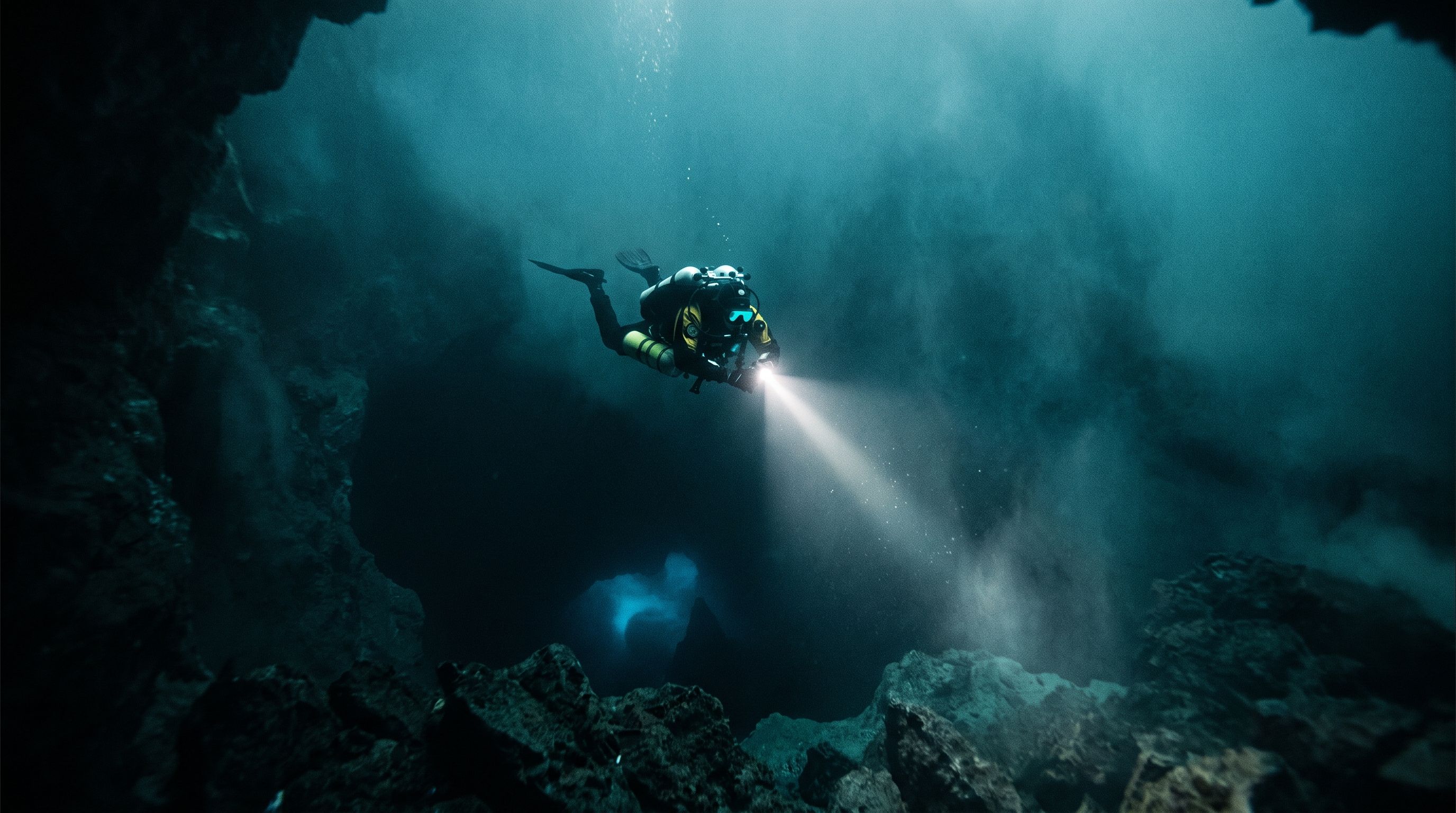
Start (0:00)
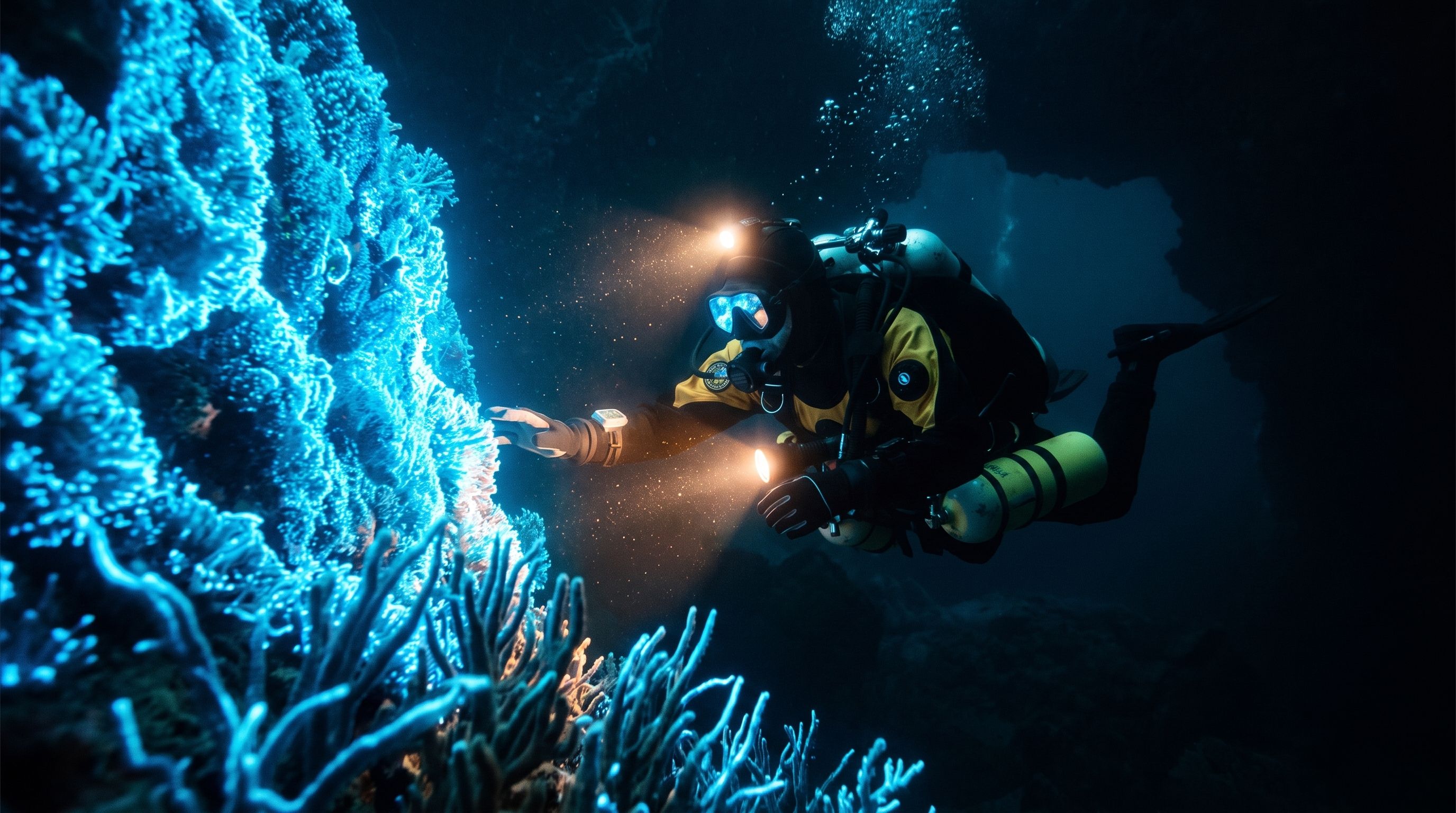
Key 2 (0:03)
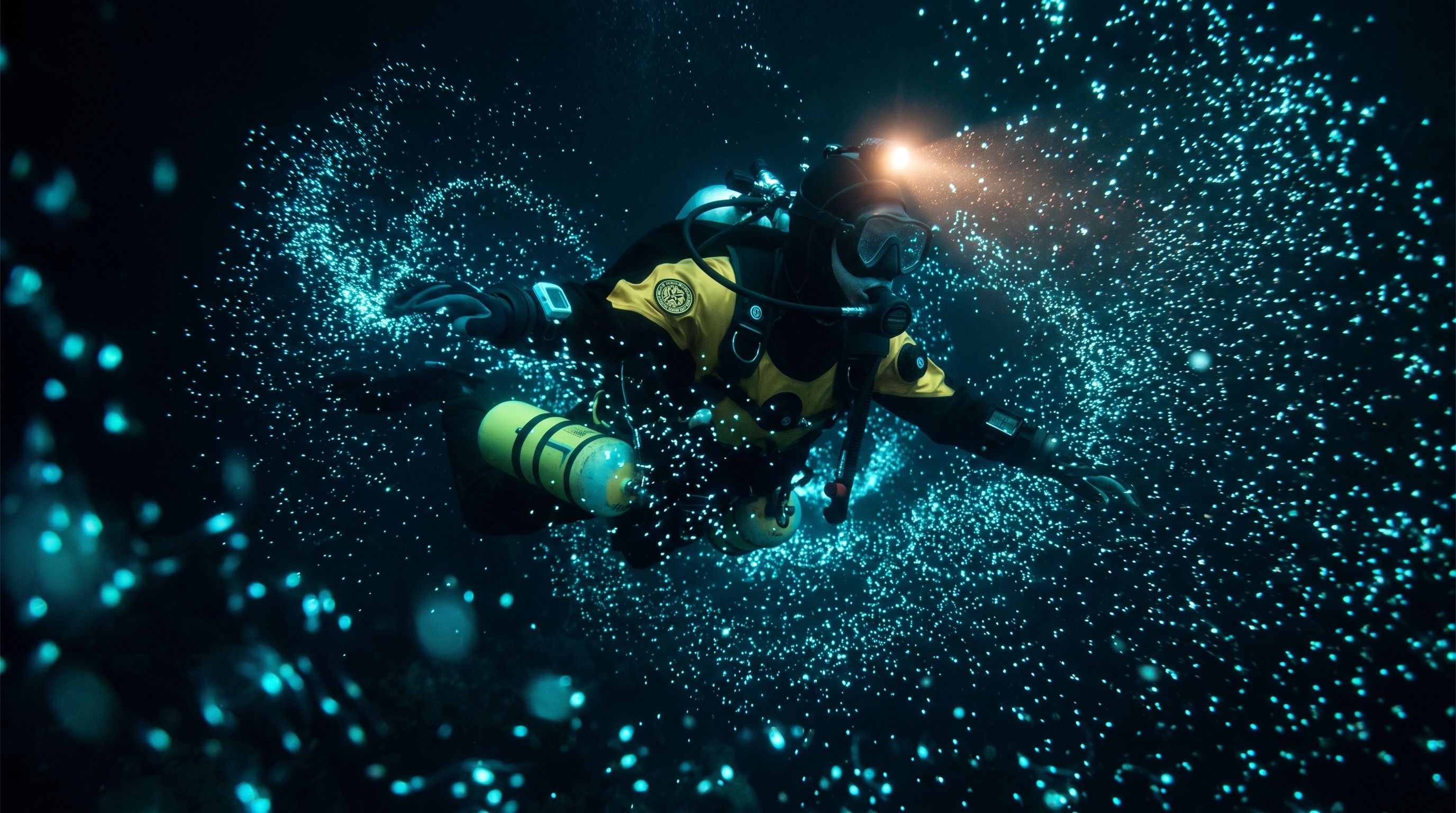
Key 3 (0:07)
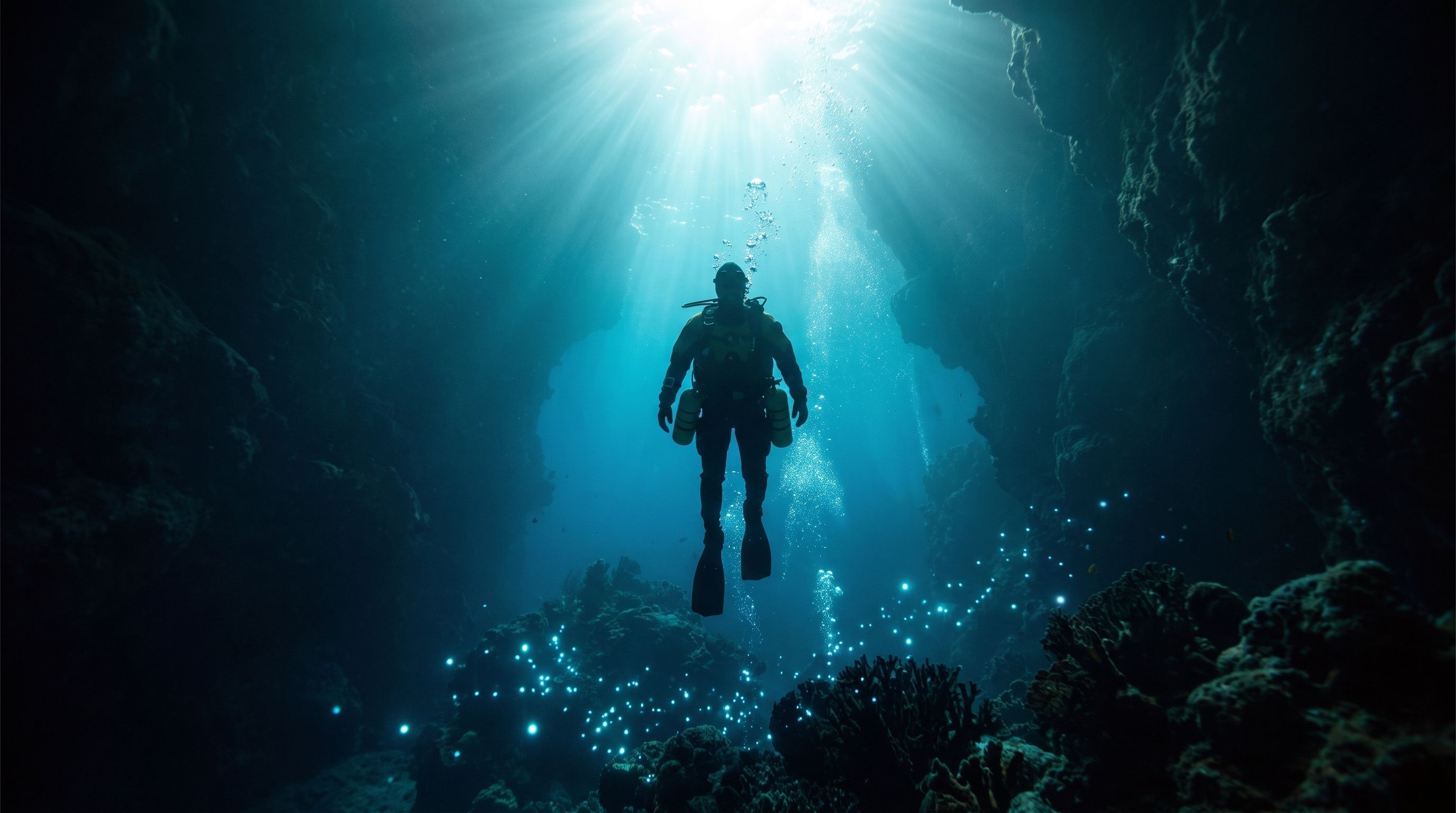
End (0:10)
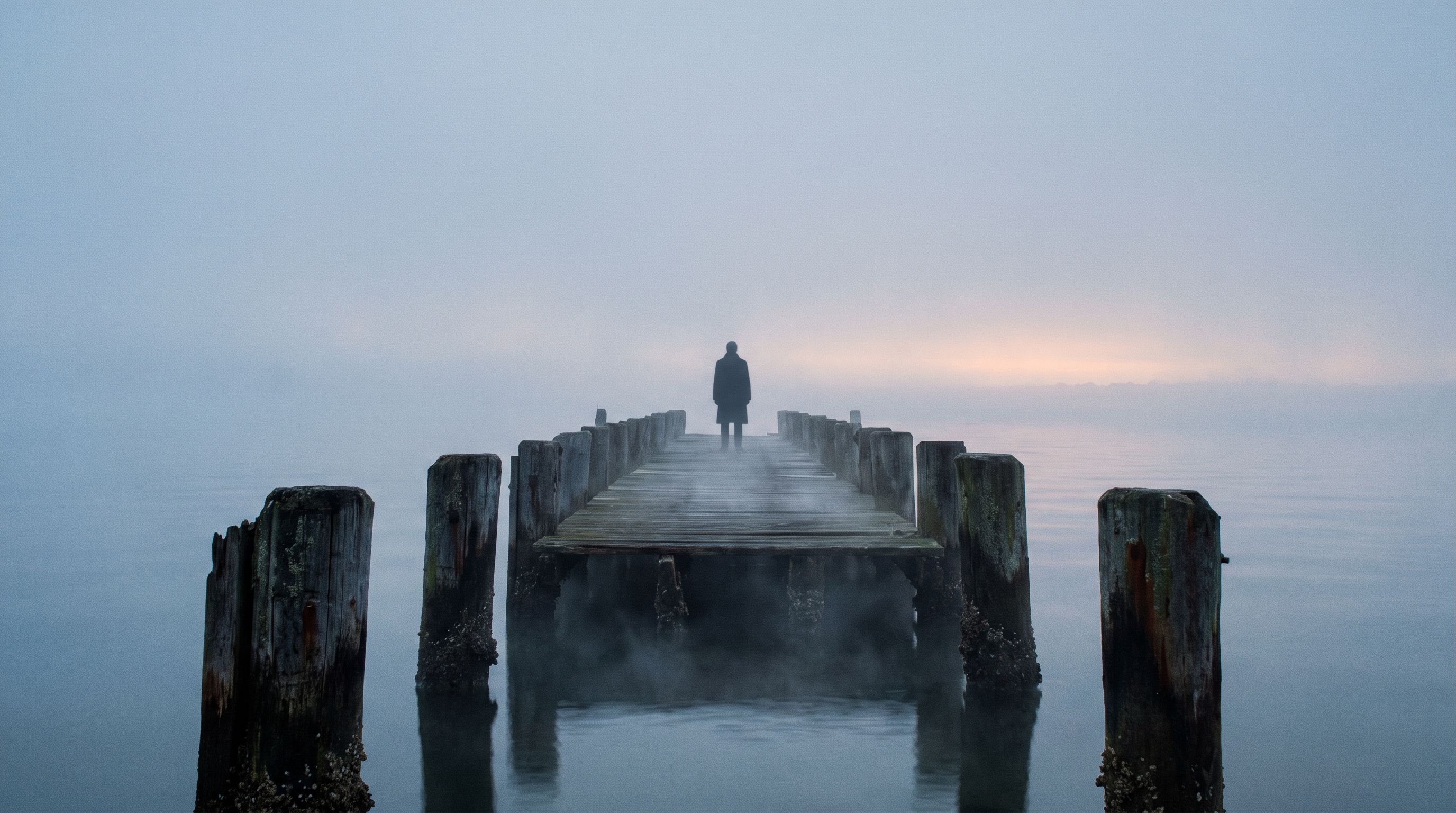
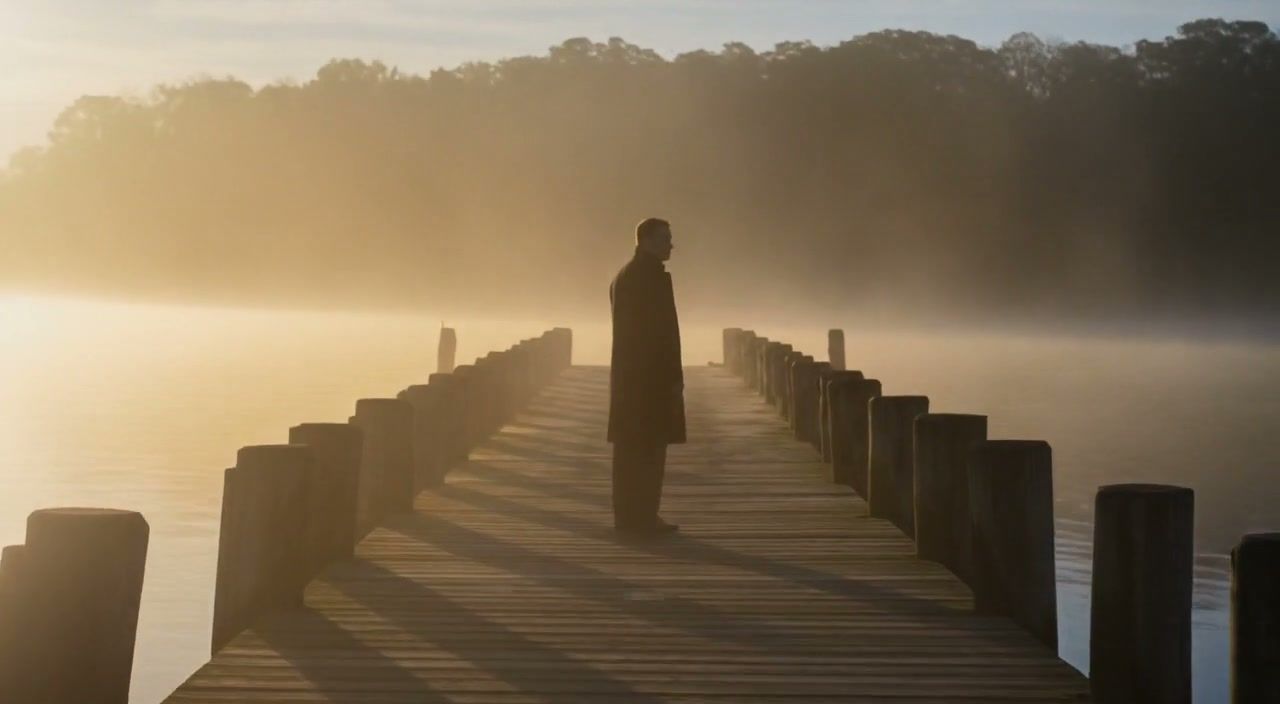
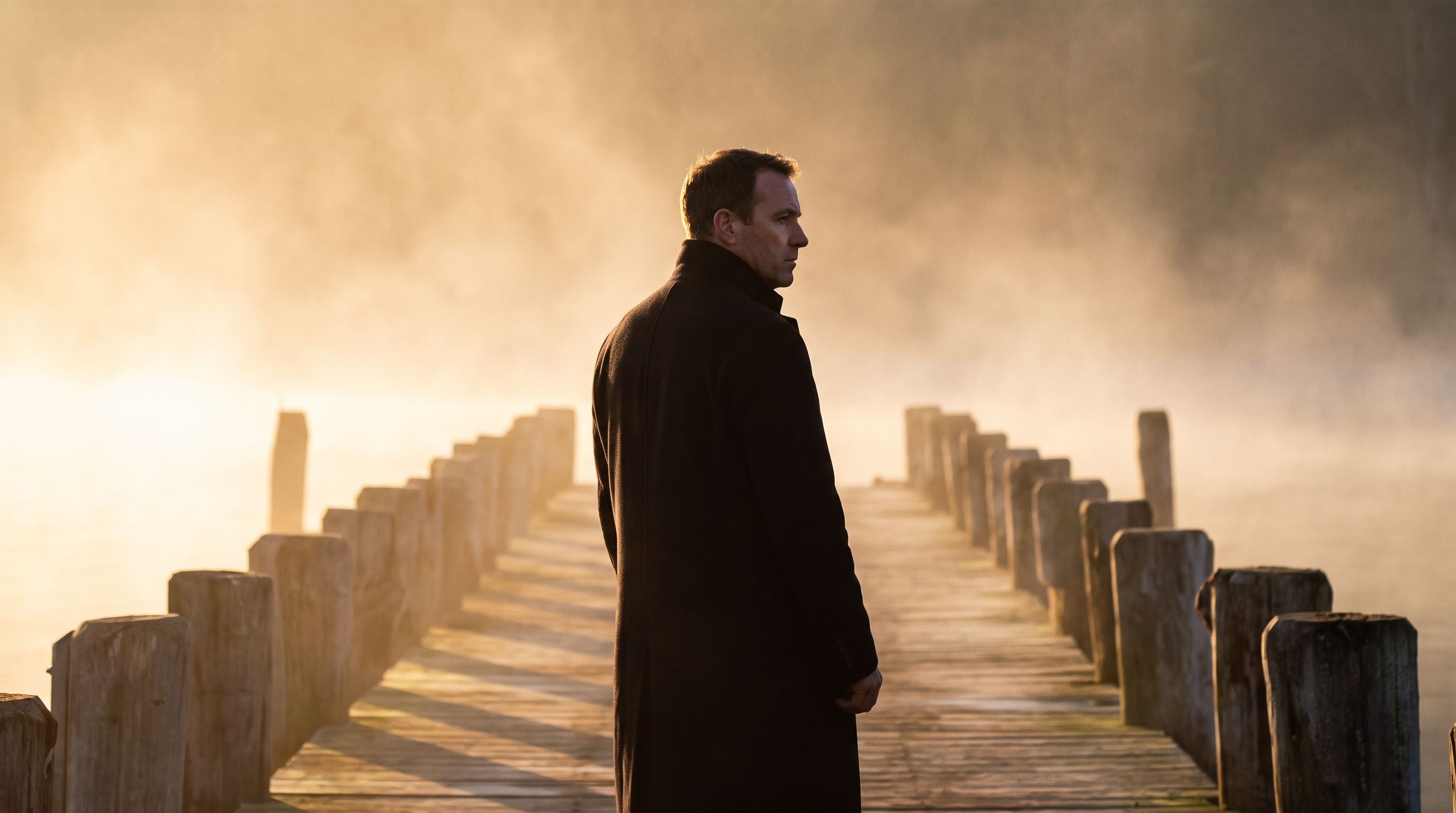
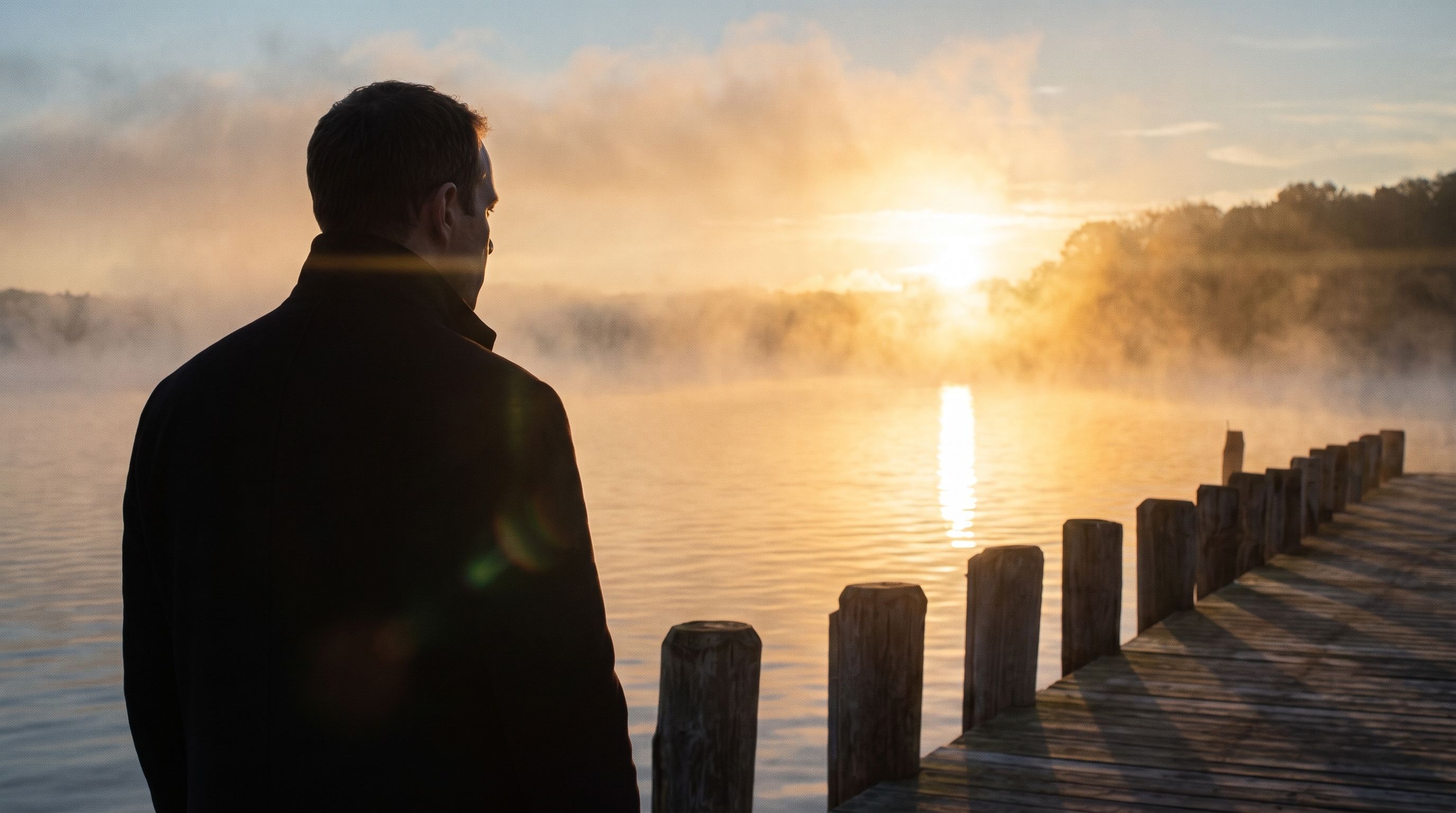




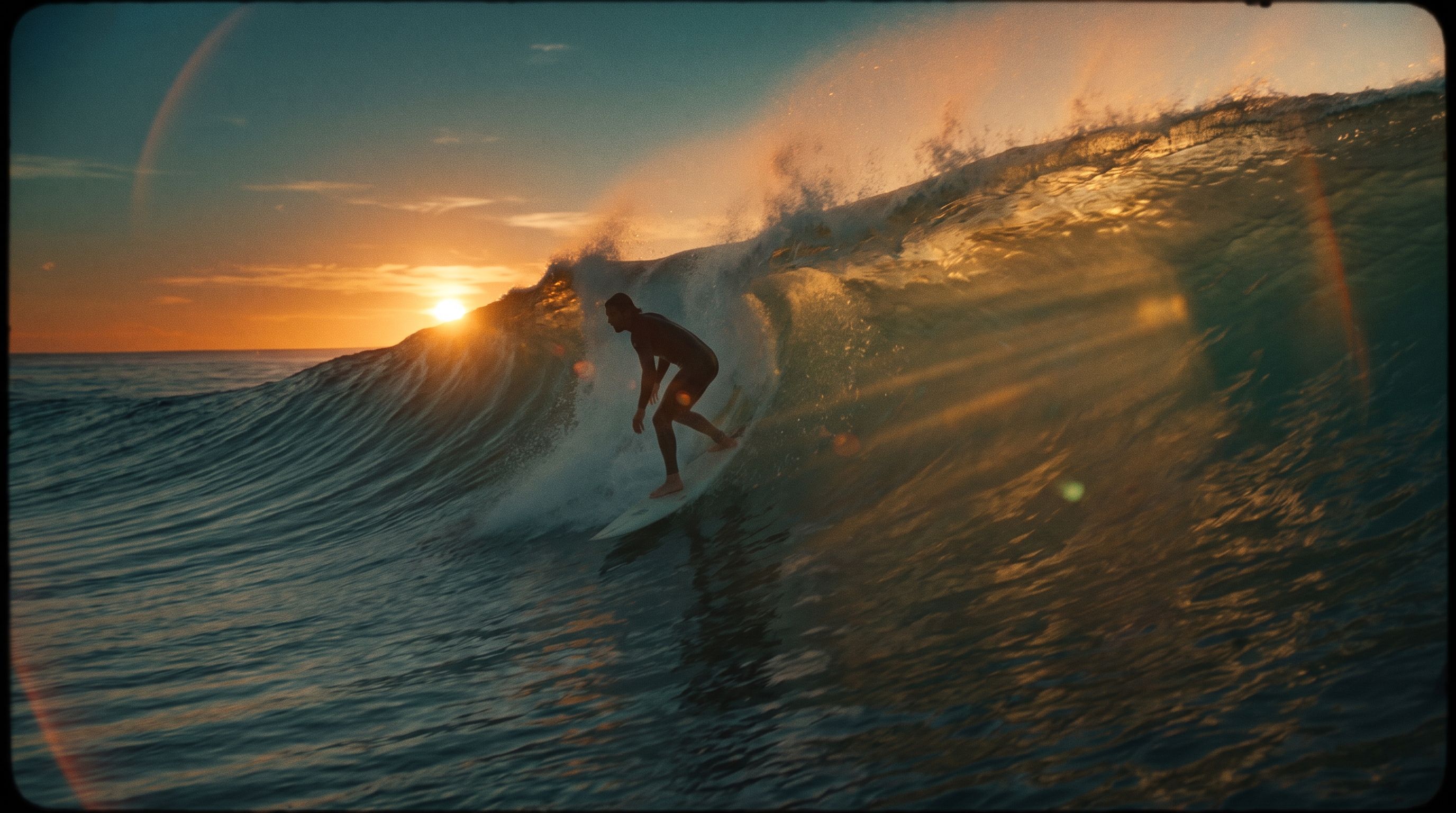
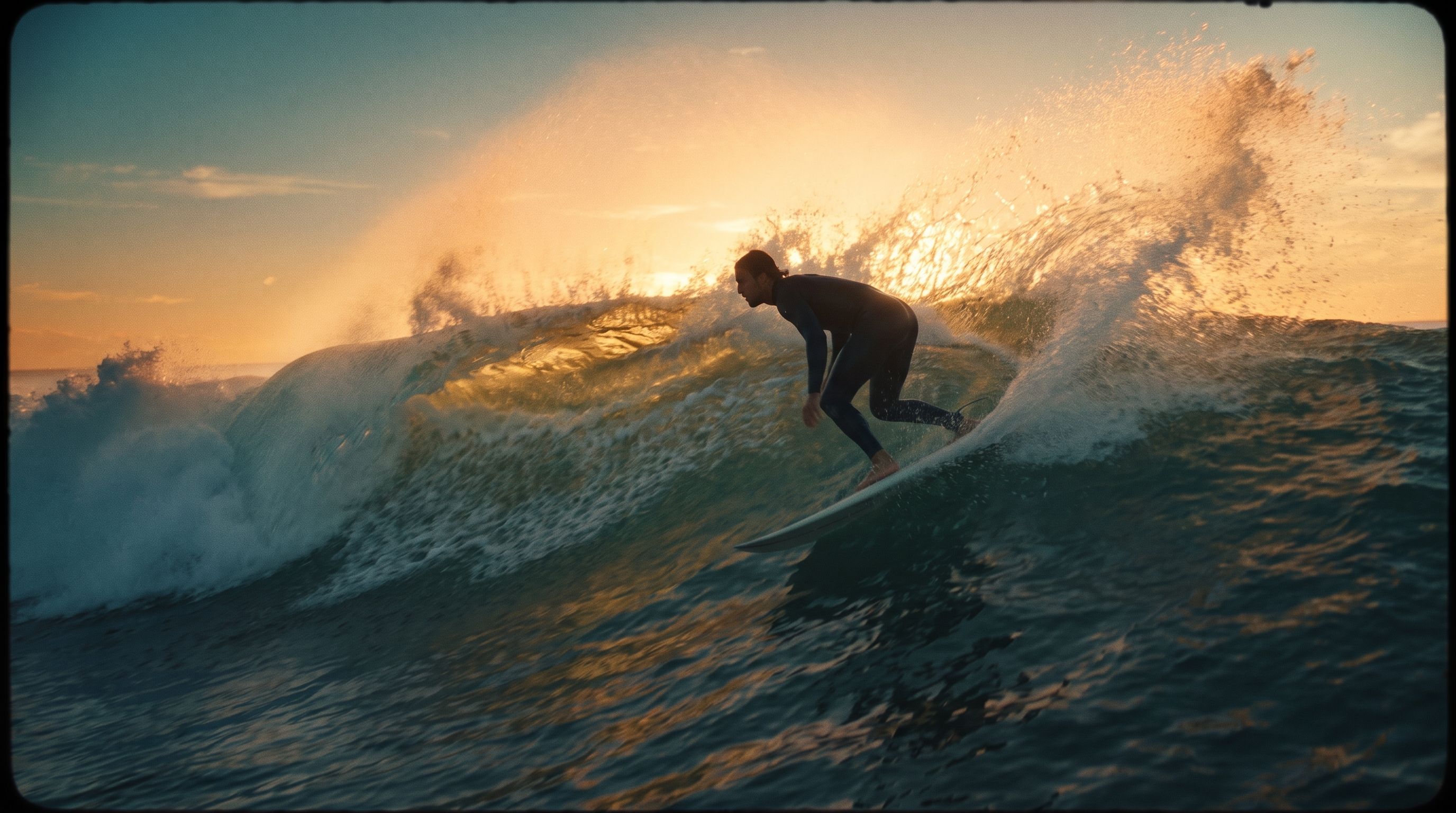
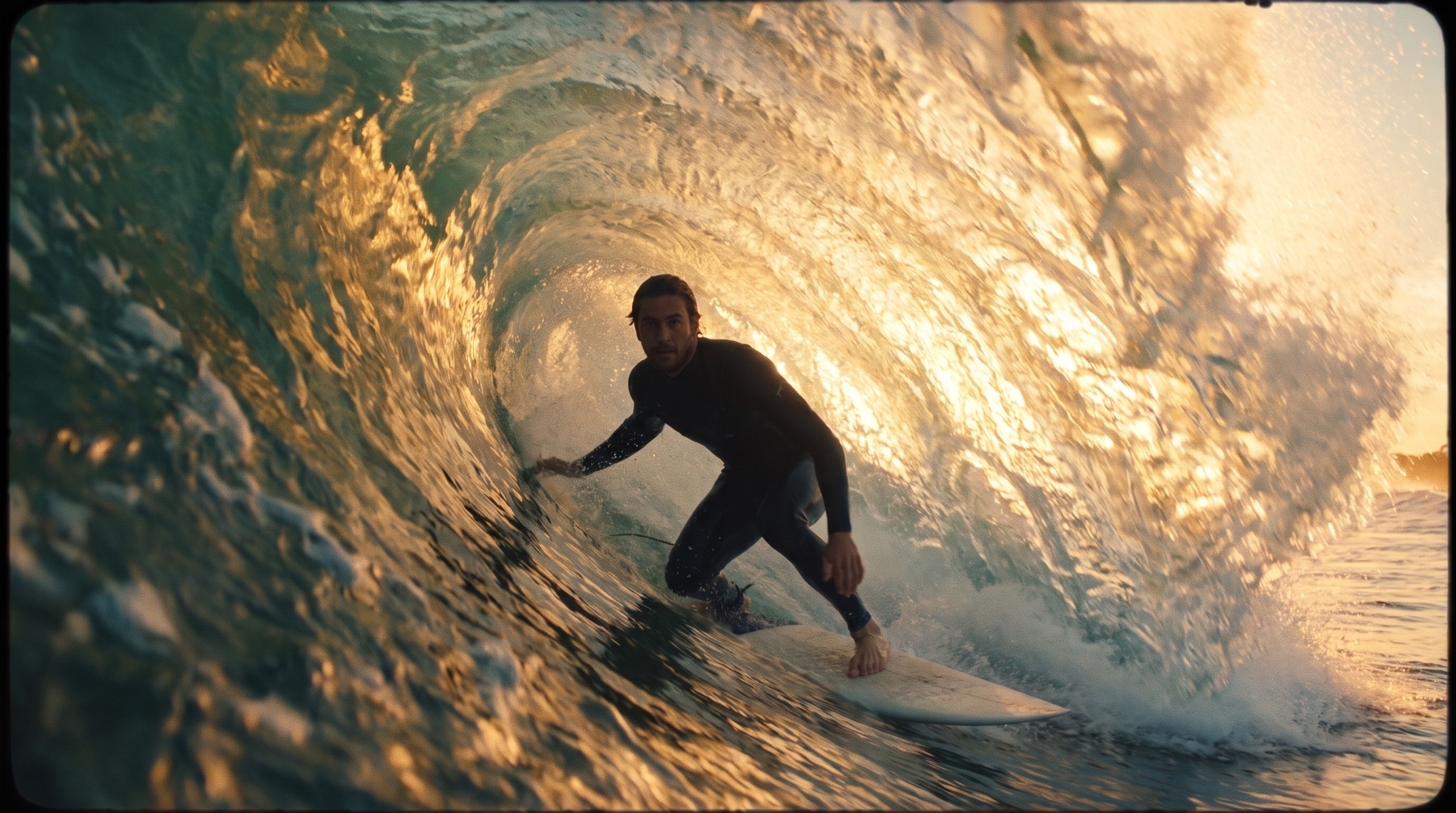
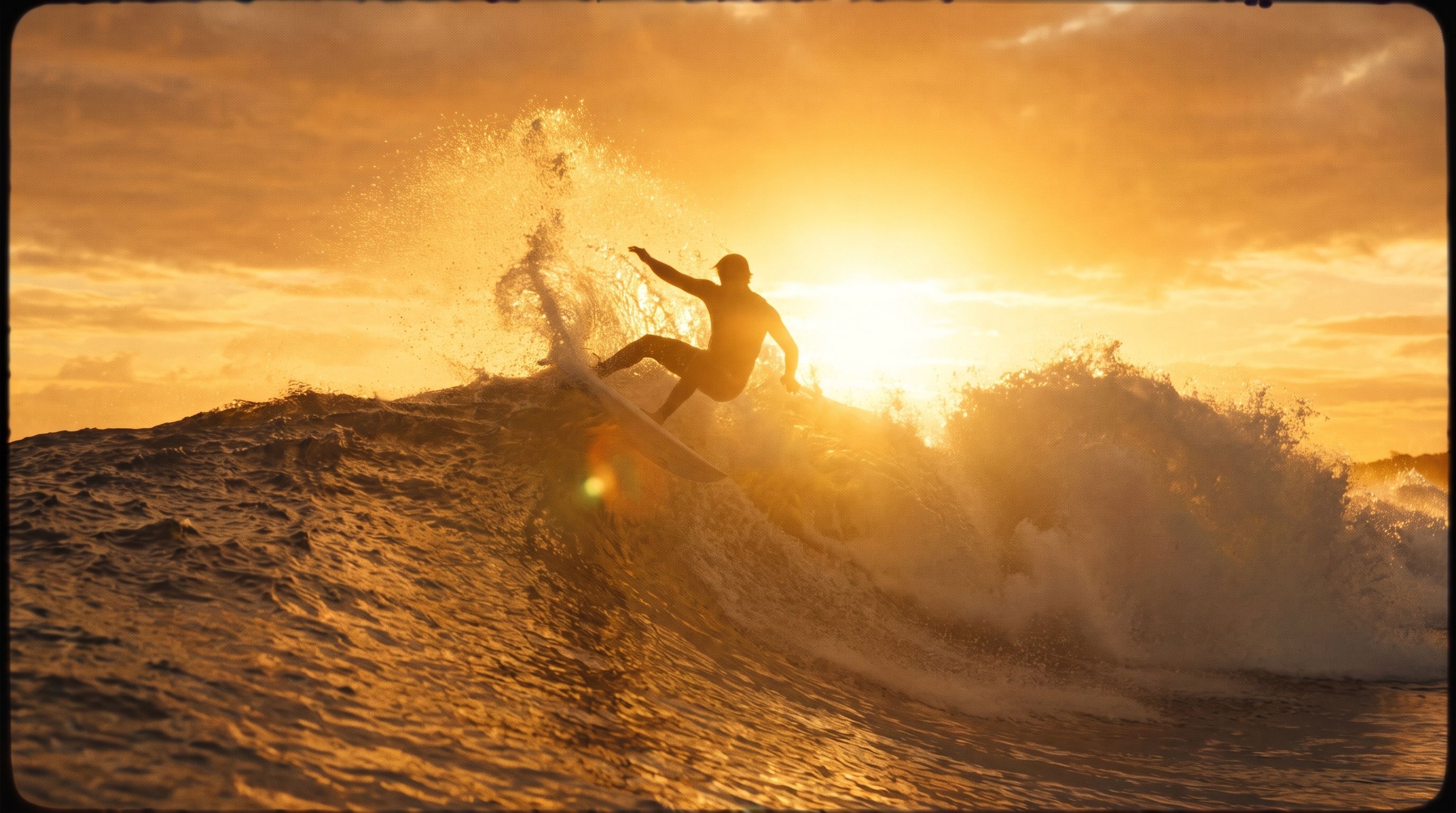
Video Continuation
Feed an existing clip and continue it. The original sets the motion, subjects, and look; the prompt guides how the shot keeps unfolding without a cut.- Elephants
- Penguin
- Hiking couple
- Iguazú Falls
- Giraffe
- SUV drift
FLUX Video Edit
The clip below was edited with this prompt:video and the instruction as prompt. How to word an edit is in the
Video Editing guide; the request fields,
limits and pricing are on the FLUX Video Edit page.
Workflow references
Text-to-Video
Learn how to prompt FLUX 3 for action, camera movement, pacing, and cleaner shot logic.
Audio and speech
Direct dialogue, voiceover, ambience, effects, music, and the shape of a voice.
Examples & Cheatsheet
Reference framing, angle, composition, movement, and focus language you can reuse directly in prompts.
FLUX 3 Video
Text-to-video, image-to-video with keyframes, video continuation,
and synchronized audio.
Prompting Basics
Core prompting principles that still apply before you layer in motion and camera language.
Image Editing Guide
Use this when your workflow depends more on reference control than on pure generation.
What to include in a strong video prompt
- Subject and action: Who or what is moving, and what exactly happens.
- Camera direction: Static shot, slow push-in, handheld follow, overhead drift, or rapid pan.
- Scene and atmosphere: Environment, lighting, weather, time of day, and mood.
- Motion qualities: Slow, abrupt, weightless, chaotic, precise, cinematic, documentary.
- Continuity constraints: What must remain stable across the clip, especially for edits or extensions.