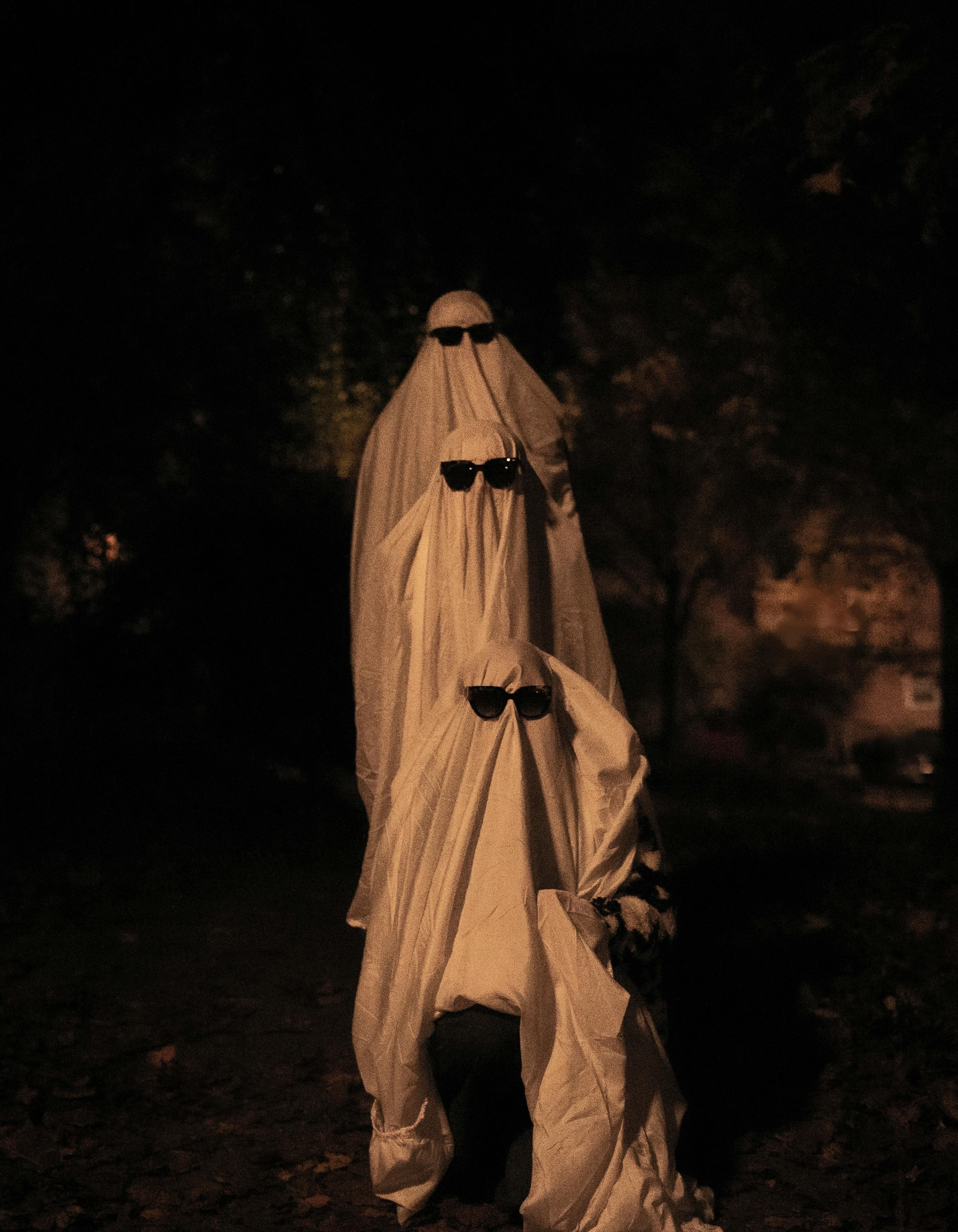
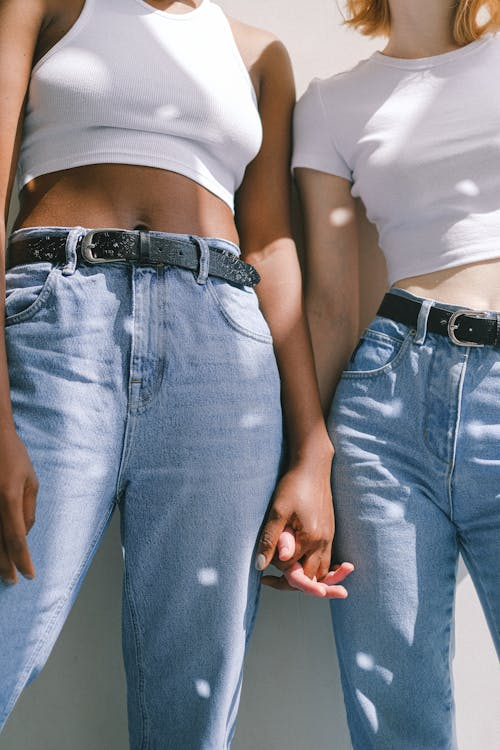
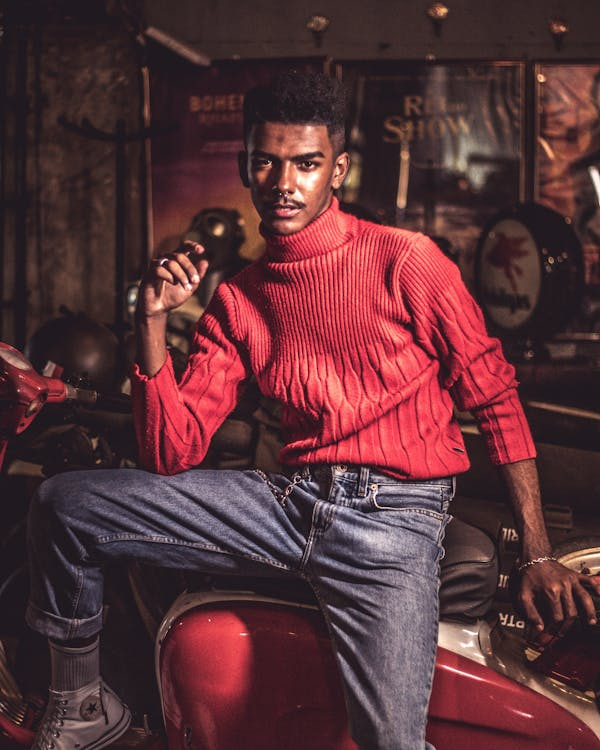
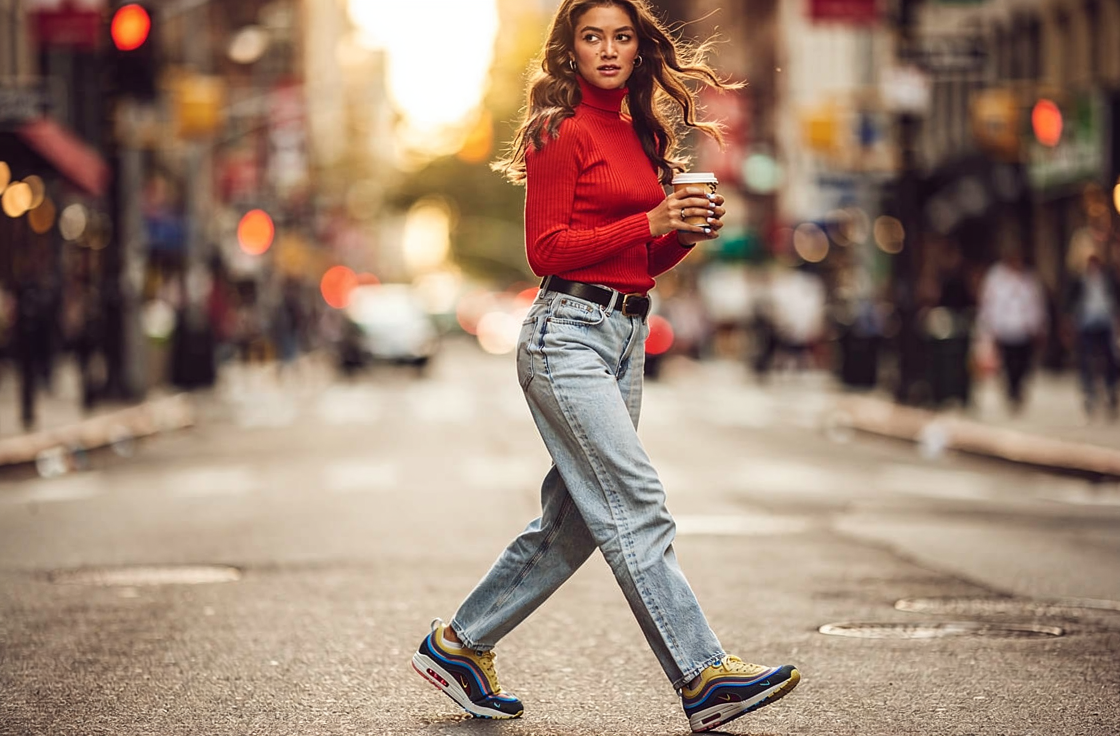
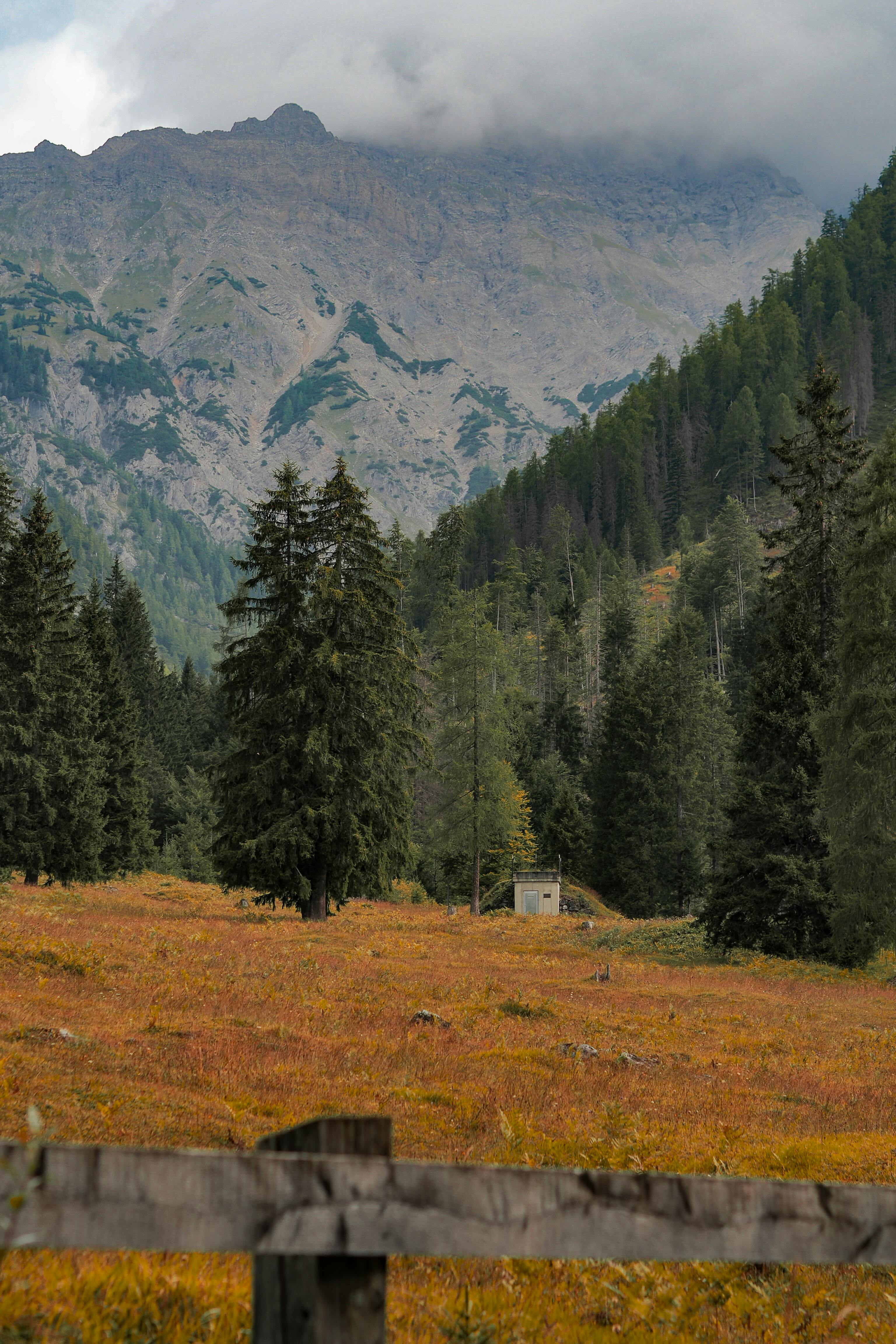
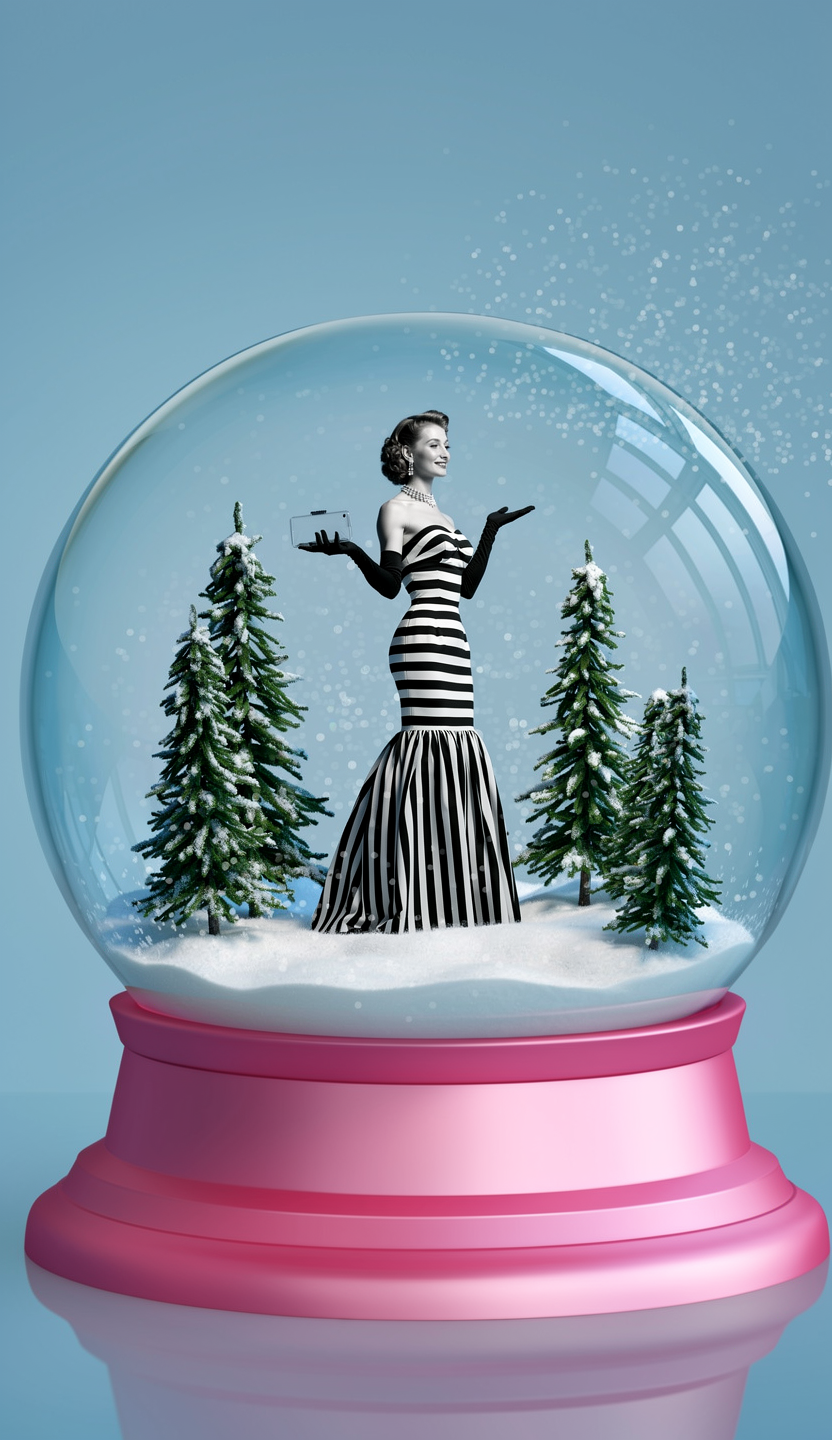
FLUX.2 supports up to 8 reference images, enabling powerful compositing workflows. Combine people, objects, and backgrounds from different sources into a single coherent scene. Reference each image by number in your prompt.
Refer to each input as “image 1”, “image 2”, etc. in your prompt. Be explicit about which element comes from which image.

Examples

Three-image scene composition
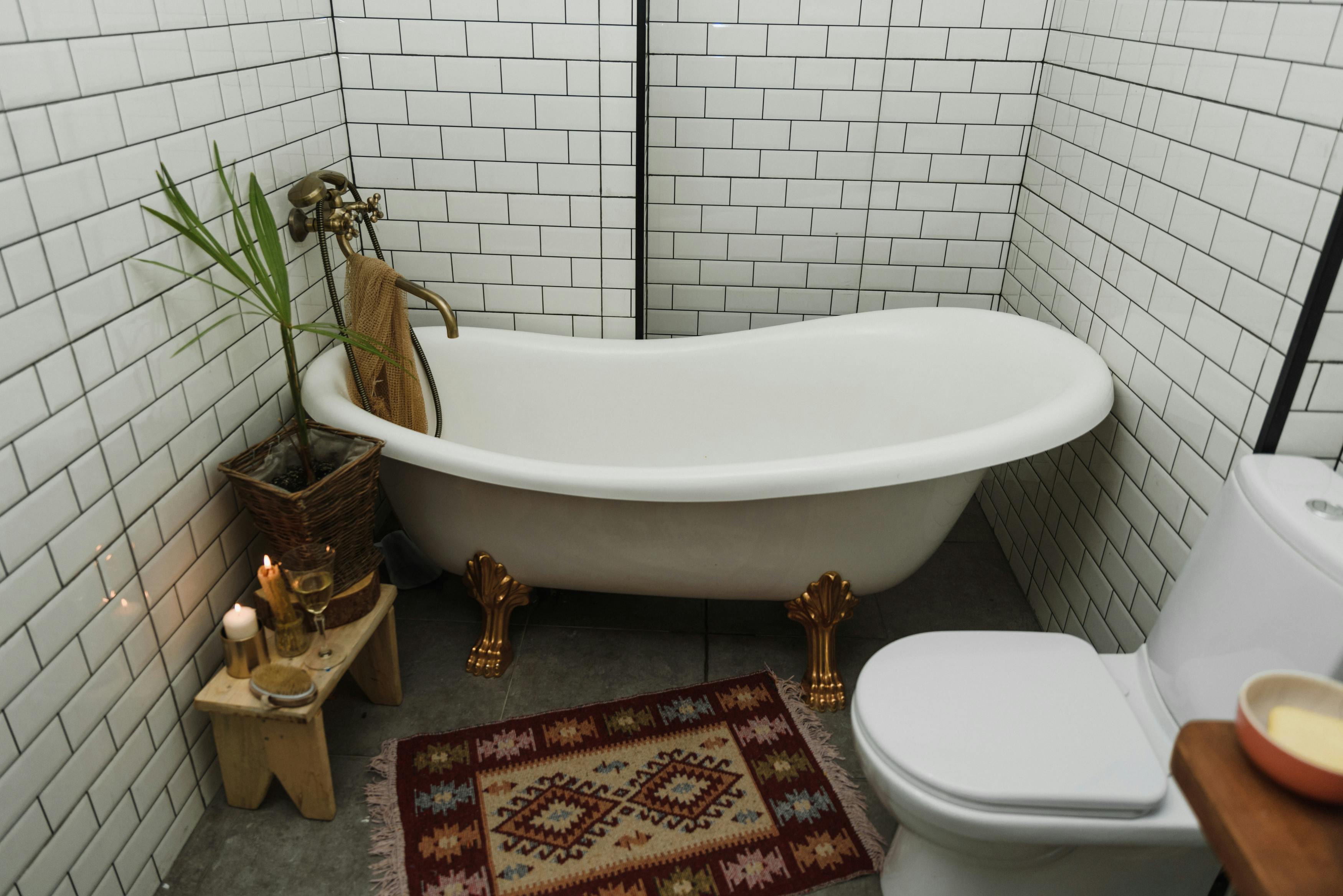
Input: bathtub

Image 1 — Bathtub

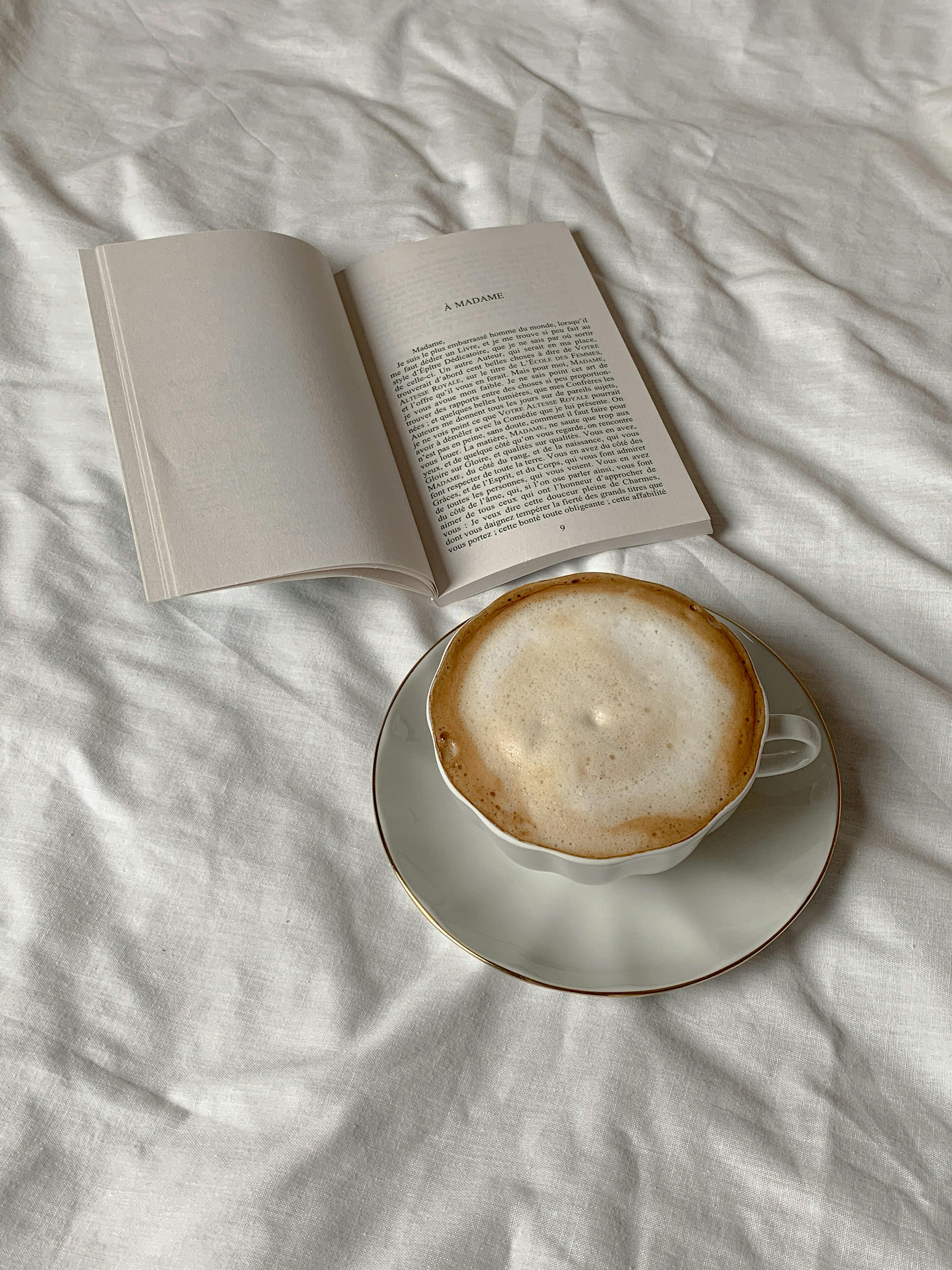
Input: coffee texture

Image 2 — Coffee

Input: person

Image 3 — Person

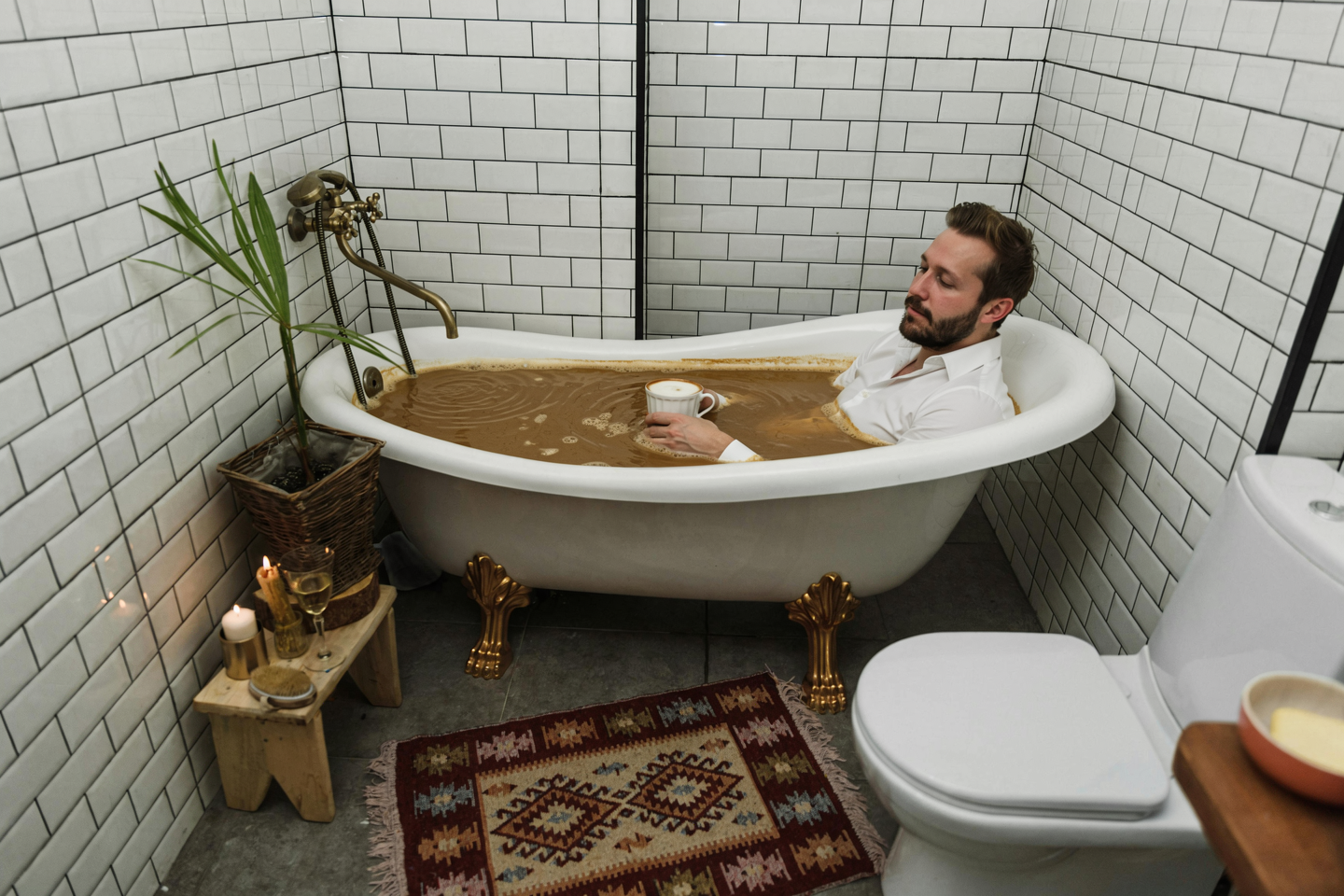
Person in coffee-filled bathtub

Result

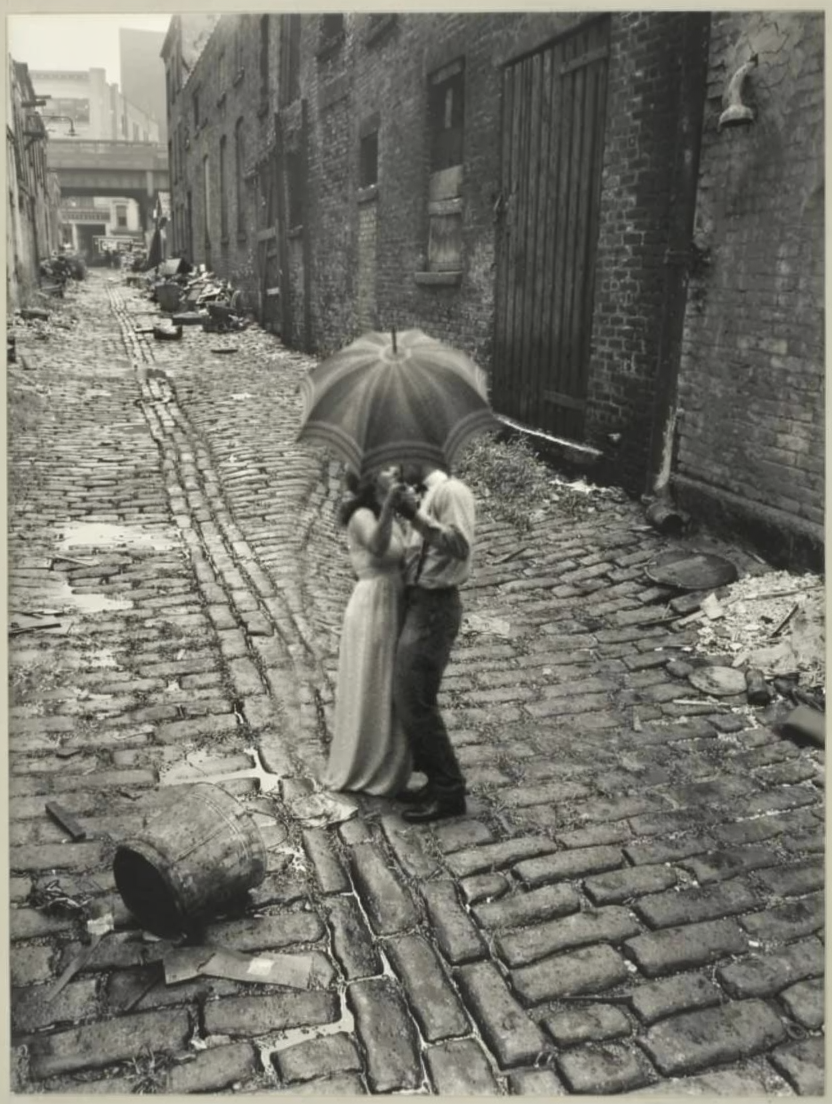
Style-matched couple placement
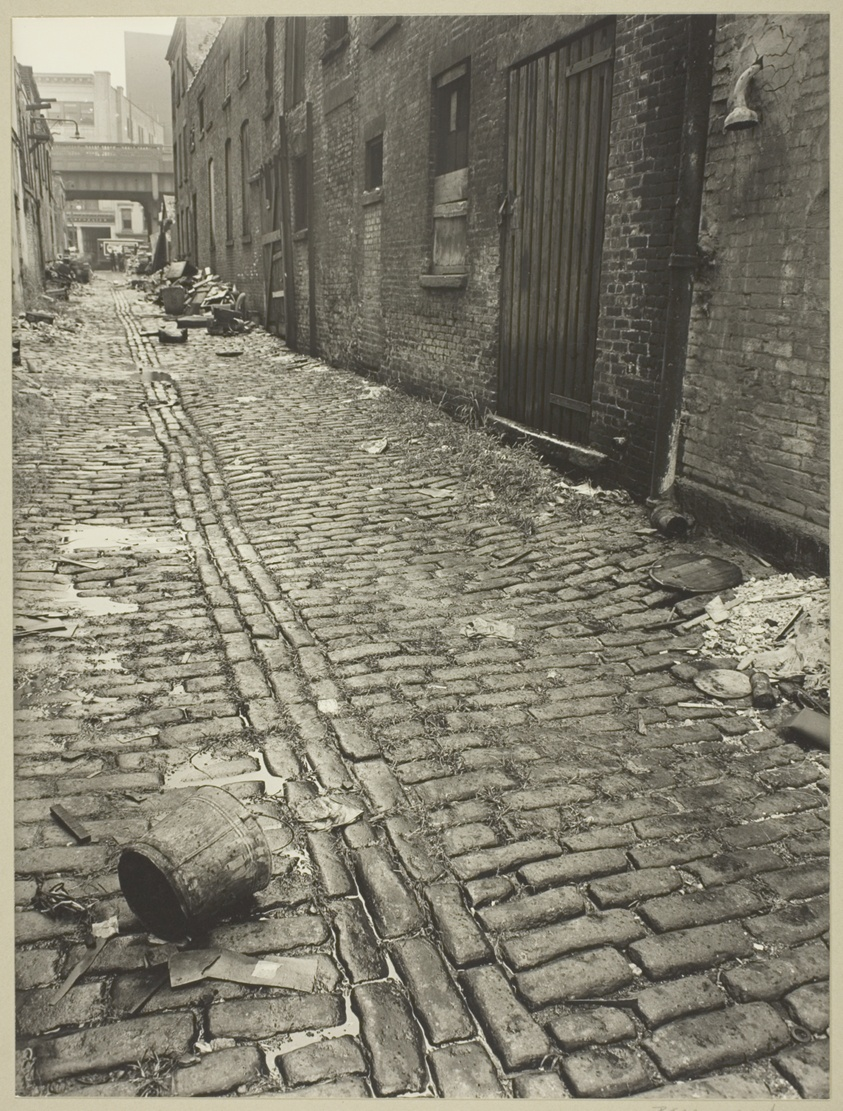
Input: street scene

Image 1 — Street scene

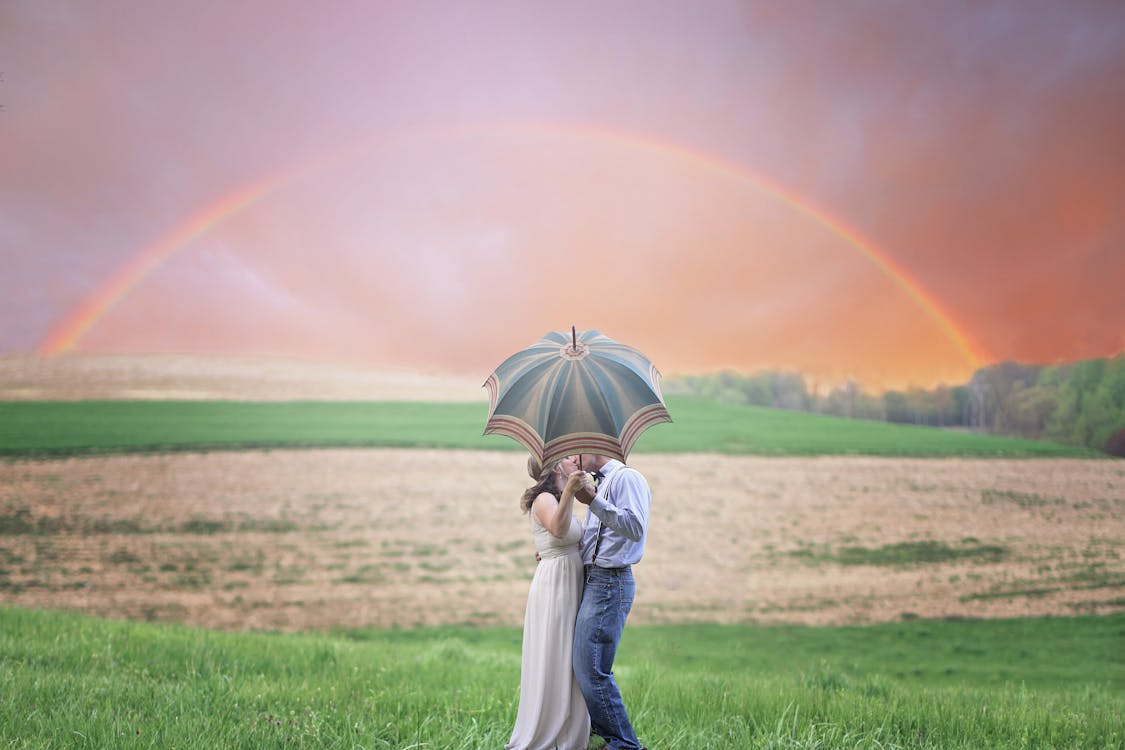
Input: couple

Image 2 — Couple

Couple placed in street scene

Result

People + background merge

Input: person 1

Image 1

Input: person 2

Image 2

Input: background

Image 3 — Background

Two people composited into background

Result

Mix-and-match outfit from multiple images
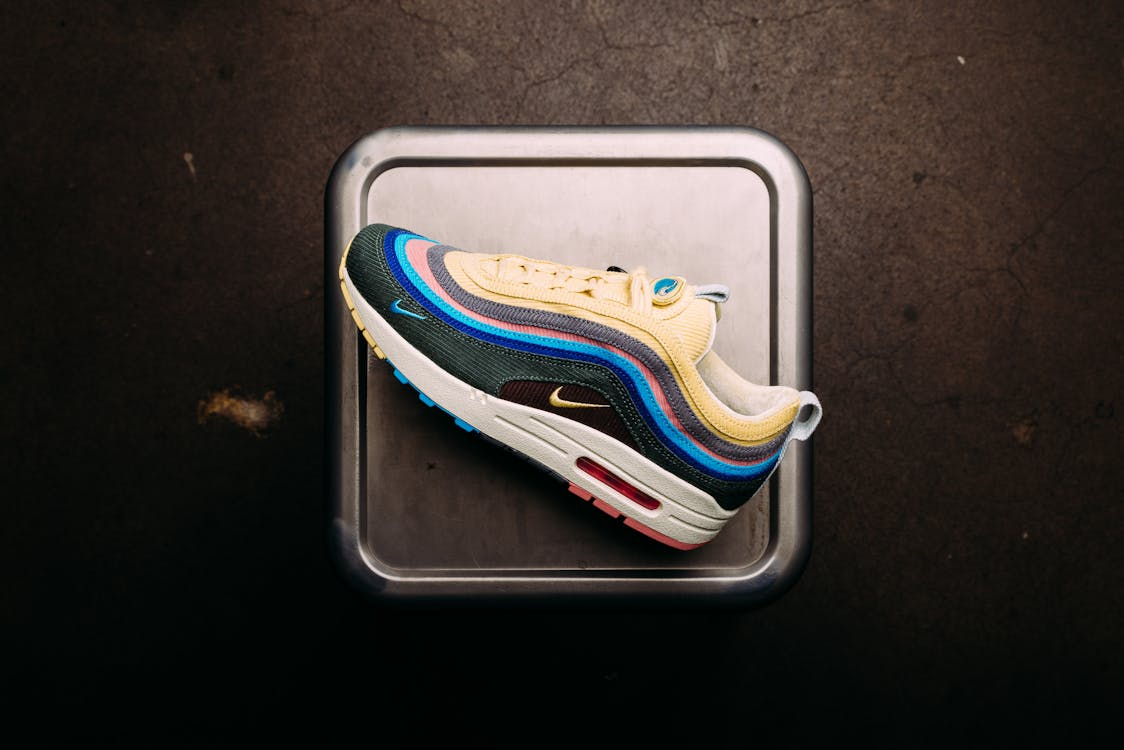
Input: shoes

Image 1 — Shoes

Input: jeans

Image 2 — Jeans

Input: sweater

Image 3 — Sweater

Woman wearing outfit from three references

Result

Style transfer + object compositing
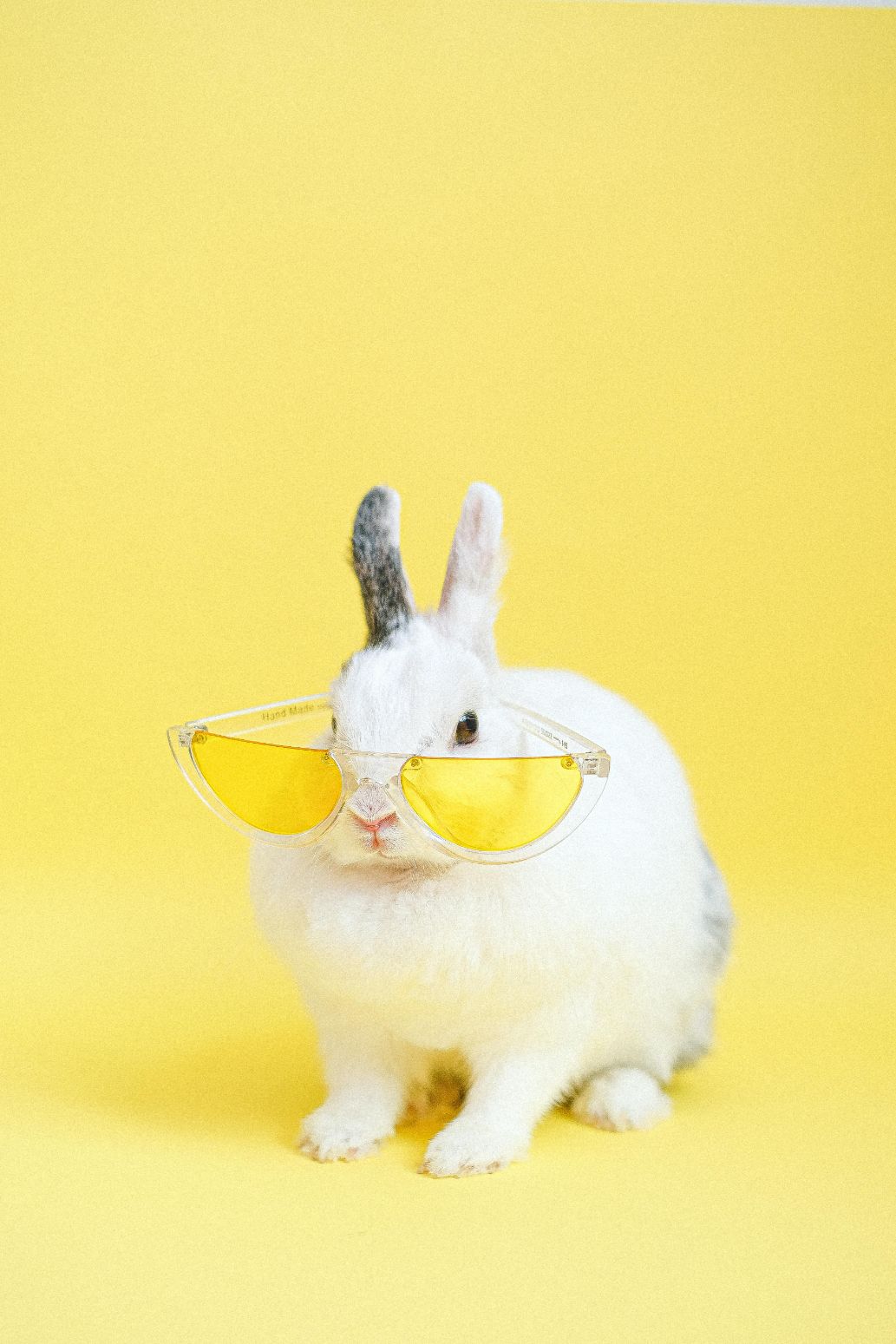
Input: rabbit with sunglasses

Image 1 — Rabbit

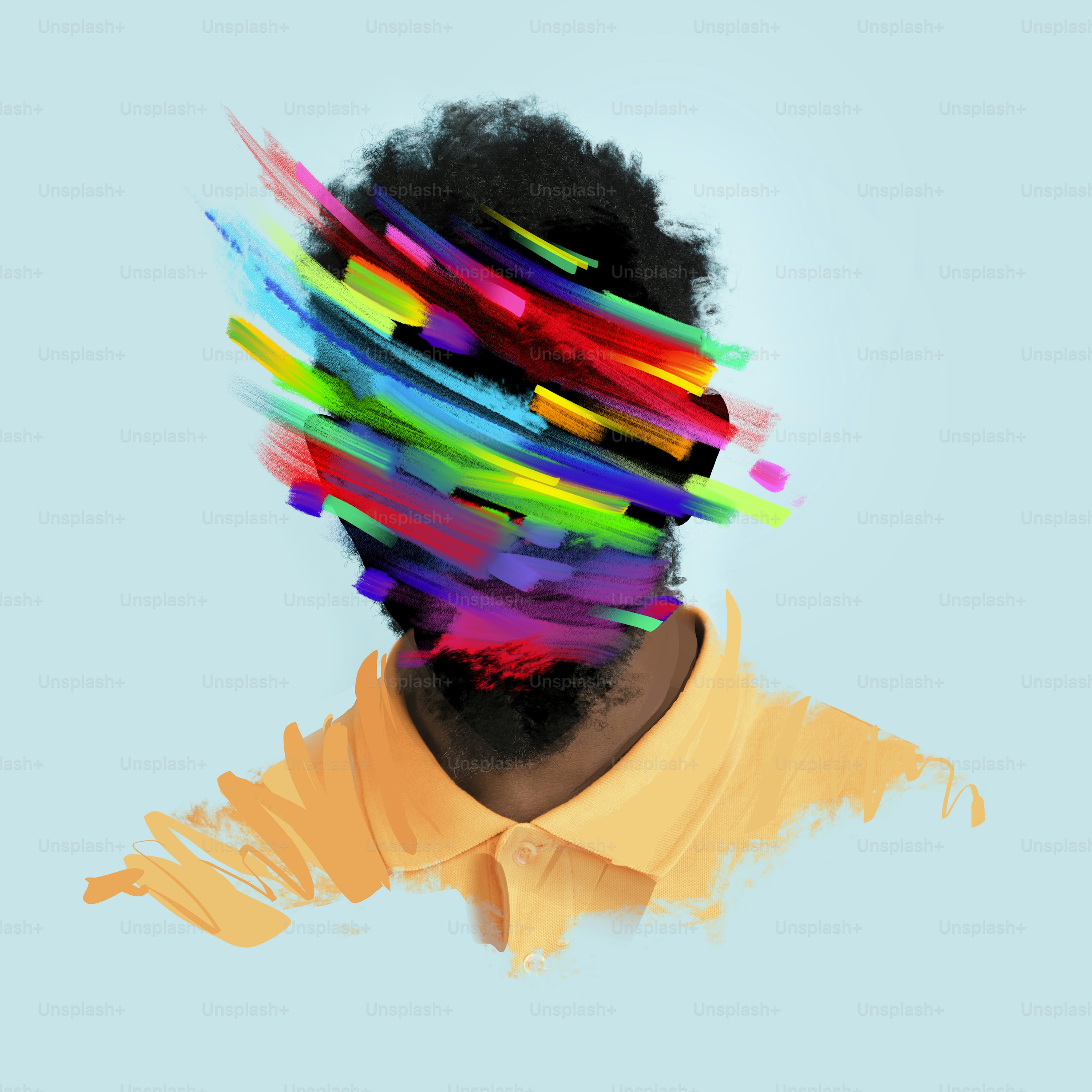
Input: abstract art style

Image 2 — Art style

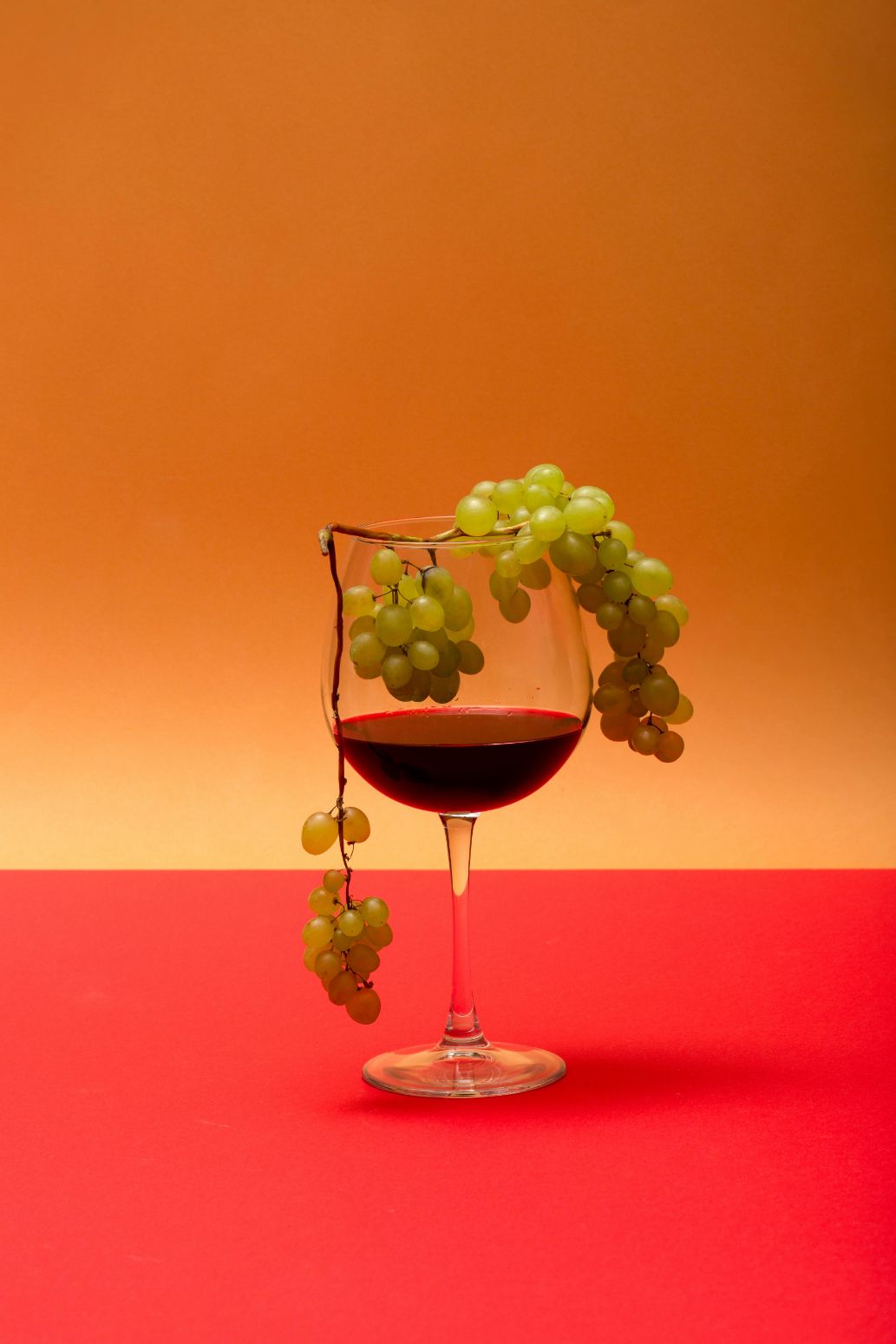
Input: wine glass with grapes

Image 3 — Wine glass

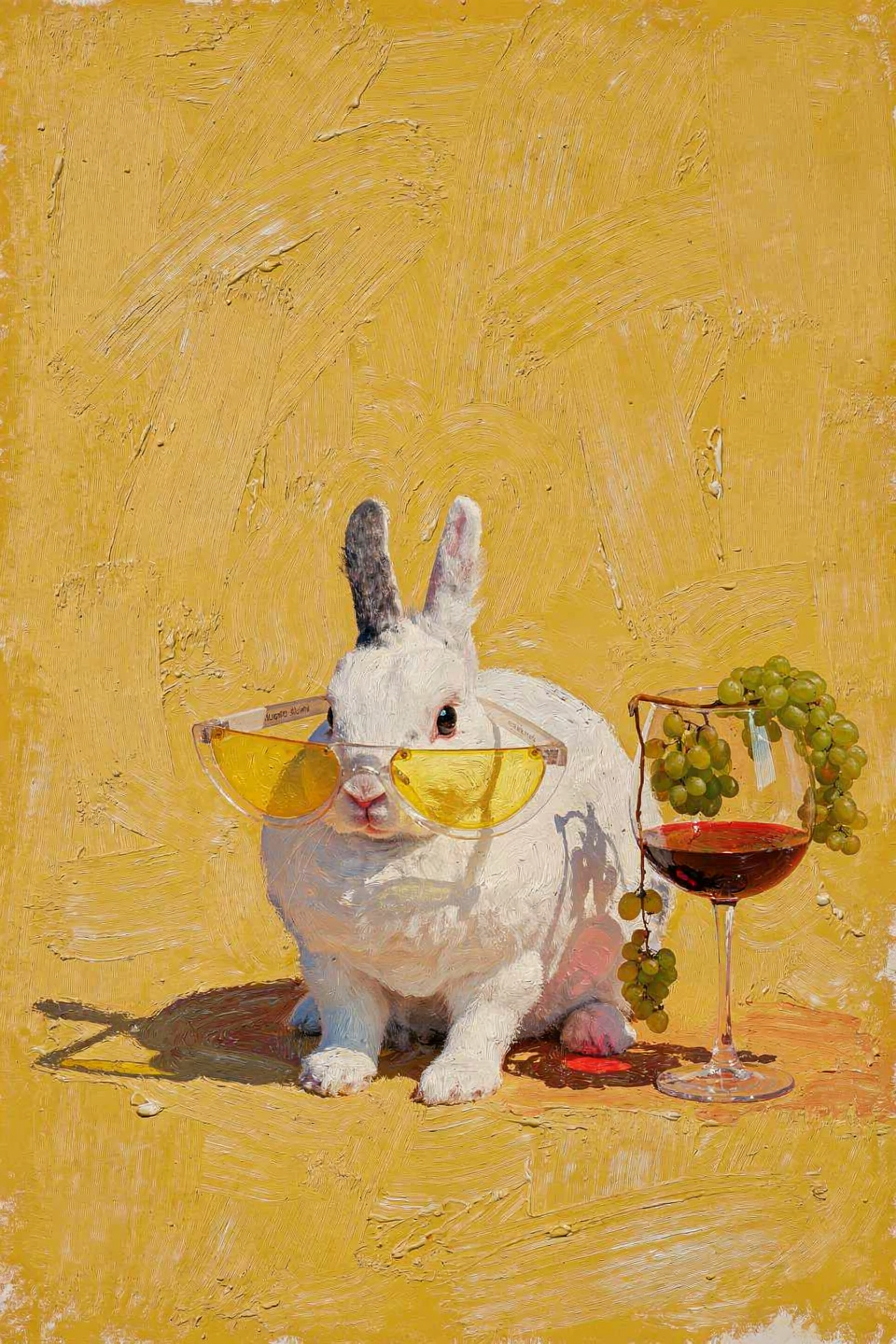
Rabbit with wine glass in oil painting style

Result

Fantasy compositing — snow globe

Input: woman

Image 1 — Woman

Input: snow globe

Image 2 — Snow globe

Input: trees

Image 3 — Trees

Woman and trees inside snow globe

Result