

![FLUX.2 [klein] Training Example](https://cdn.sanity.io/images/2gpum2i6/production/e09038959c1ec2beaa3aeb077974ffd7b928471b-1440x1072.png)
Overview
This example walks through training a style LoRA using a fully synthetic dataset — images generated with FLUX.1 [dev] and various illustrative LoRAs at different strengths.Output Characteristics
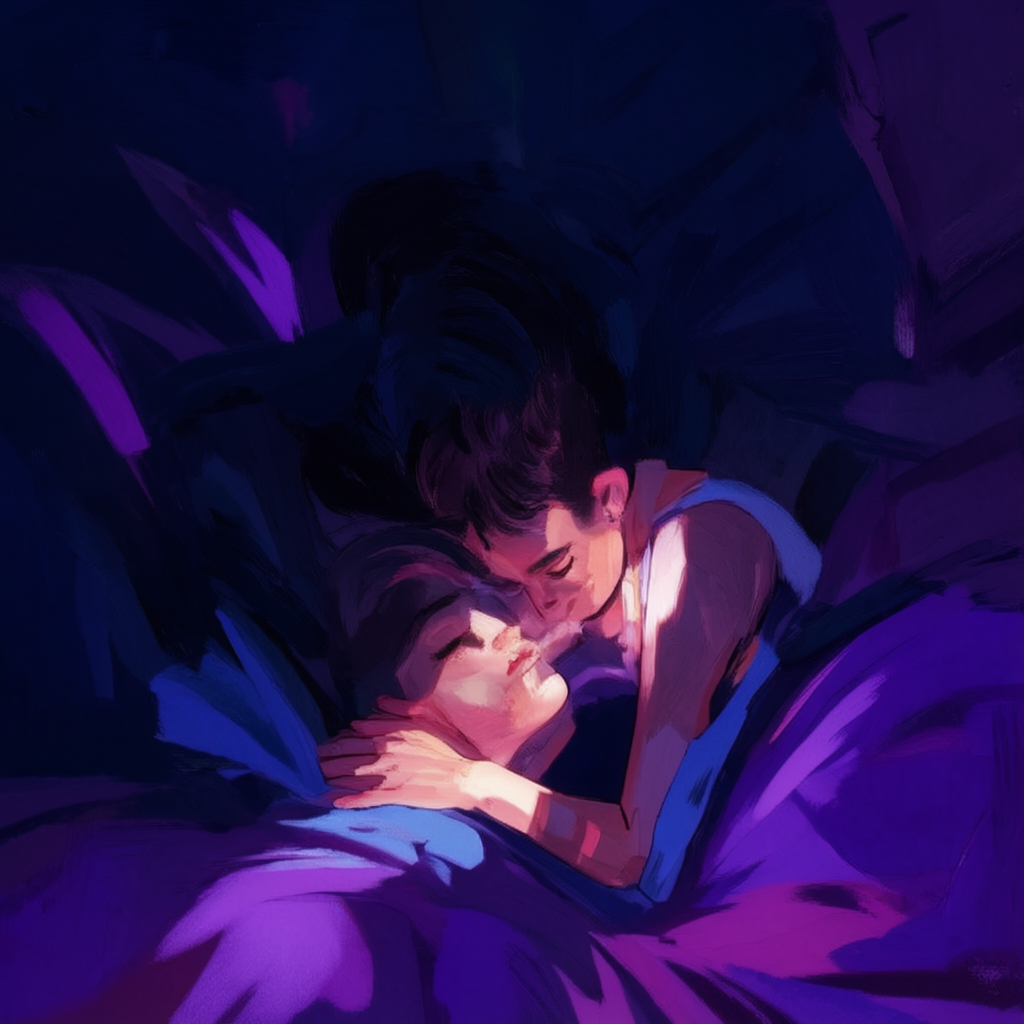
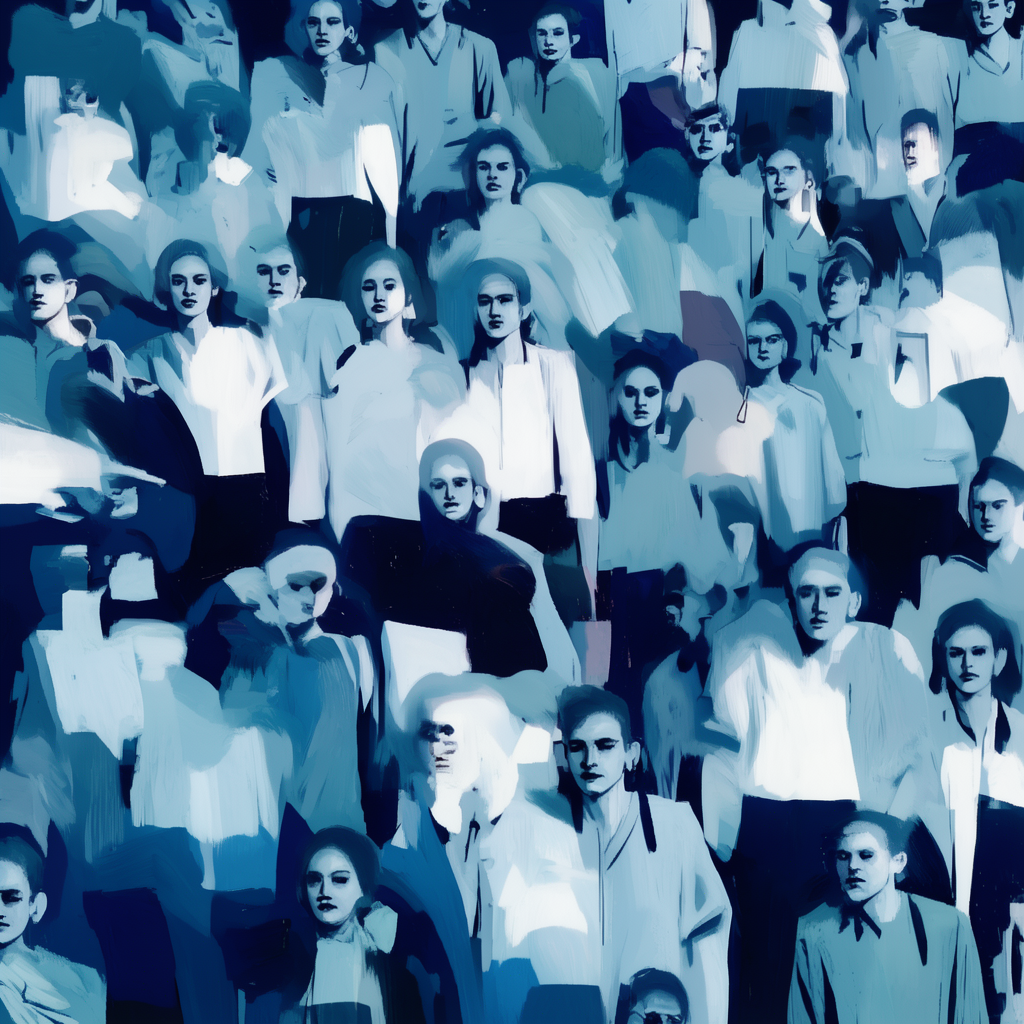
The resulting style has painterly brushwork with strong graphic structure — bold shapes, deep shadows, saturated but limited colors. Edges go between soft and sharp, giving it a hand-painted feel.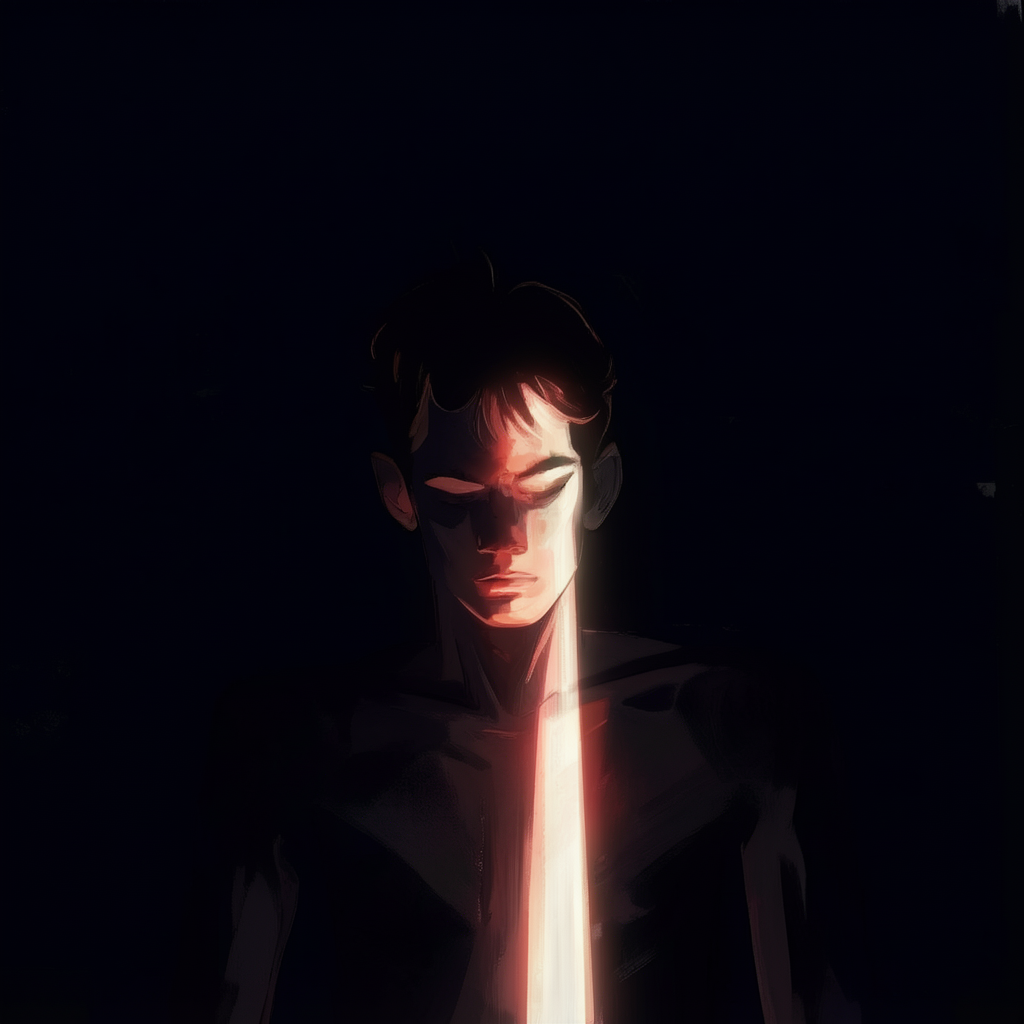
Training Pipeline
Training has three parts that need to work together:- Training Data – Source material the model learns from
- Configuration Parameters – Training behavior and optimization targets
- Sampling Settings – Inference-time extraction of learned characteristics
Part 1: Dataset Preparation Example
Dataset Size Requirements
Optimal dataset size: 20-40 images- Below 20 images: Insufficient variation for generalization
- Above 40 images: Style dilution through excessive variation
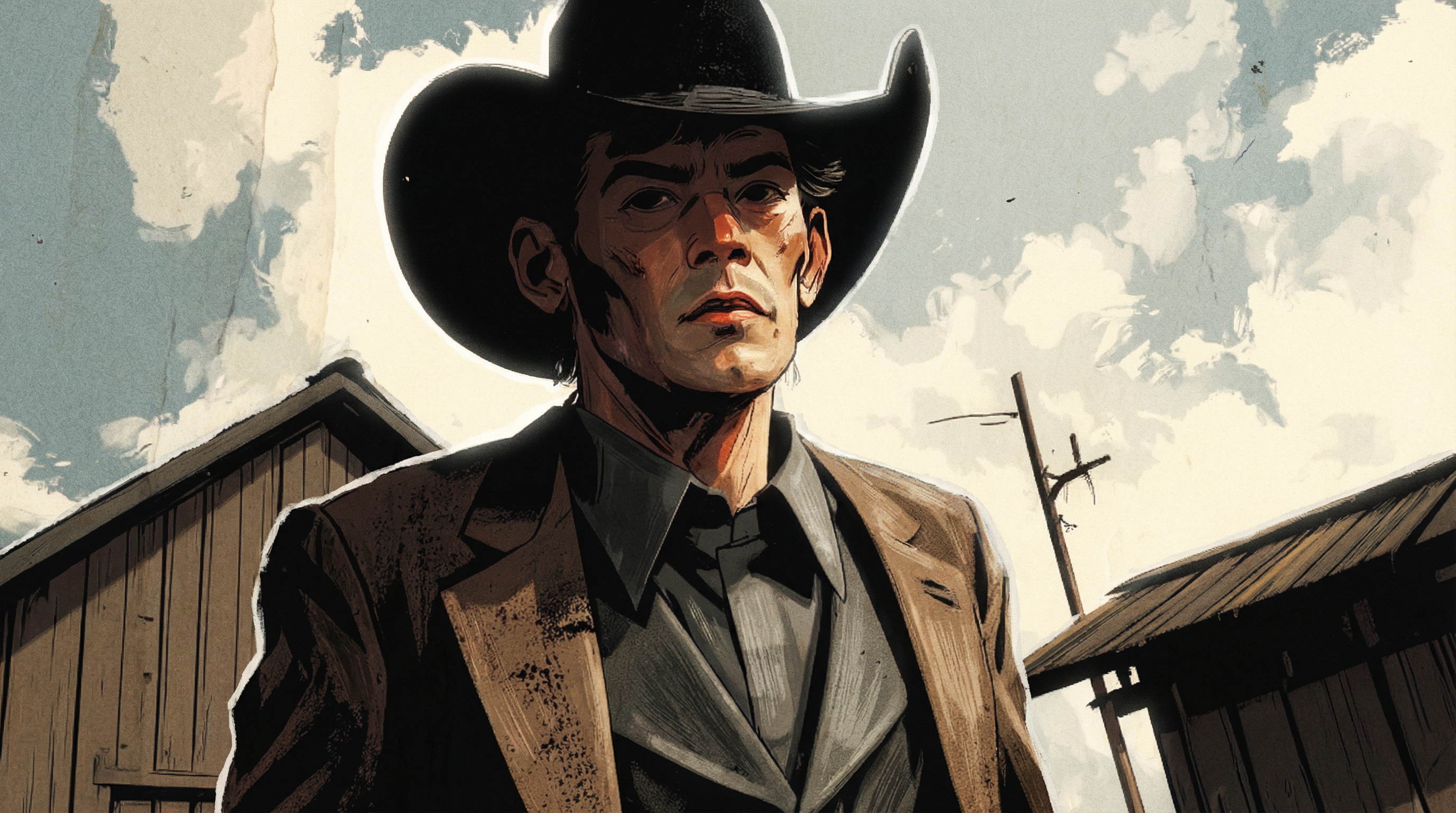
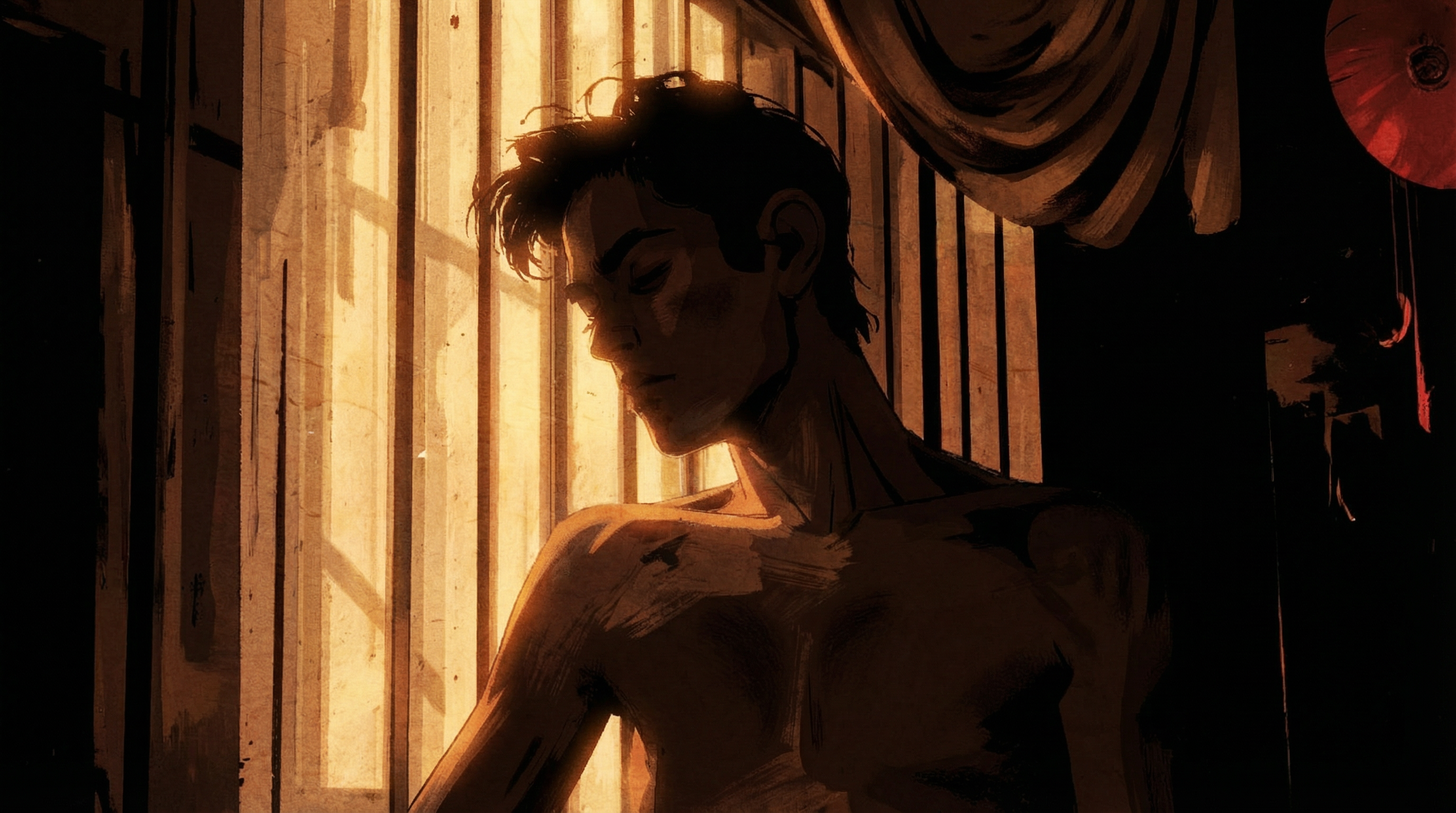

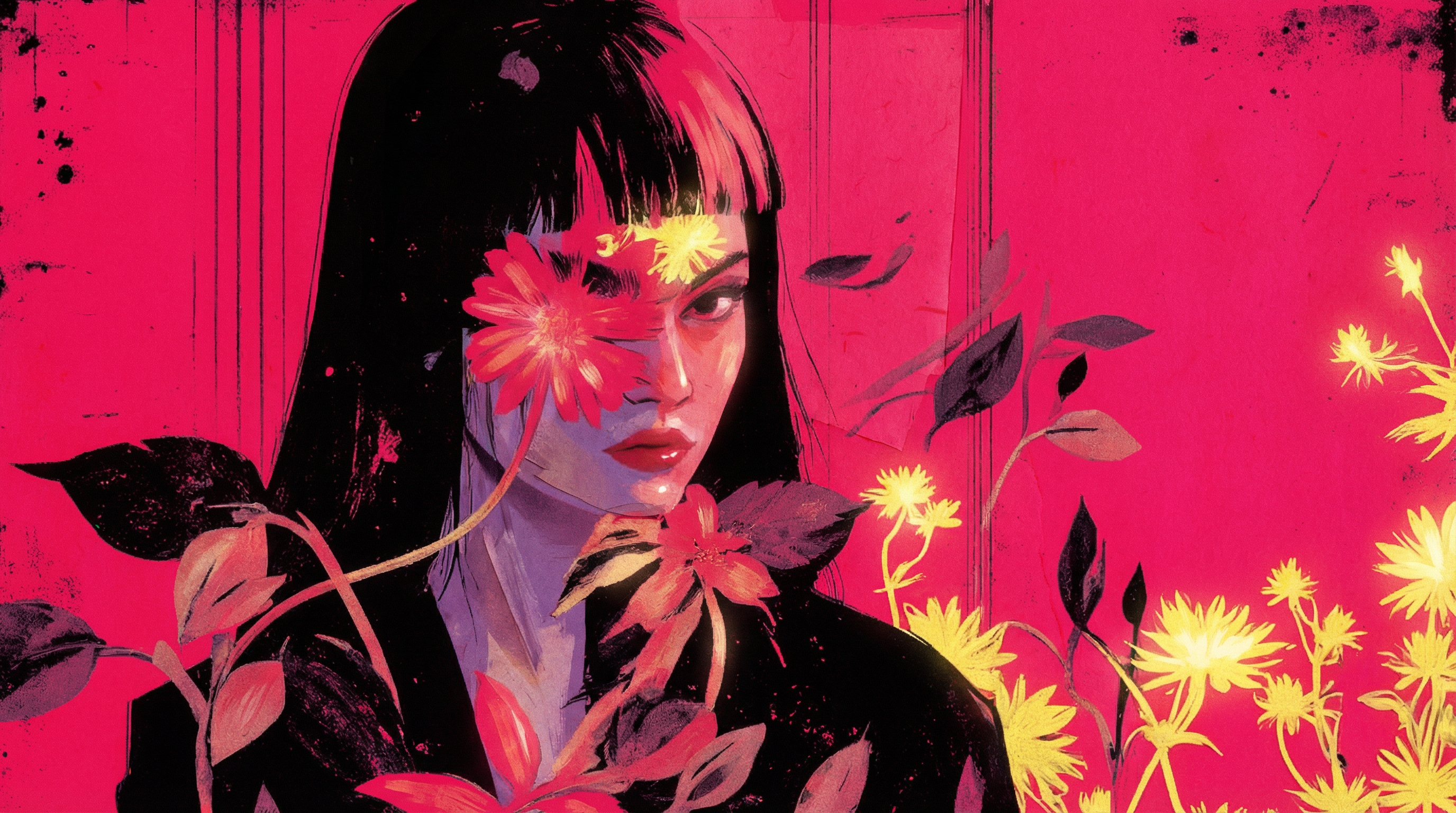
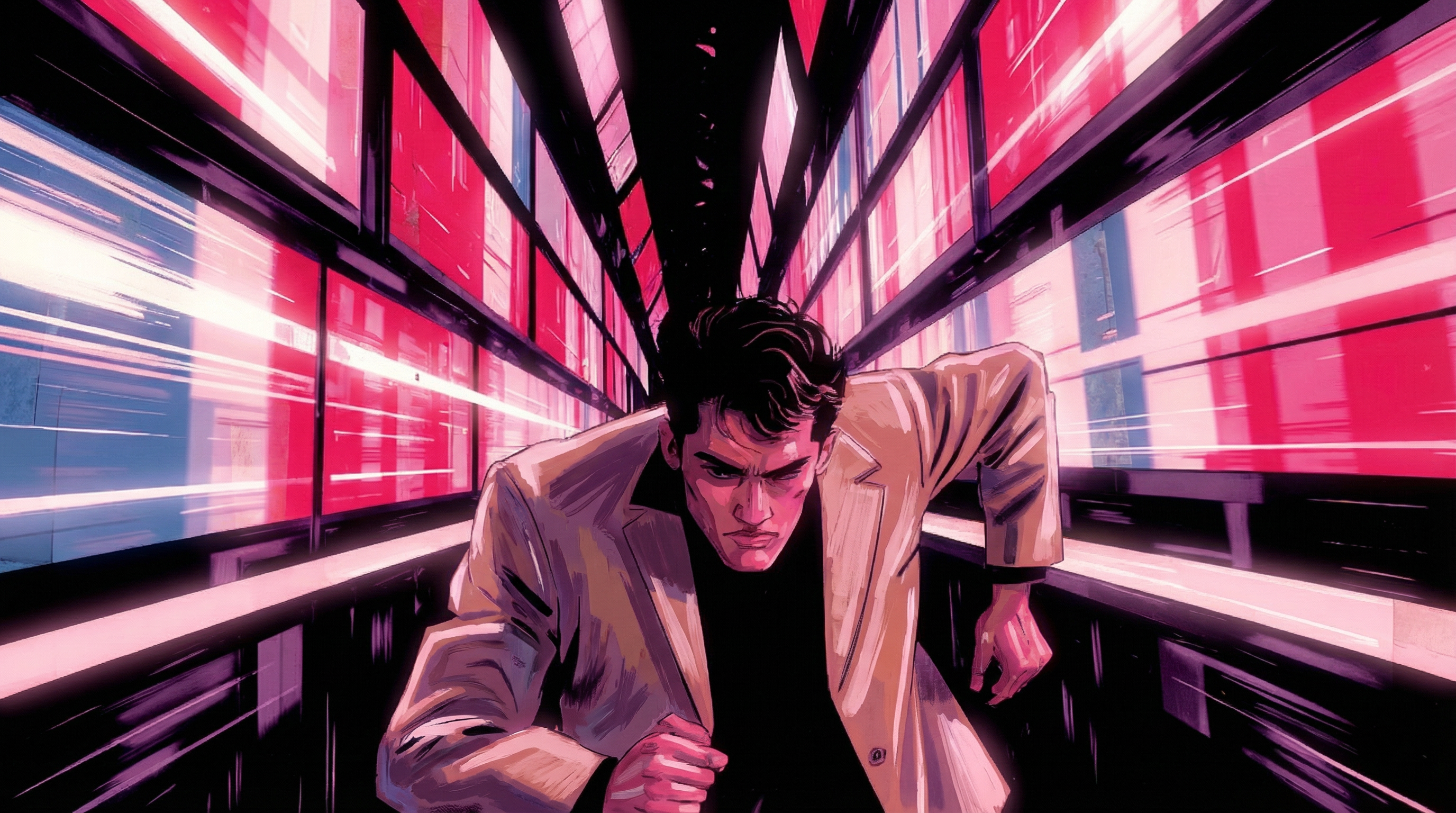
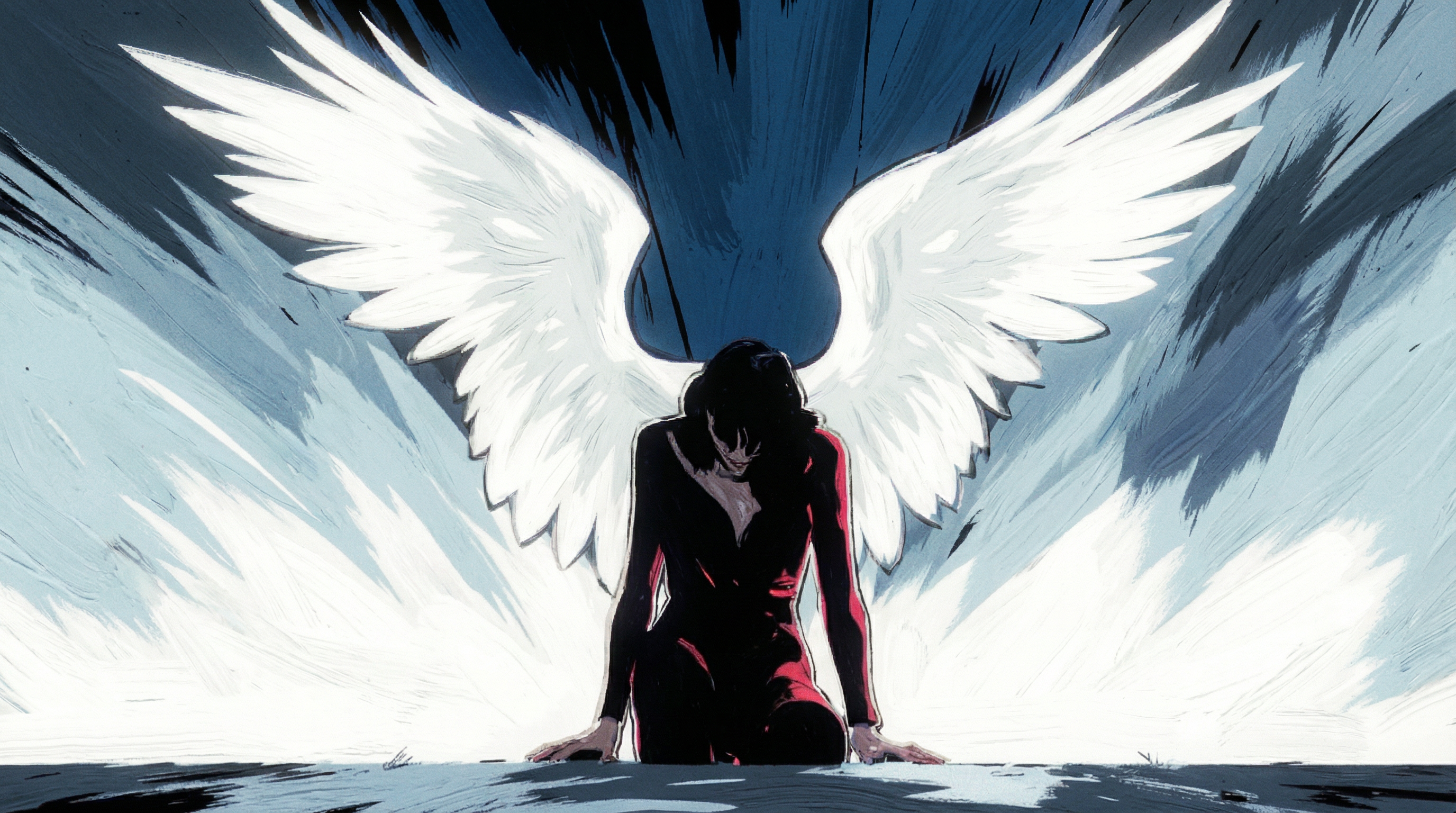
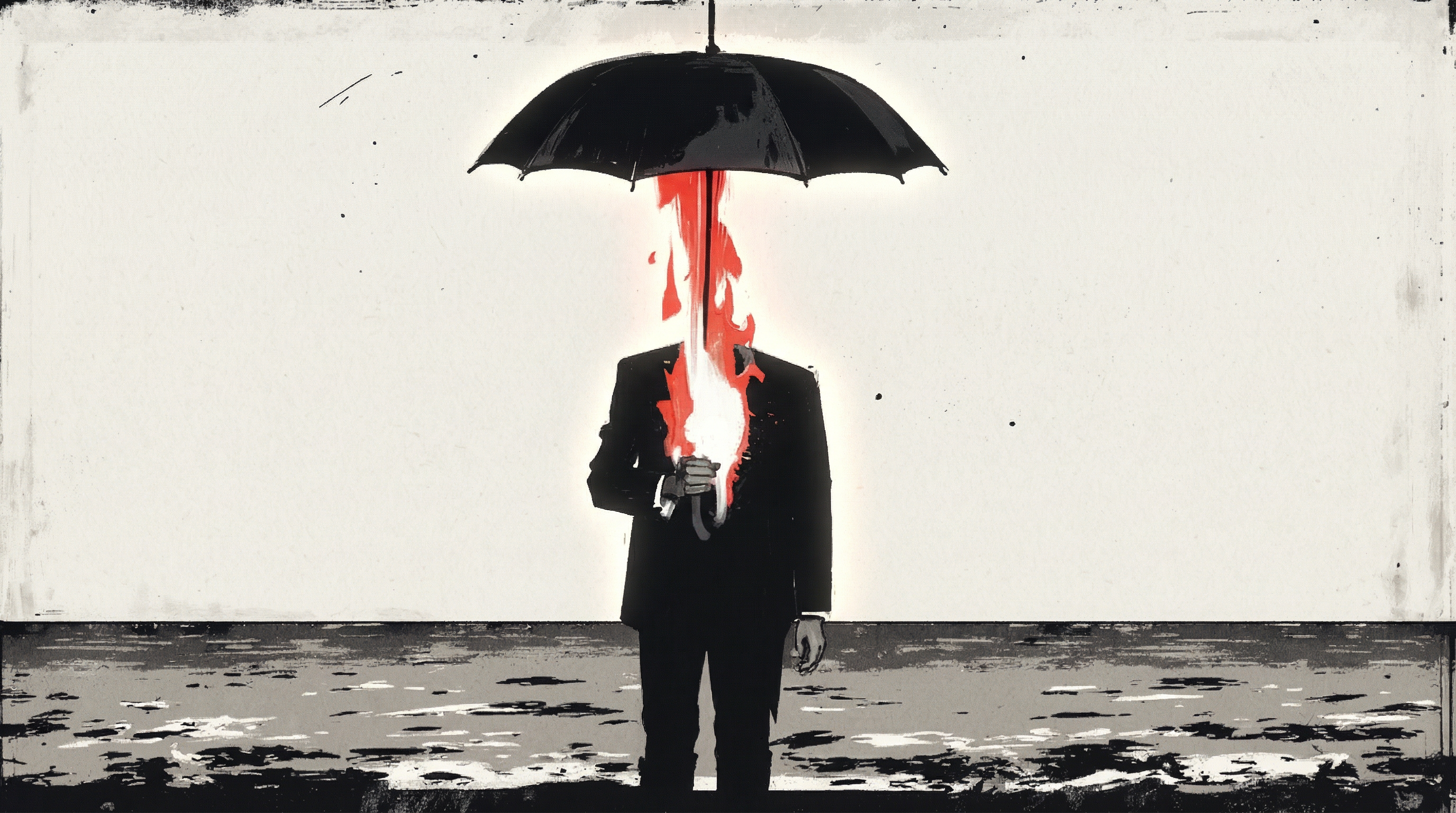

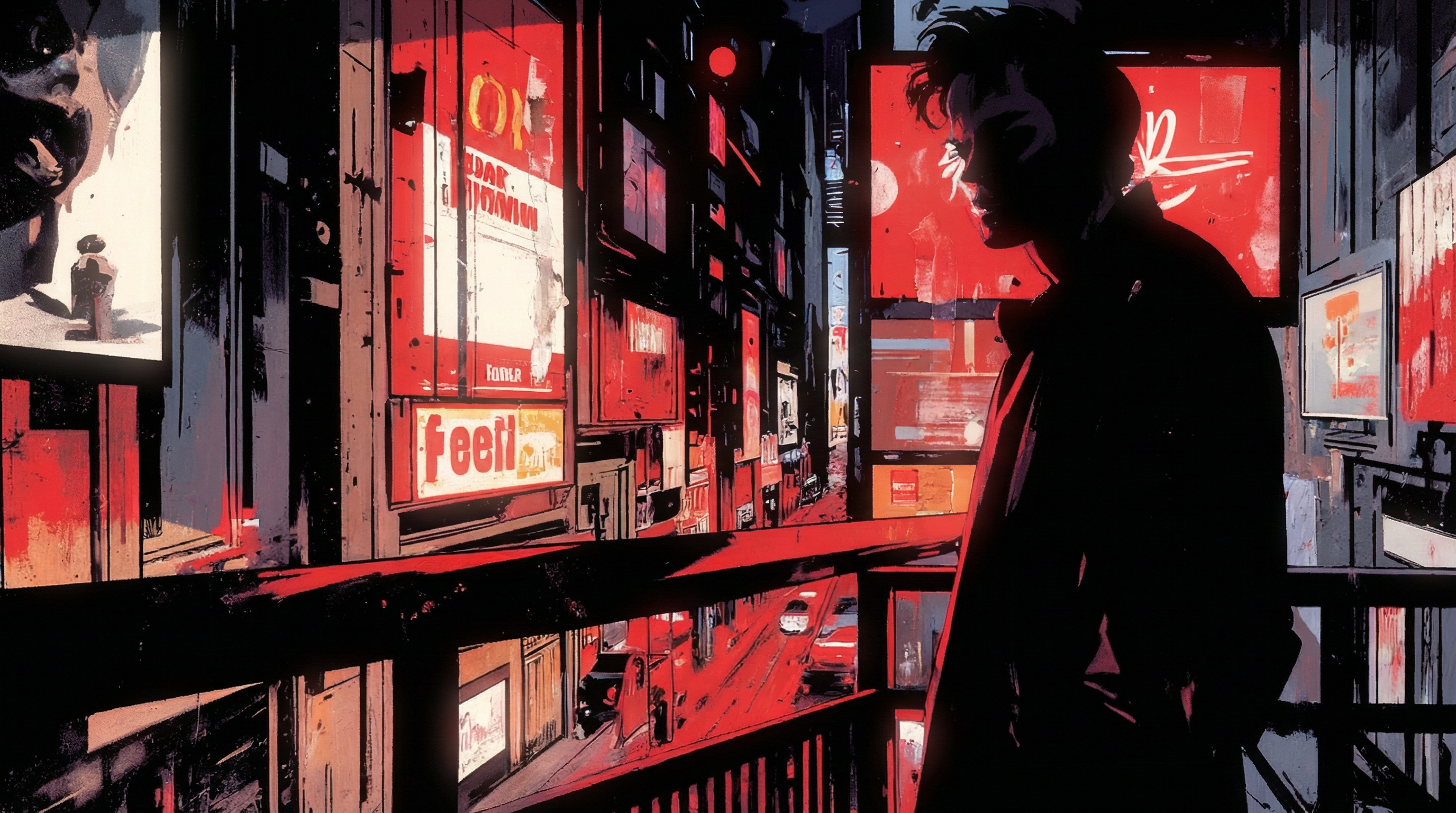
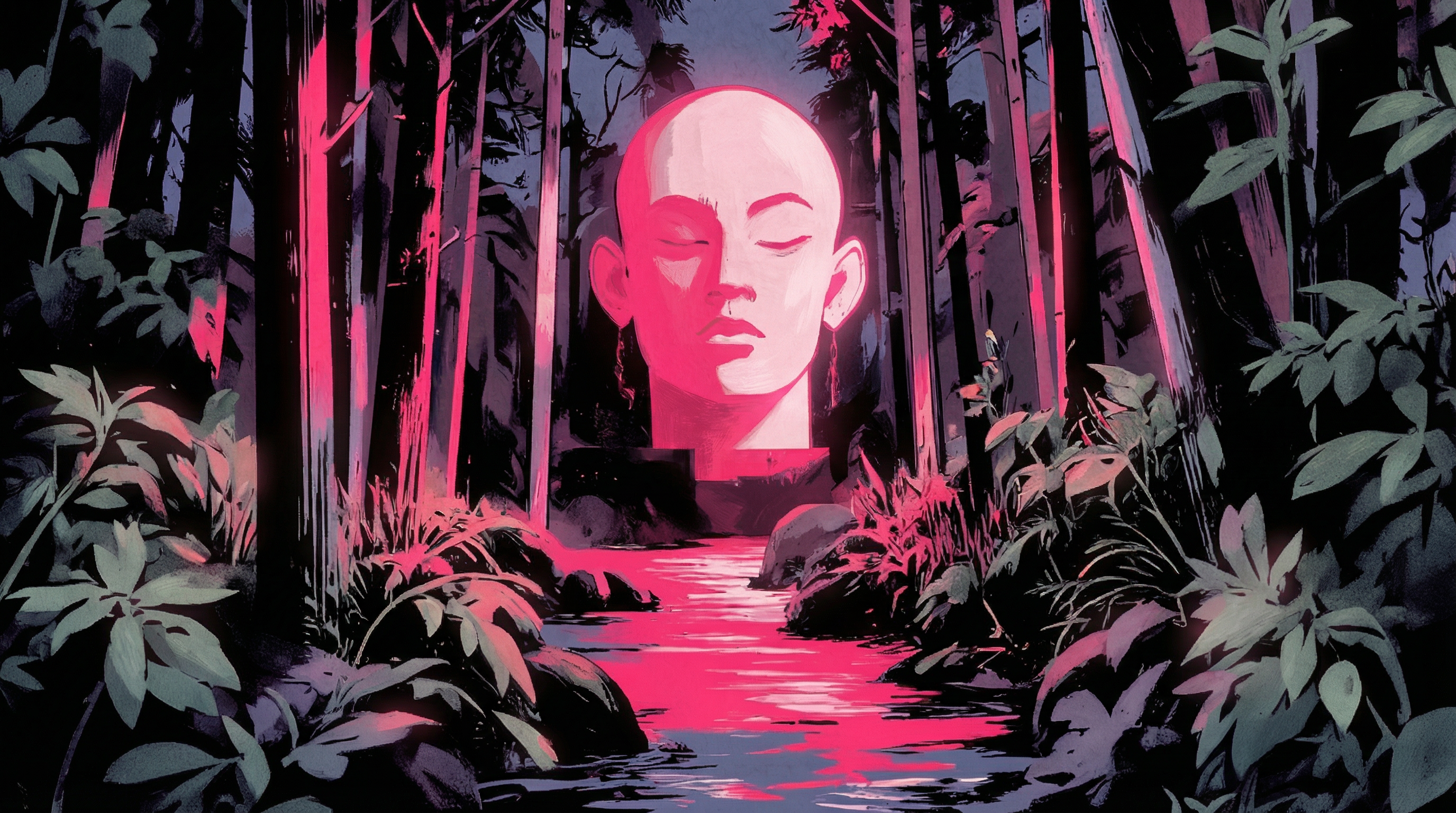

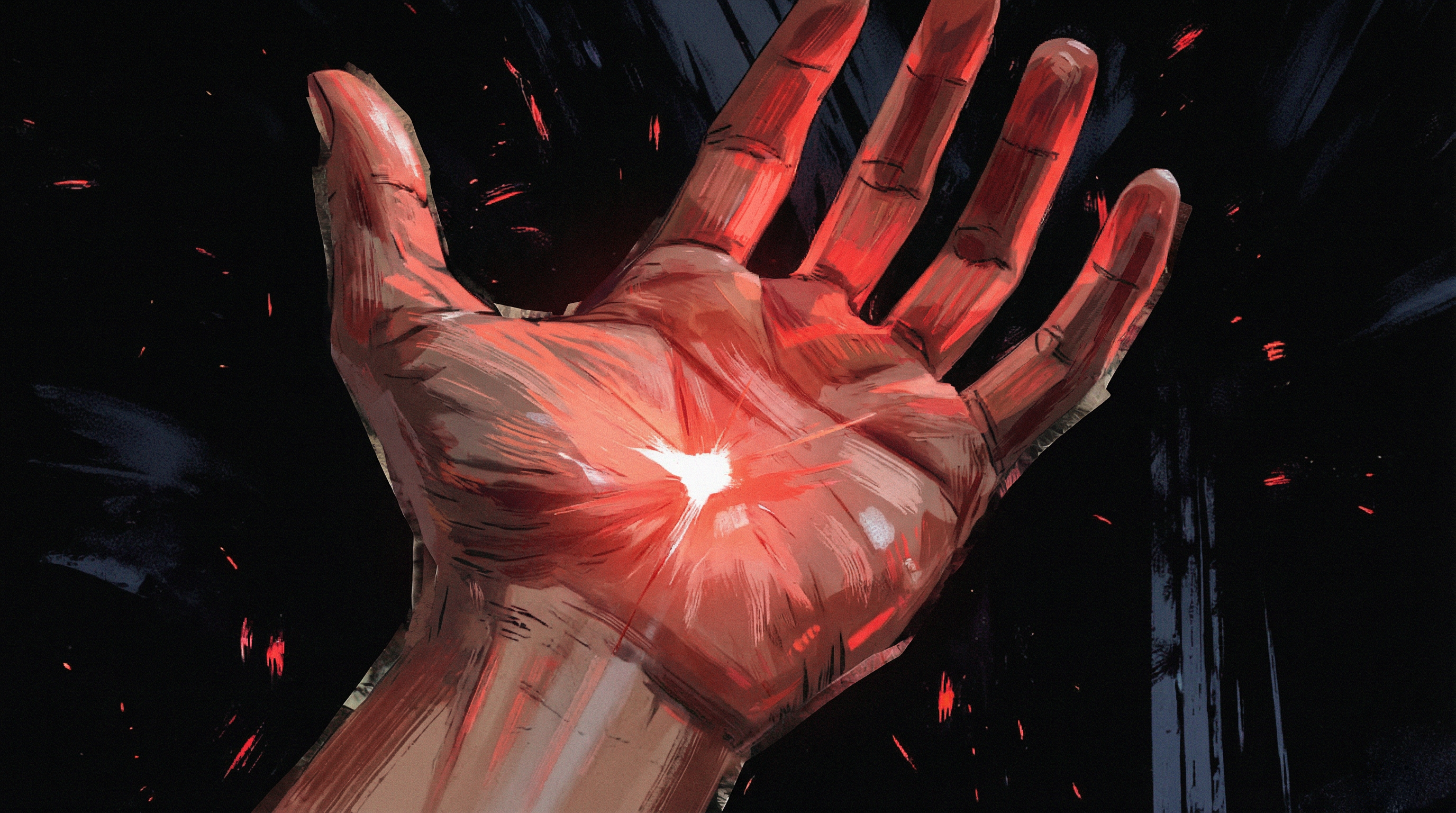
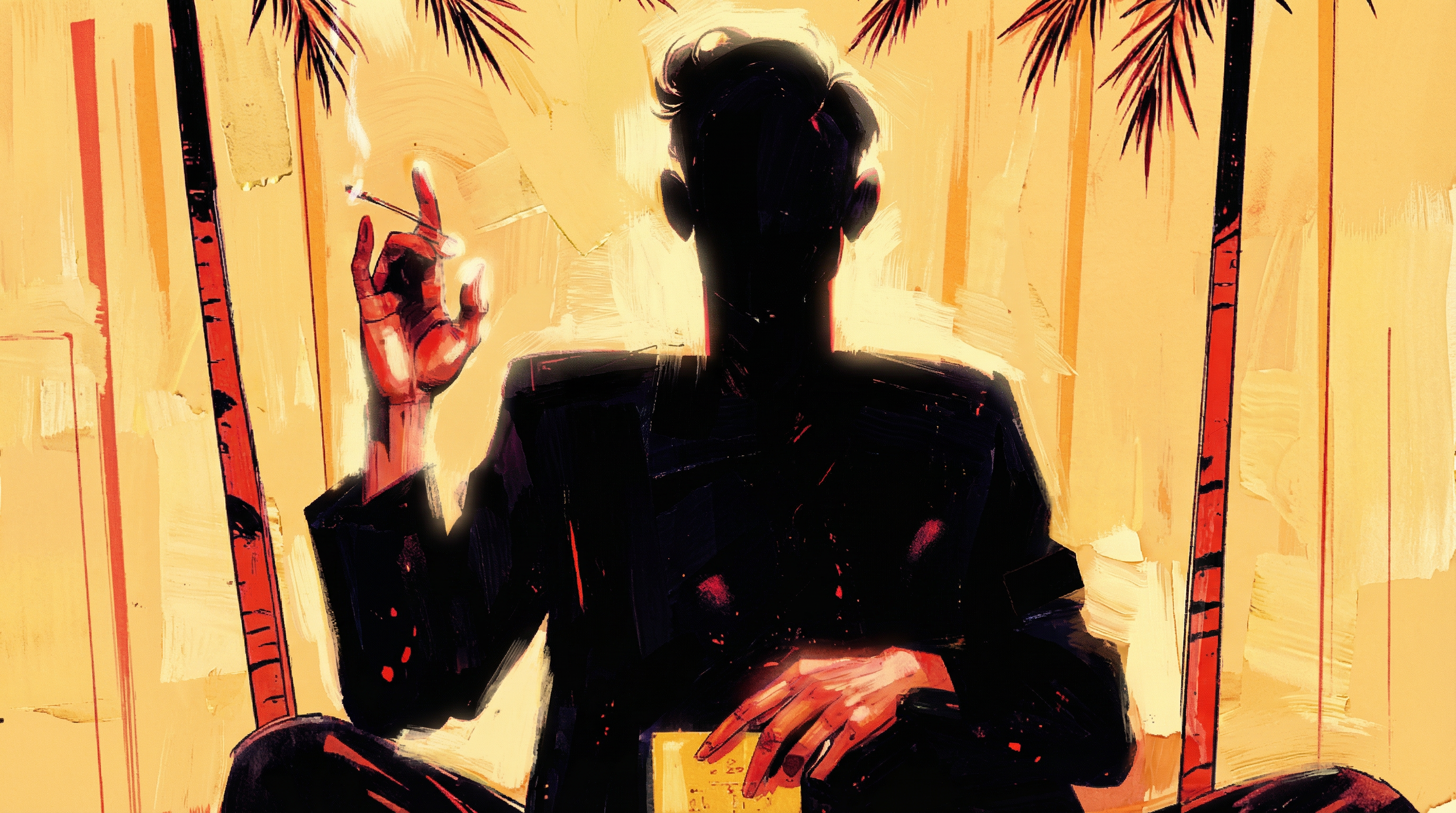

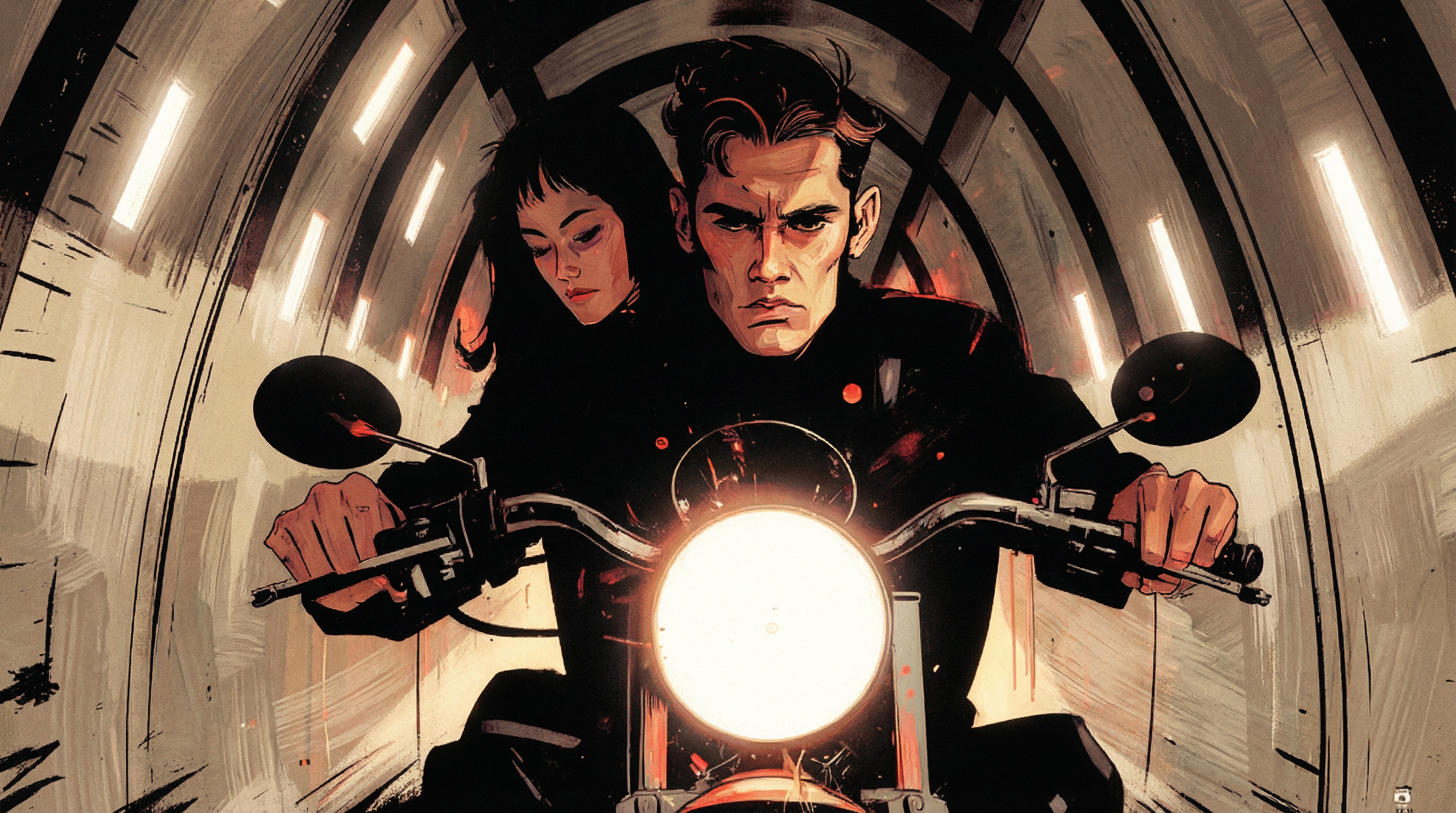
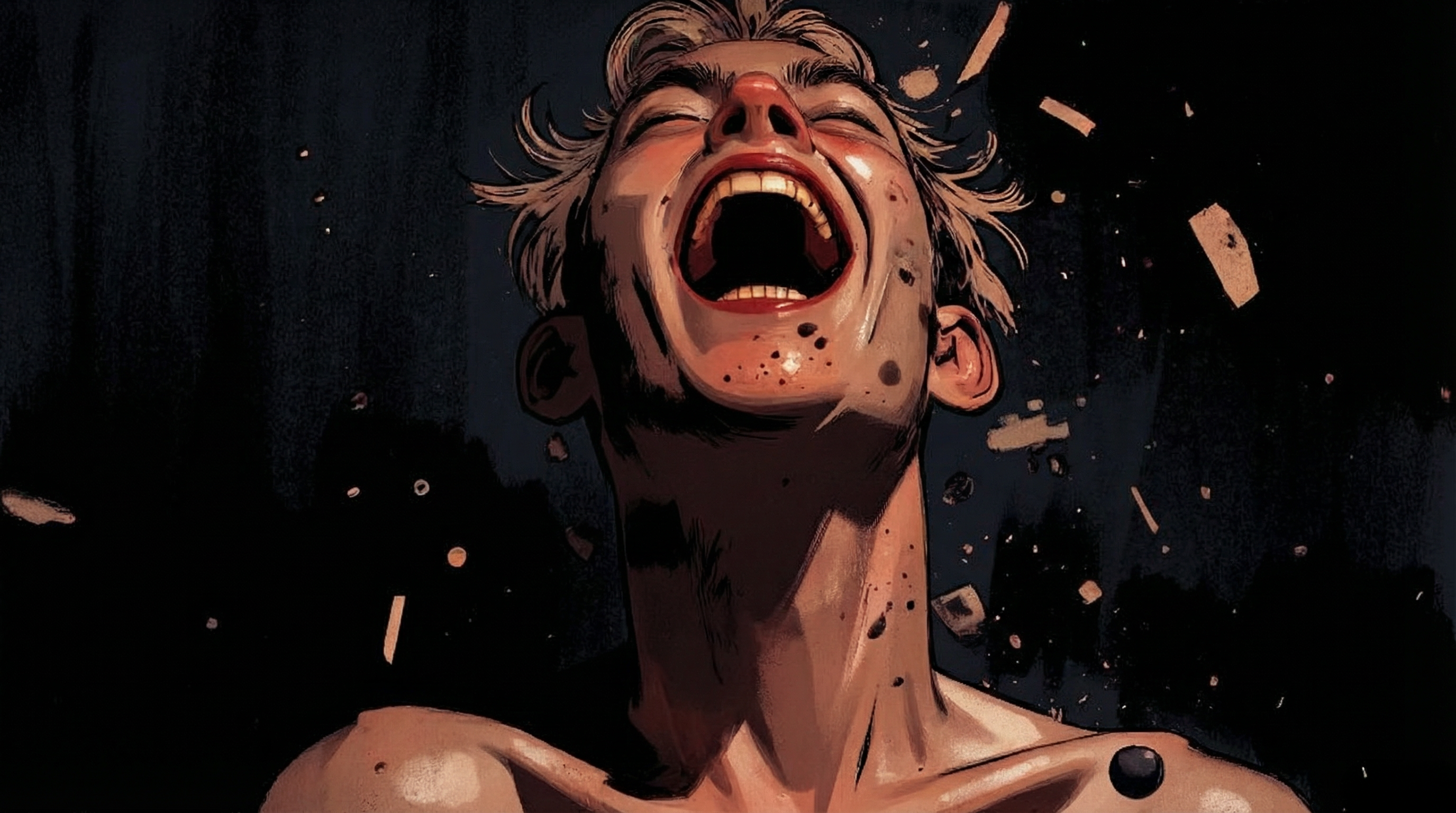
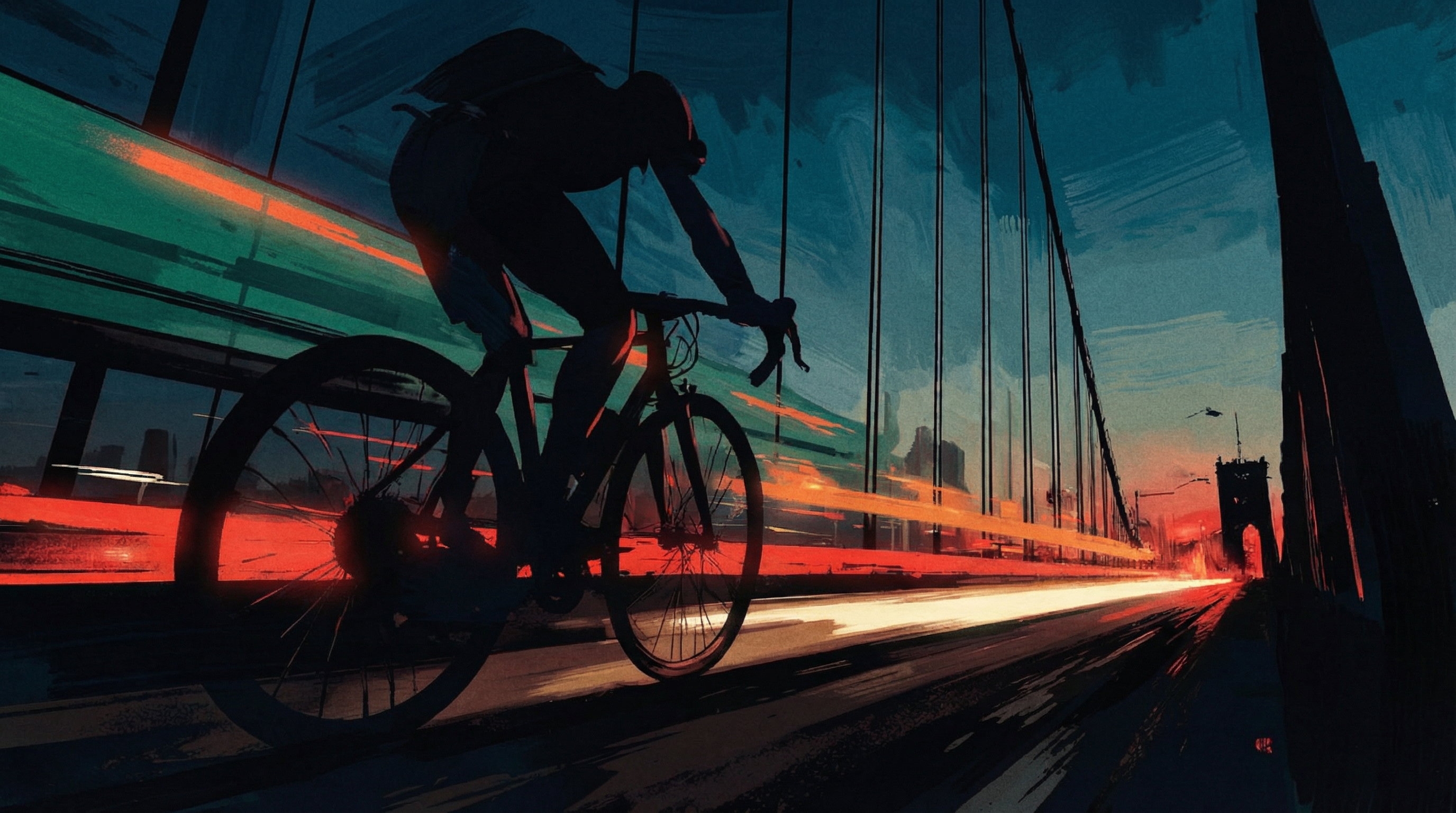



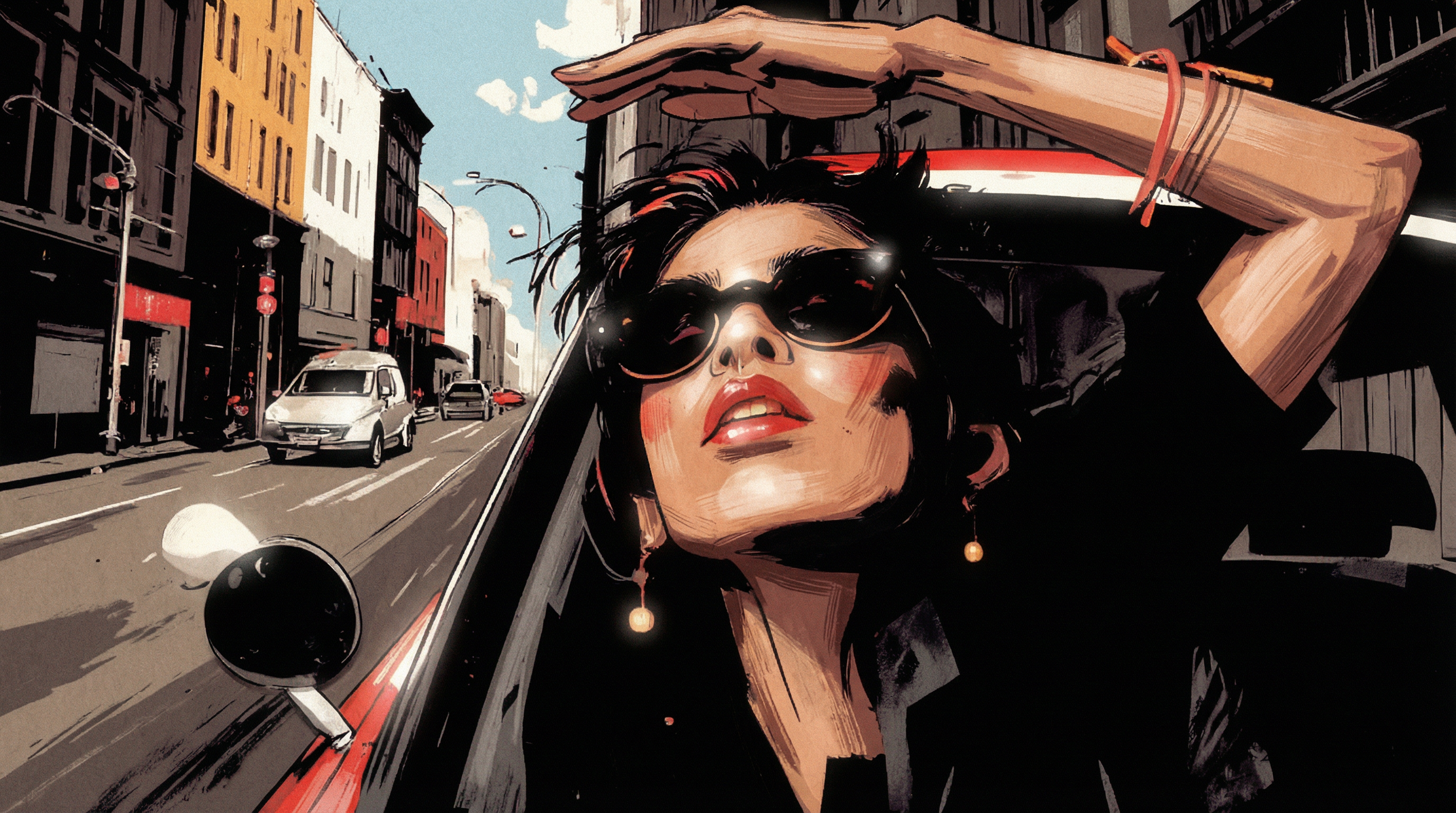
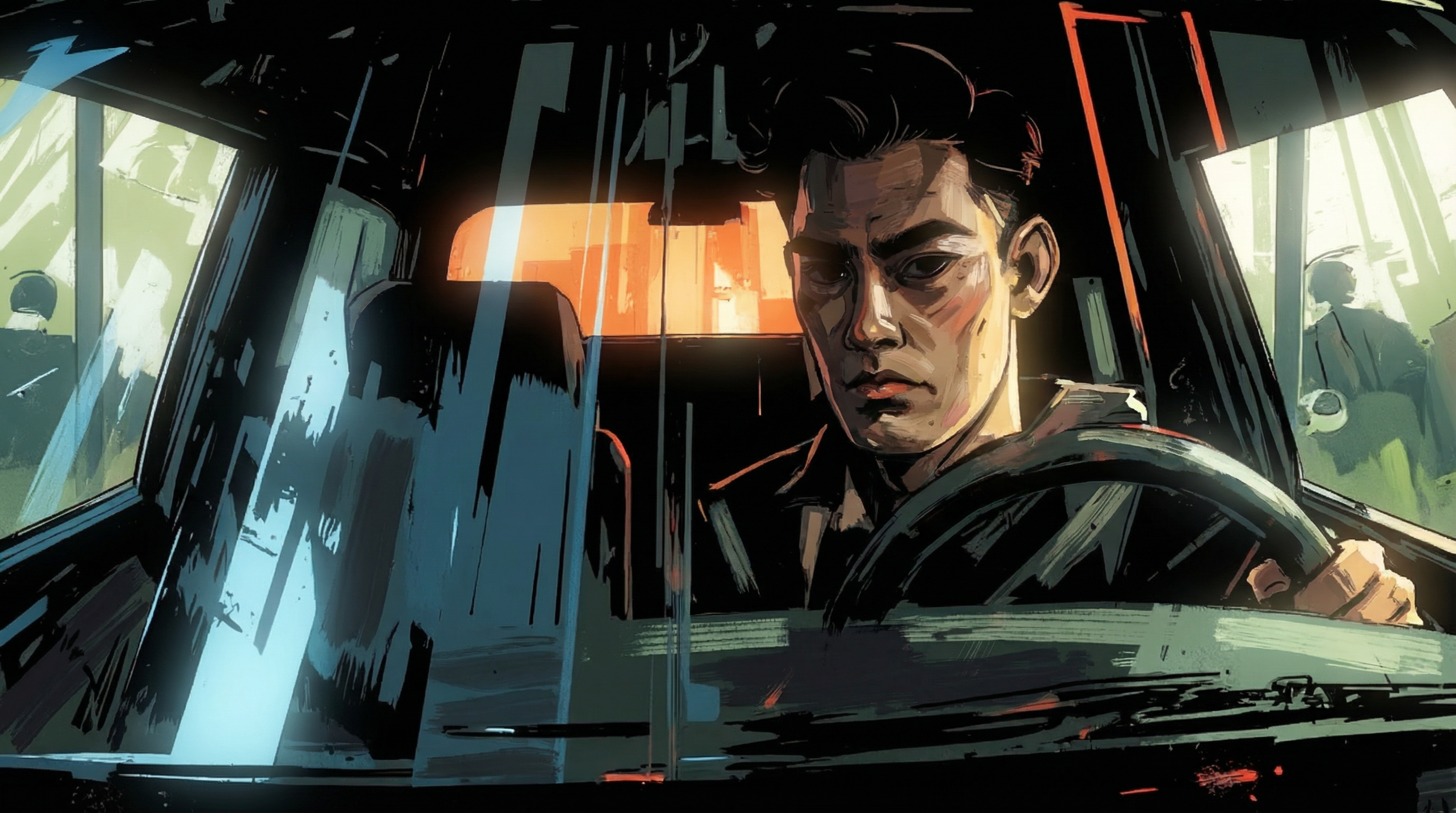

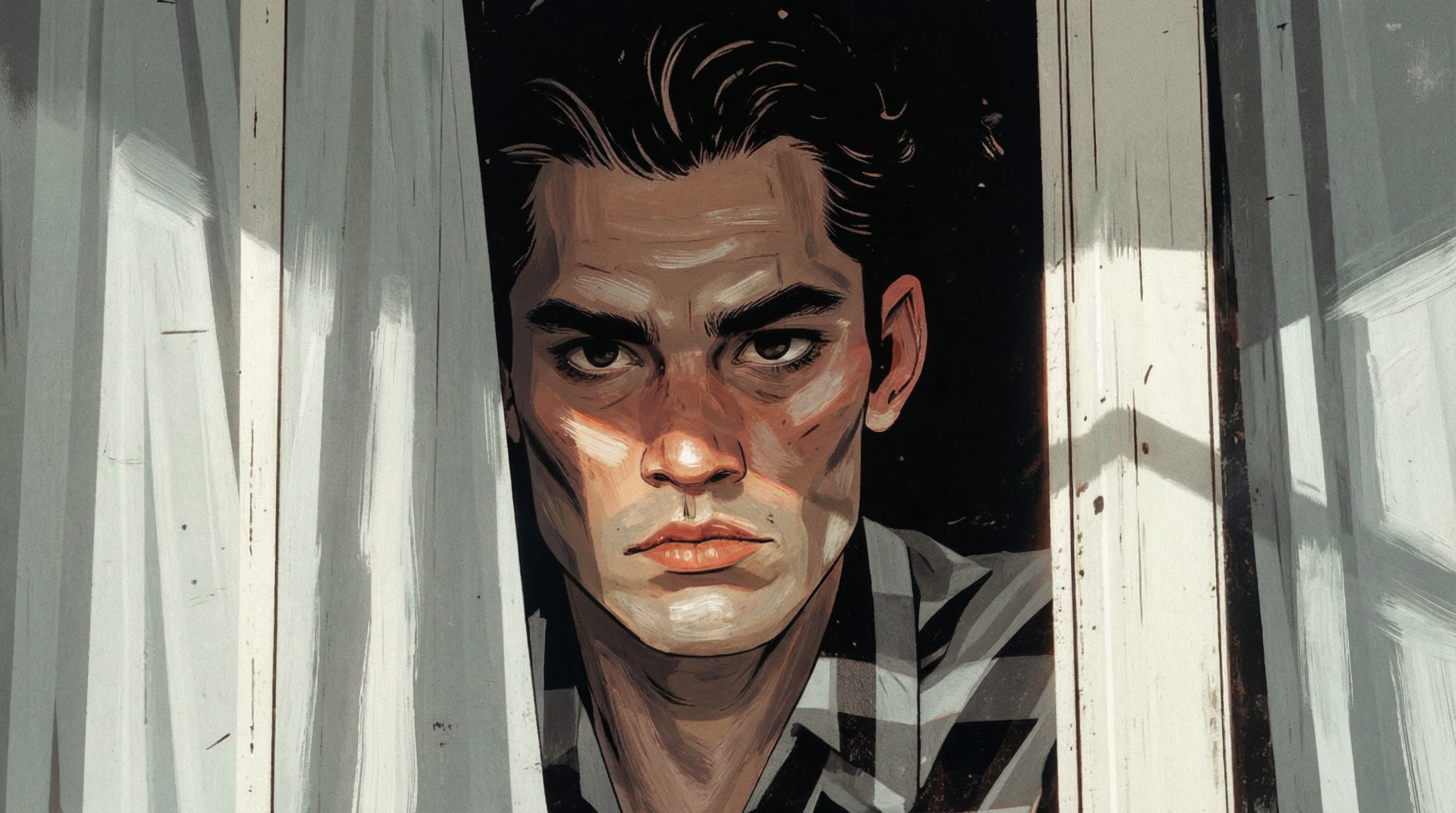
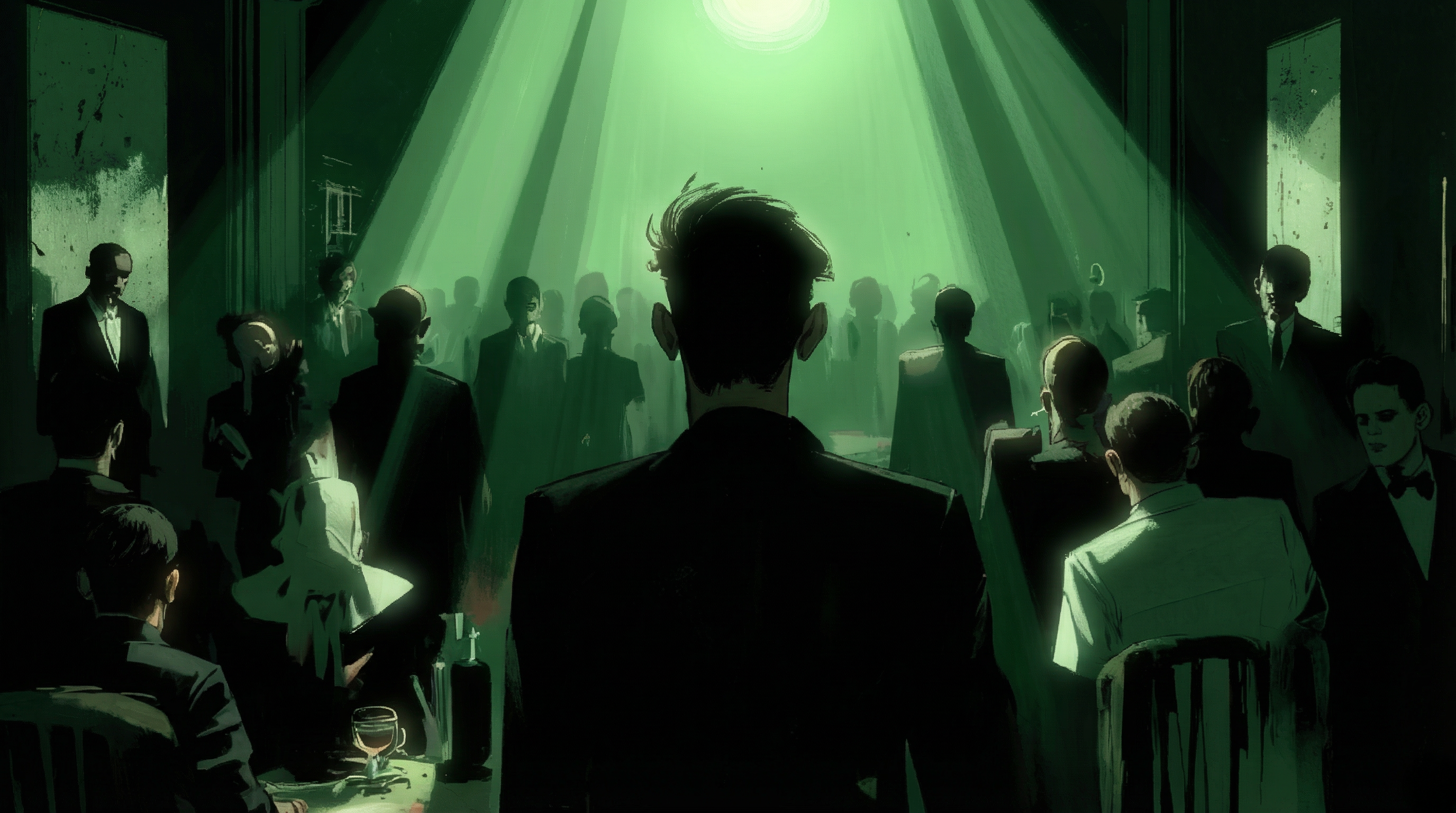
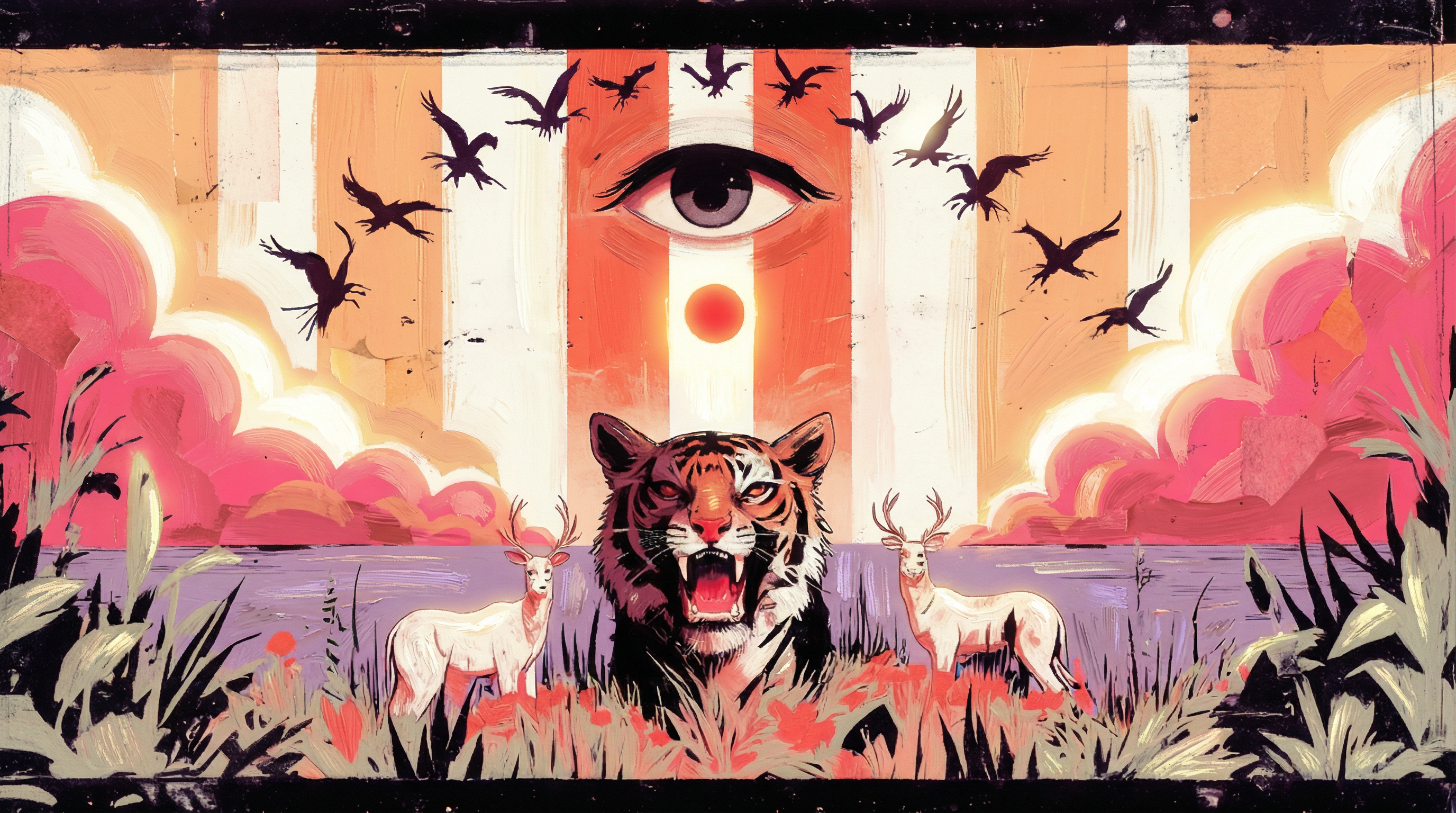
Caption Strategy for Style Training
Captions should only describe what’s in the image — no style descriptors. With a small dataset, the model strongly associates text with visuals. If you leave out style descriptions, it’s forced to learn the visual style implicitly from the images themselves. A unique trigger word (e.g.GFX_IMPR5N) in every caption gives you a way to activate the style at inference without polluting the base model’s vocabulary.
Caption Example
Caption:
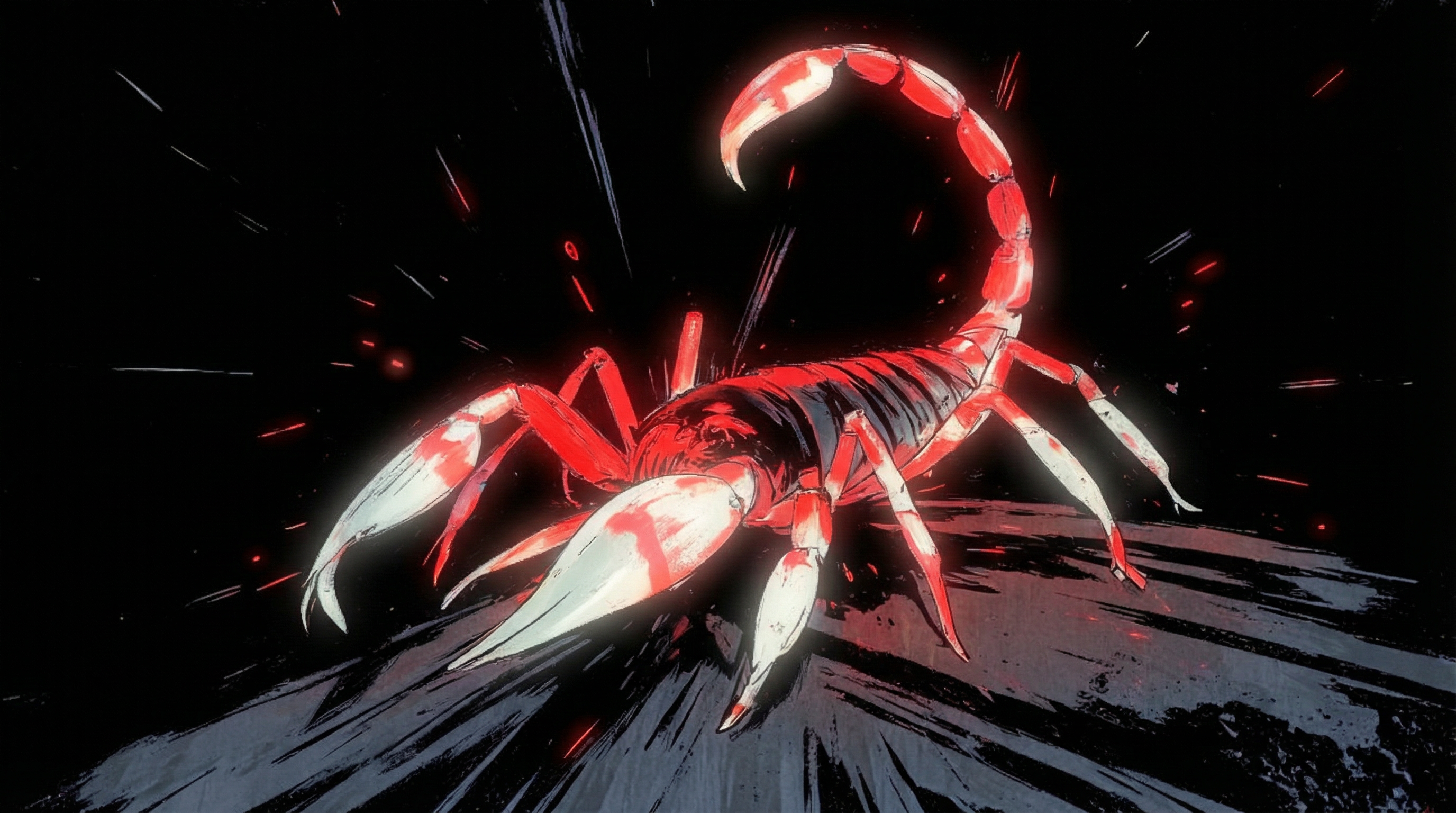
GFX_IMPR5N. Close Up Three Quarter Left of a scorpion standing on a rounded rock surface. The scorpion’s body angles from the lower left toward the upper right, with both pincers extended forward and the segmented tail arched upward over the back ending in a stinger. Multiple legs are spread to either side, and the abdomen shows distinct segment divisions. The rock occupies the lower foreground, with the scorpion centered above it against an open background.
Omitted descriptors: Solid black background, red highlight, painterly brushstrokes
File Structure
View All 27 Captions
View All 27 Captions
GFX_IMP (1).txt:GFX_IMP (2).txt:GFX_IMP (3).txt:GFX_IMP (4).txt:GFX_IMP (5).txt:GFX_IMP (6).txt:GFX_IMP (7).txt:GFX_IMP (8).txt:GFX_IMP (9).txt:GFX_IMP (10).txt:GFX_IMP (11).txt:GFX_IMP (12).txt:GFX_IMP (13).txt:GFX_IMP (14).txt:GFX_IMP (15).txt:GFX_IMP (16).txt:GFX_IMP (17).txt:GFX_IMP (18).txt:GFX_IMP (19).txt:GFX_IMP (20).txt:GFX_IMP (21).txt:GFX_IMP (22).txt:GFX_IMP (23).txt:GFX_IMP (24).txt:GFX_IMP (25).txt:GFX_IMP (26).txt:GFX_IMP (27).txt:Part 2: Configuration Parameters
Training Guidelines
Learning Rate Adjustment
Learning Rate Adjustment
- Slow loss decrease: increase to
2e-4 - Loss oscillation: decrease to
5e-5 - Baseline starting point:
1e-4
Step Count by Dataset Size
Step Count by Dataset Size
- Style LoRAs (10-20 images): 1200-1800 steps
- Character LoRAs (10-15 images): 800-1200 steps
- Medium datasets (20-40 images): 1200-2000 steps
- Large datasets (50+ images): 2000-3000 steps
VRAM Optimization
VRAM Optimization
- Enable
quantize: truefor 8-bit quantization - Reduce resolution to 512x512
- Use
gradient_accumulation_steps: 2for effective batch size of 2
Quality Optimization
Quality Optimization
- Use high-resolution training images (1024px+)
- Write detailed, descriptive captions
- Include variety in poses, lighting, and backgrounds
- Monitor training duration to prevent overfitting
Default Configuration
View Default Config
View Default Config
Graphic_Impressions Configuration
View Graphic_Impressions Config
View Graphic_Impressions Config
Parameter Modifications
Here’s what was changed from the defaults and why.Network Dimensions: 4:2:2:1 Ratio
- Low detail content (e.g., 2D vector logos)
- Content-focused training (compositions, high-noise characteristics)
- Training objectives focused on high-noise elements
Style-Specific Parameter Adjustments
Timestep Bias:shiftEncourages overfitting of low-frequency information. Textures and colors adopt more rudimentary characteristics, producing unpolished, sketch-like qualities. Learning Rate:
0.000095Decreased from default value. Preserves broken, gestural linework from training data rather than applying smoothing. Weight Decay:
0.00015Increased from default value. Simplifies shapes and colors, reducing compositional complexity and emphasizing bolder, cleaner forms.
Step Count Selection
The 1500-step checkpoint produced optimal results. Style-specific considerations: The loose, sketch-like aesthetic required reduced training duration. Higher step counts introduced excessive realism, compromising painterly spontaneity. Step count, configuration parameters, and target aesthetic form an interdependent system. No universal optimal configuration exists; effectiveness depends on specific training objectives.
Progressive training visualization: Base model only (left) → 6000 training steps (right)
Part 3: Sampling Configuration
Sampling settings at inference matter just as much as training config — they need to match.Recommended Sampling Parameters
Inference Steps: 8 Significantly reduced from typical ranges (20 to 50 steps). Aligns with reduced training duration to preserve soft, painterly, impressionistic qualities.Output Examples
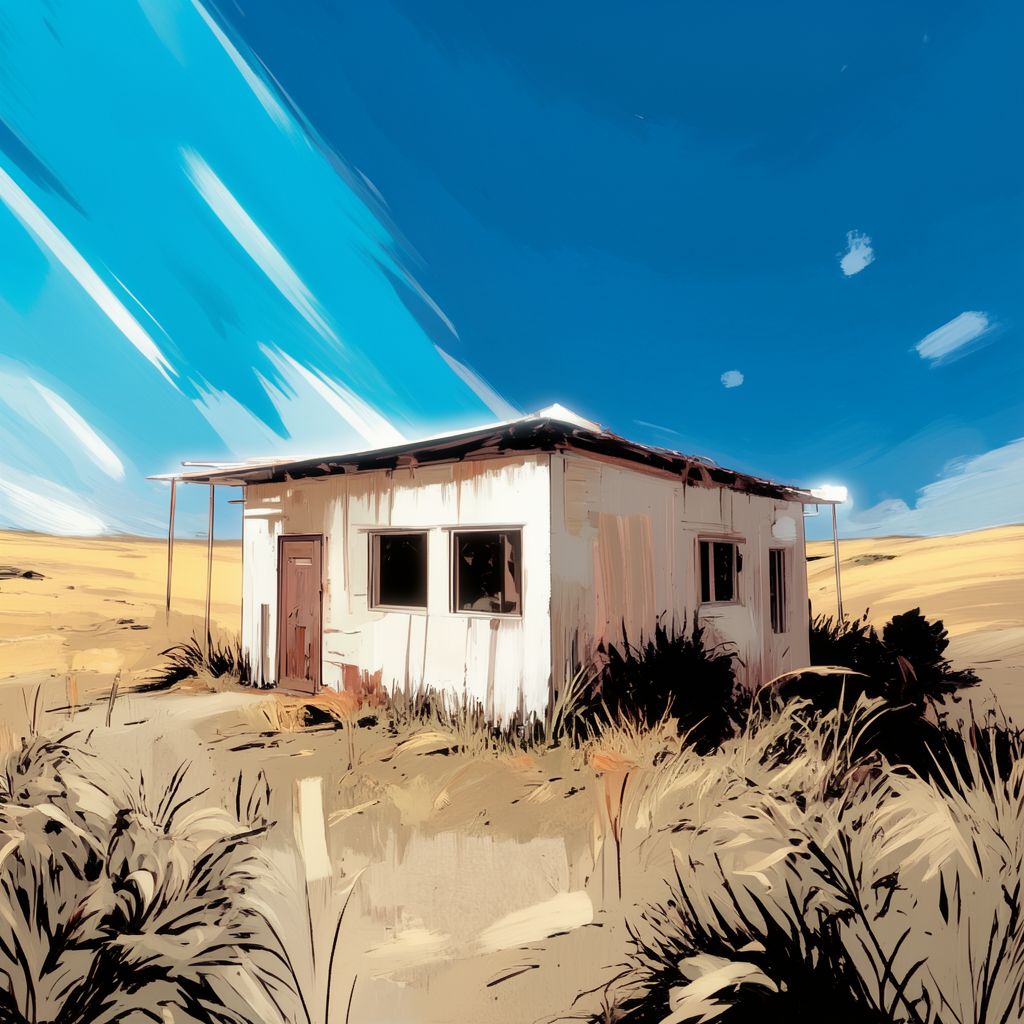
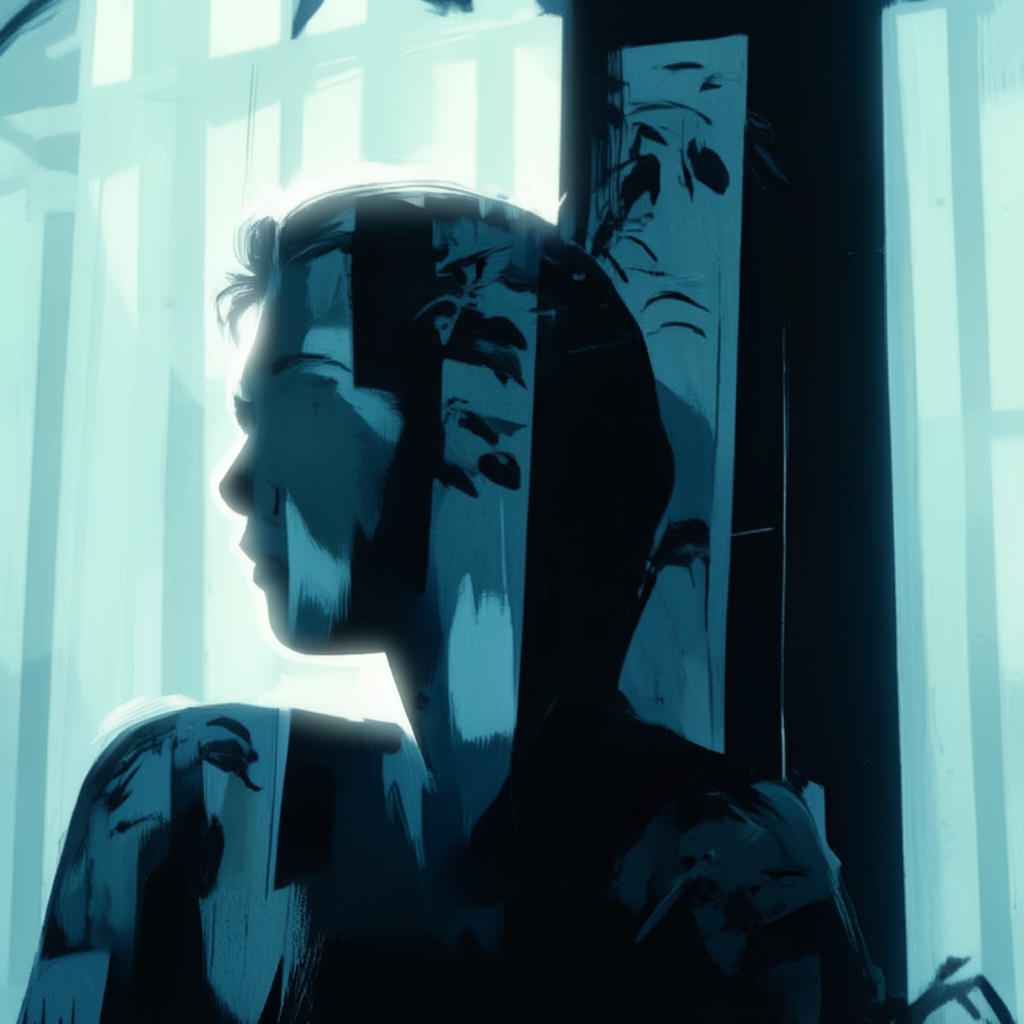
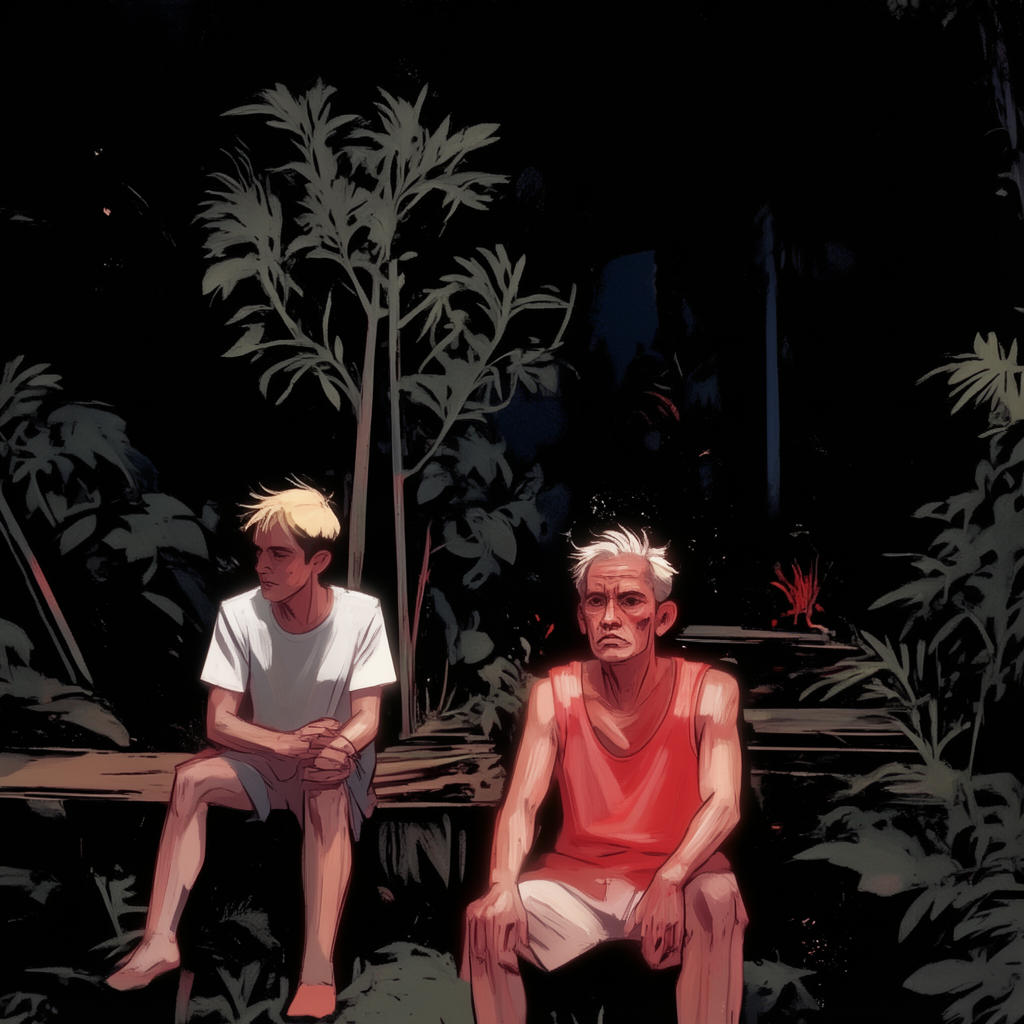
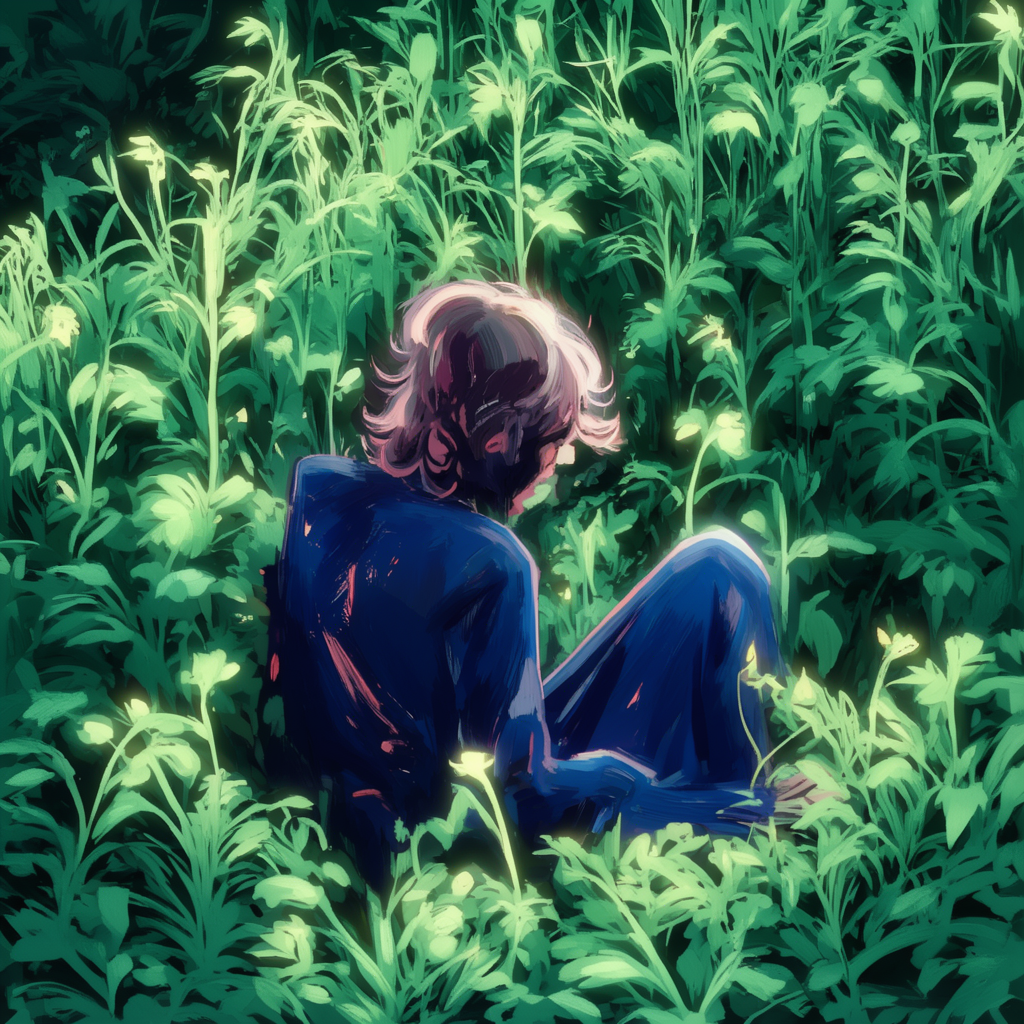


Adaptation Guidelines
These settings work as starting points for other styles too: Photo-realistic styles:- Training steps: 7000
- Weight decay: 0.00001
- Sampling steps: 20 to 30
- Network dimensions: 64:32:32:16
- Dataset size: 15 to 20 images
- Push parameters beyond standard ranges (linear >128, weight decay >0.0002)
- Accept aesthetic degradation as intentional output characteristic
Additional Resources
FLUX.2 Klein Training
Complete training documentation
Prompting Guide
Optimal prompting strategies for FLUX.2 models
AI-Toolkit Documentation
Advanced configuration options