

Quickstart
Send a prompt to generate an image. This one produces a risograph illustration of a rabbit riding a pumpkin:
BFL_API_KEY to a key from the BFL dashboard, then submit:polling_url until status is Ready:cURL
status is Ready, download the image from result.sample.Complete clients: submit, poll, and save
Complete clients: submit, poll, and save
Each client submits the Quickstart prompt, polls until the task finishes, and
saves the image. The Python
generate() function is used in the examples
below. The cURL client requires jq.prompt to generate a new image. When you add images, describe how to use them in prompt. There is no mode field.The endpoint rejects unknown fields with HTTP
422, so fields from other BFL
endpoints, such as seed, width, and input_image, don’t work here. The
API reference lists
every accepted field.Text to image
Describe the subject, setting, light, and framing inprompt.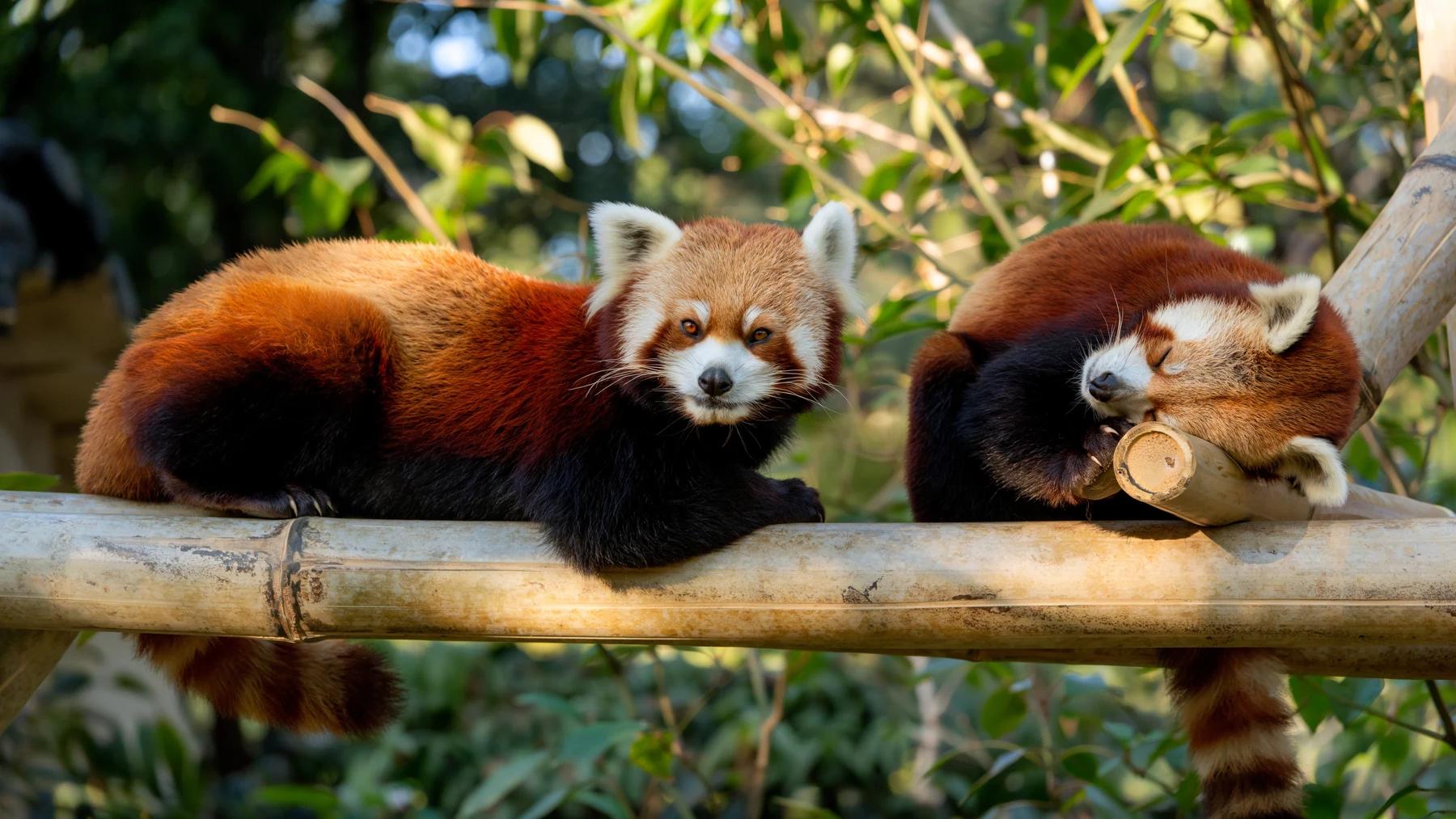
a paper poster on the wall that reads "OPEN LATE". To choose where each
element appears, add bounding boxes to the end
of the prompt. The prompting guide covers
structure, style, lighting, and typography in depth.Examples
Each image below was generated with FLUX 3 Image. Copy its prompt to start from it.Photorealistic
Typography & Design
Infographics
Illustration
Results and errors
The submit response returns immediately withid, polling_url, cost,
input_mp, and output_mp. Always poll the returned polling_url. It points
at the region that holds your task, so don’t build the URL yourself.A
Ready result also includes result.prompt, the expanded prompt the model
used, and result.duration, the generation time in seconds. Read
result.prompt to see how FLUX 3 interpreted a short prompt or an edit.A failed task can come back as HTTP 503 with a normal JSON body. Read
status from the body before treating a 503 as a retryable outage.
Submission errors specific to this endpoint:For
402 (out of credits), 429 (rate limited), and other codes shared by
every endpoint, see Errors. To run many requests in
production, see the integration guidelines.Keep exploring
Try in Playground
Try FLUX 3 Image in your browser, with no code.
Prompting guide
Structure, style, lighting, text, and editing prompts for FLUX 3.
API reference
The full request schema, limits, and response codes.
Bounding boxes
Place each element with a box, then edit box by box.
FLUX 3 Image overview
Sample images and what the model can do.
FLUX 3 Image Editing
Place elements and target edits with bounding boxes.